
Find the website-compression options without changing the site.
Log in to cPanel from your client area. If that link is unavailable, use the panel address in your welcome email. The cPanel dashboard opens.
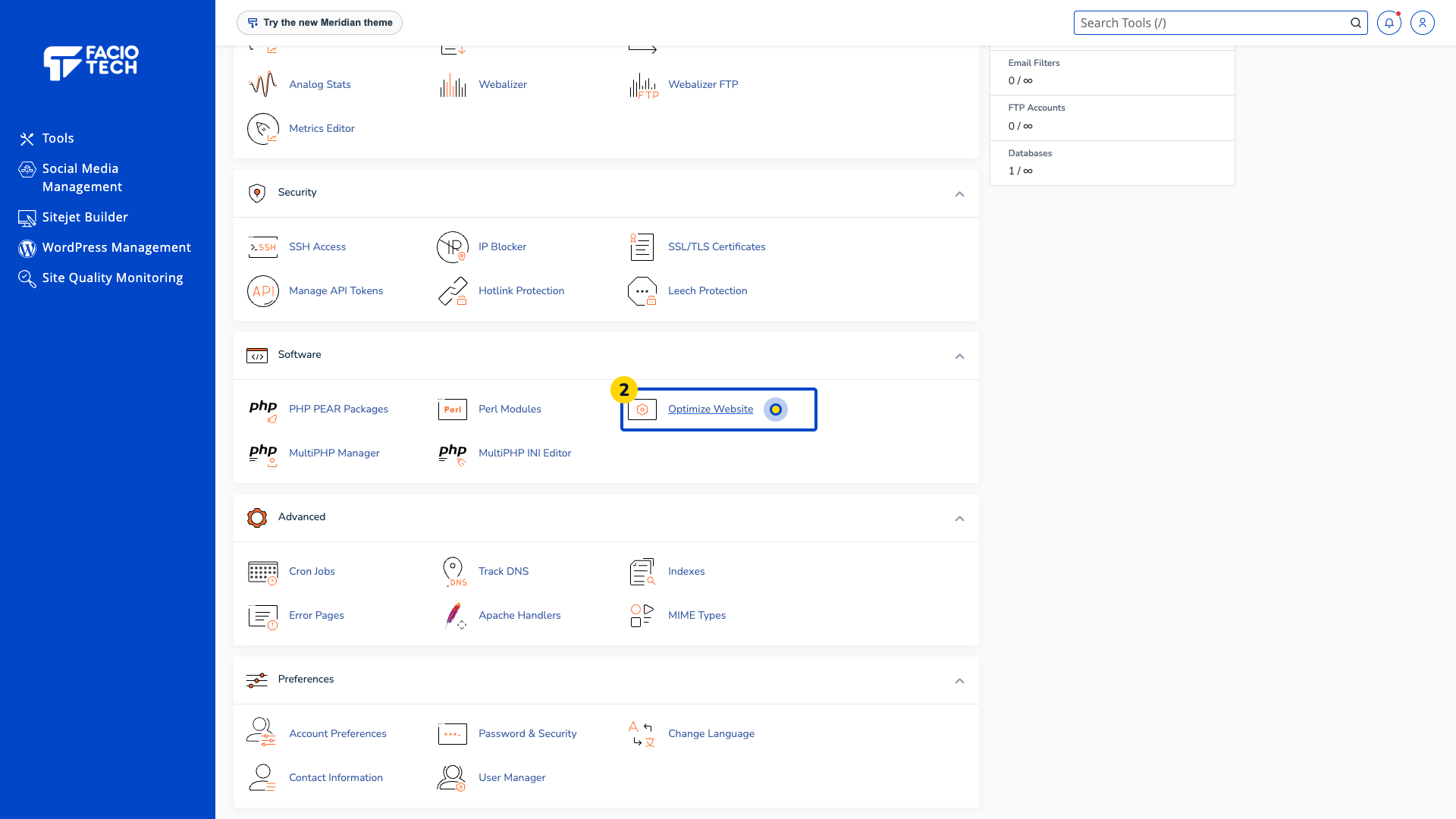
Open Optimize Website from Tools. The Optimize Website page opens.
Read Compress Content. The page offers disabled, all-content and specified-MIME-type choices.
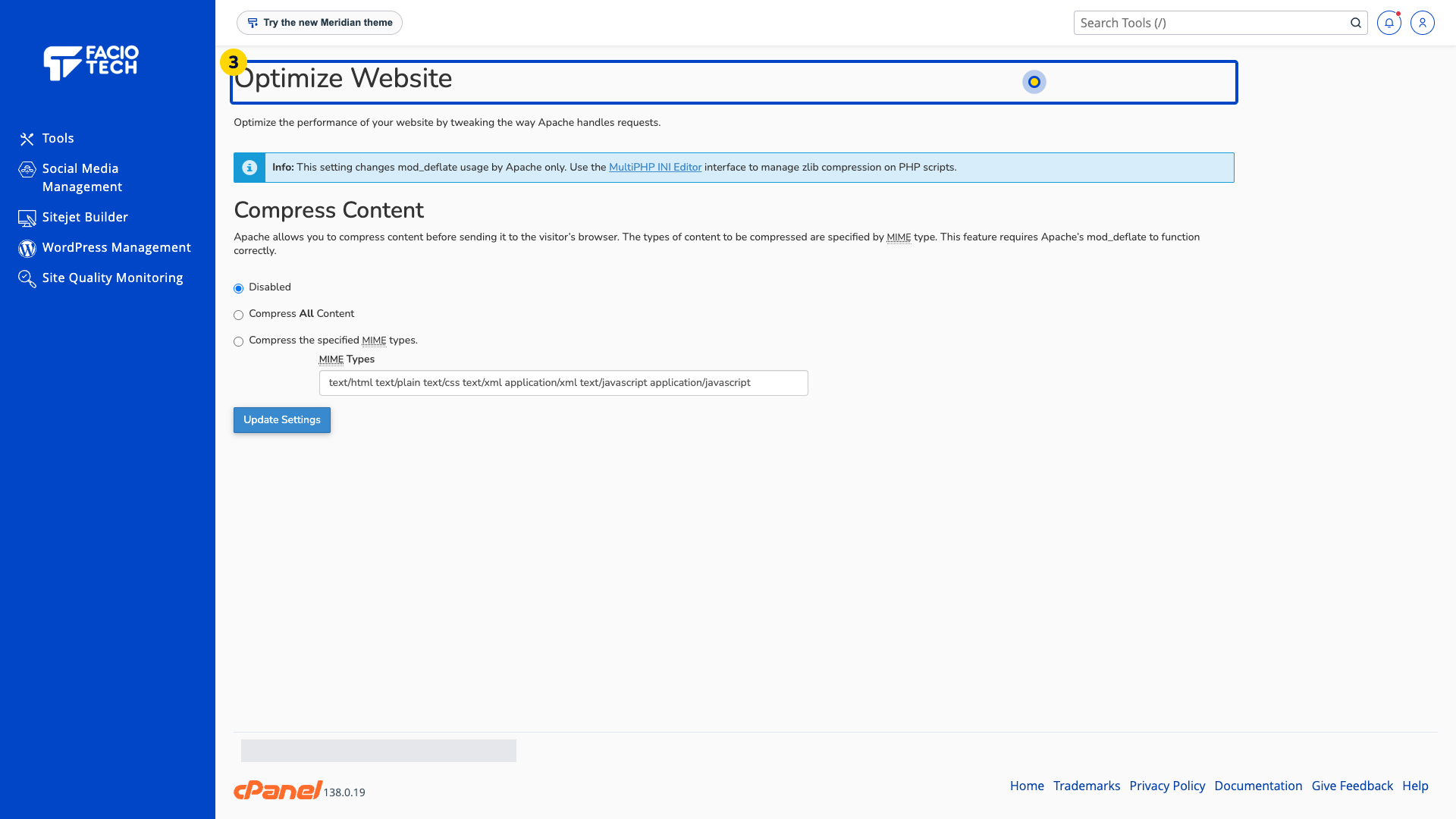
Read the page’s note about Apache mod_deflate. Keep PHP compression questions separate from this setting.
Ask your site developer or support to review compatibility before saving a compression change.
For help, contact Faciotech support.
