
Locate the controls for requests that load your website files from another site.
Log in to cPanel from your client area. If that link is unavailable, use the panel address in your welcome email. The cPanel dashboard opens.
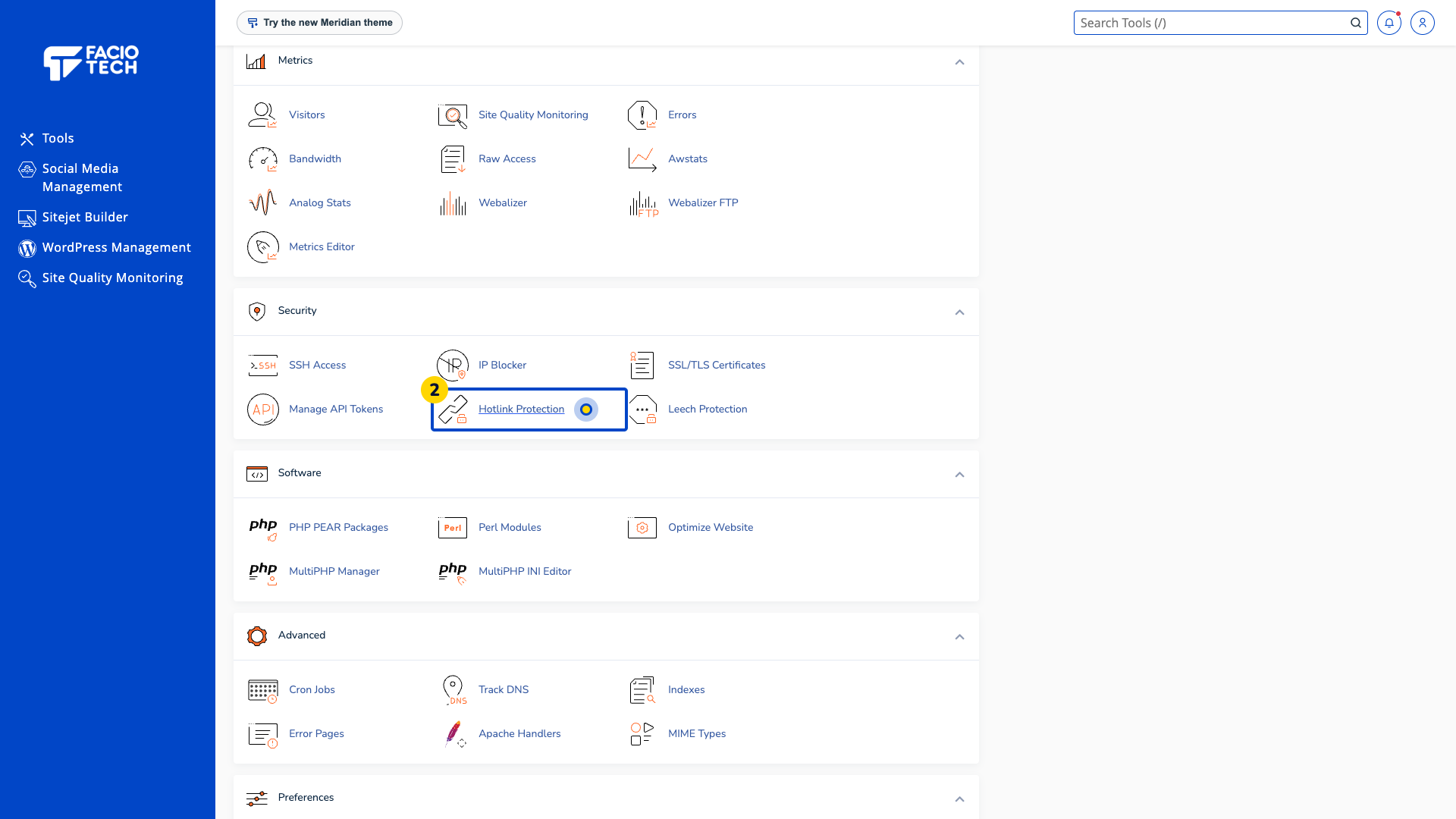
Open Hotlink Protection from Tools. The Hotlink Protection page opens.
Read the current enabled or disabled status above Configure Hotlink Protection.
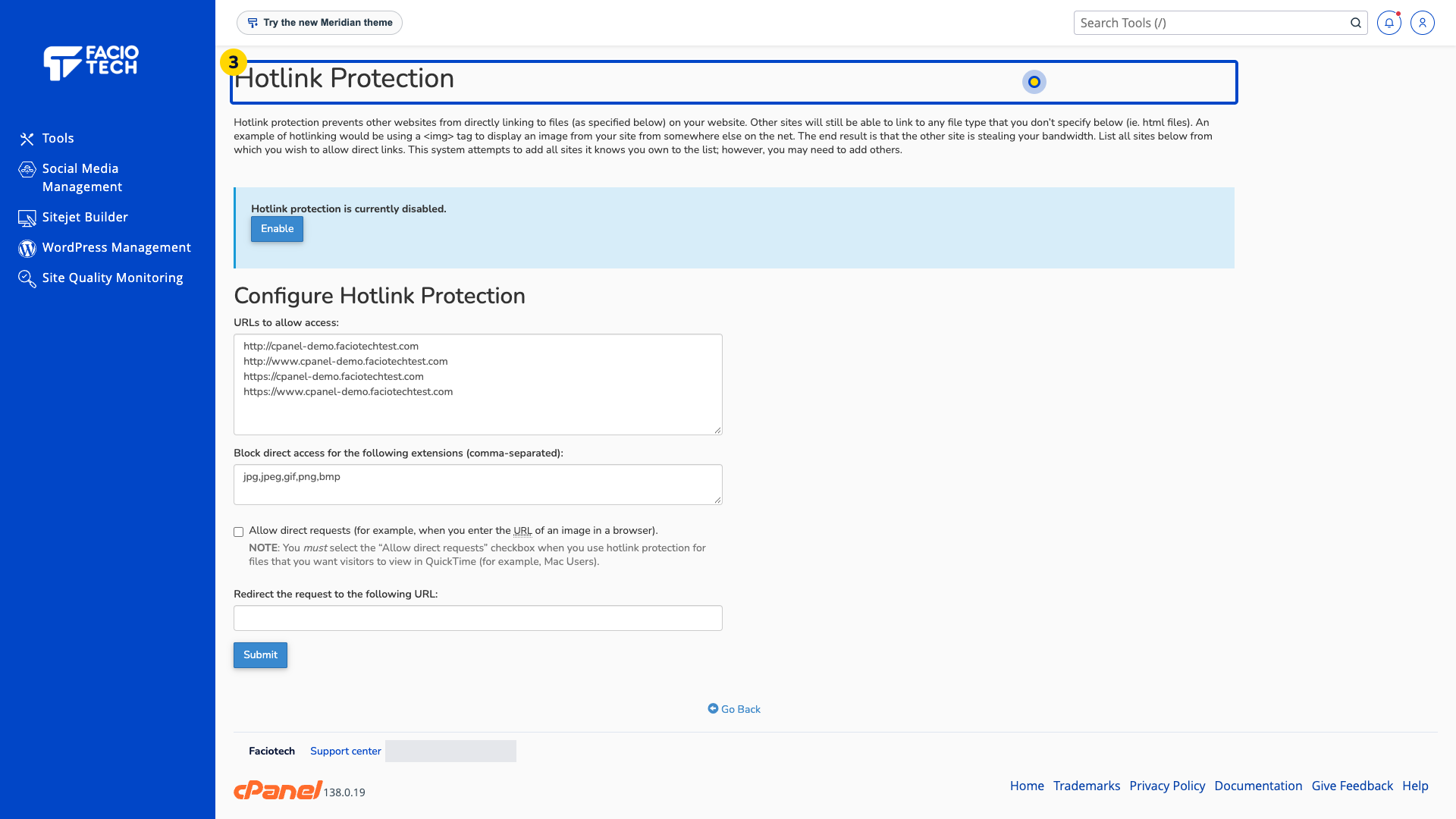
Review the areas for allowed sites, file extensions and direct requests. Check which website files a proposed change would affect.
Ask support or your site developer to review the proposed rule before enabling protection.
A protection rule can block intended uses of your files. Check sites and apps that load them before enabling it.
For help, contact Faciotech support.
