
Treat an API token as a credential for software that accesses your cPanel account.
Log in to cPanel from your client area. If that link is unavailable, use the panel address in your welcome email. The cPanel dashboard opens.
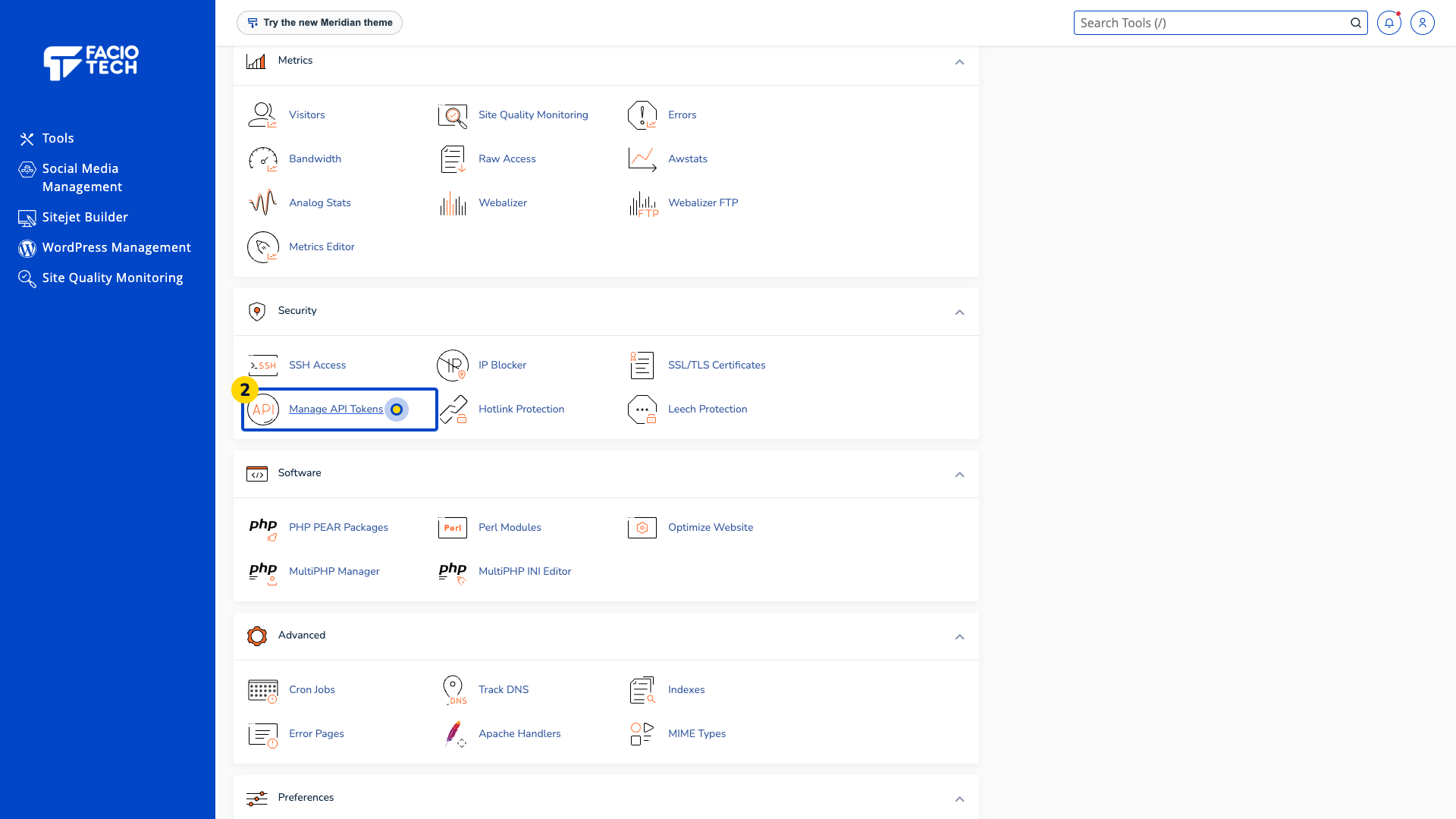
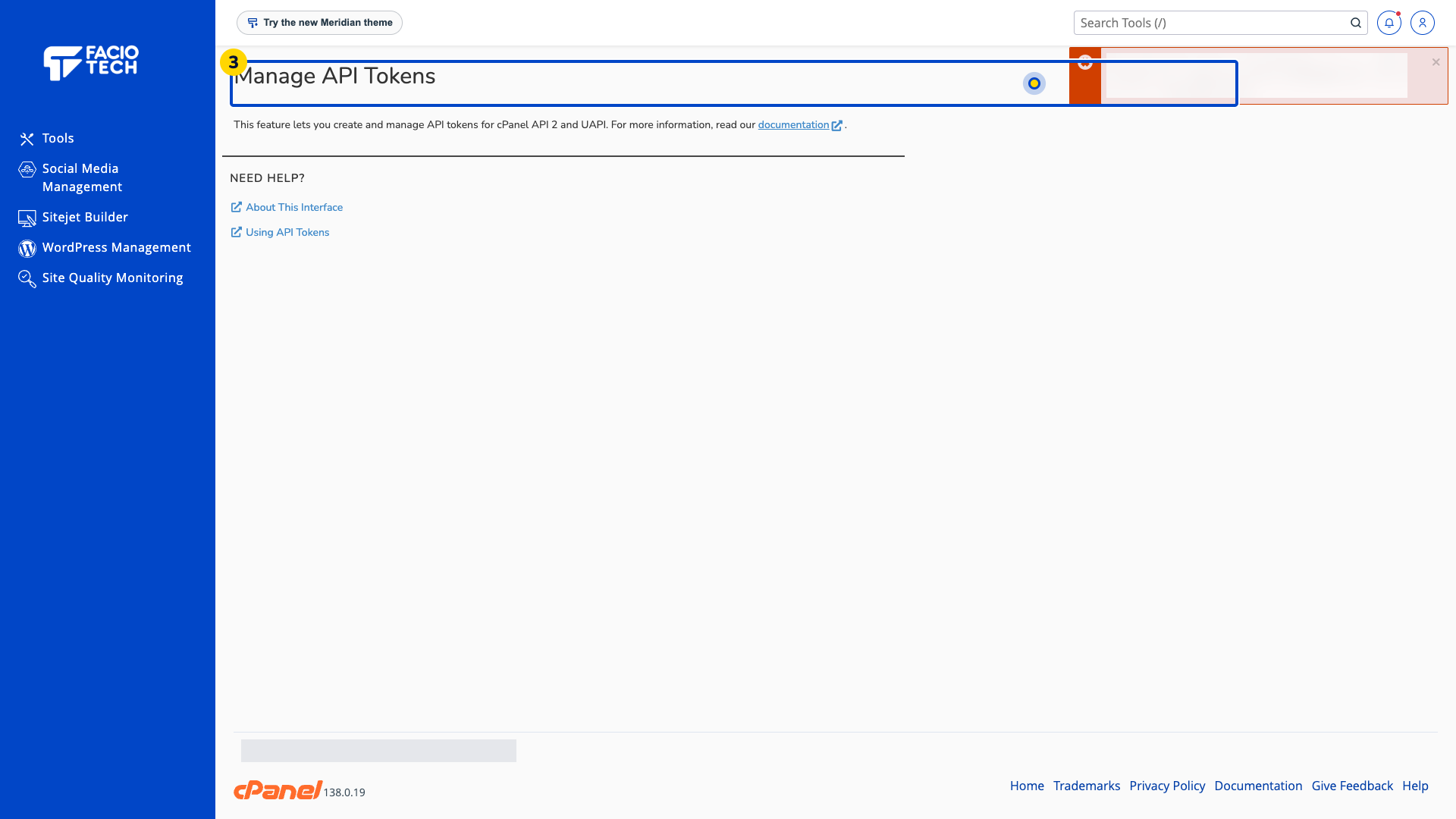
Open Manage API Tokens from Tools. The Manage API Tokens page opens.
Read the Manage API Tokens page before connecting an application. If the page reports an error, keep the wording for support.
Confirm why the application needs access and who maintains it before supplying a token.
Keep tokens out of screenshots, public files and shared notes. Store them using the application’s approved secret-storage method.
Ask support about removing access you no longer need. Avoid interrupting an integration without identifying its owner.
If Manage API Tokens reports a permissions error, send its wording to support before connecting an application.
For help, contact Faciotech support.
