
Find the domain and website-folder information shown by cPanel.
Log in to cPanel from your client area. If that link is unavailable, use the panel address in your welcome email. The cPanel dashboard opens.
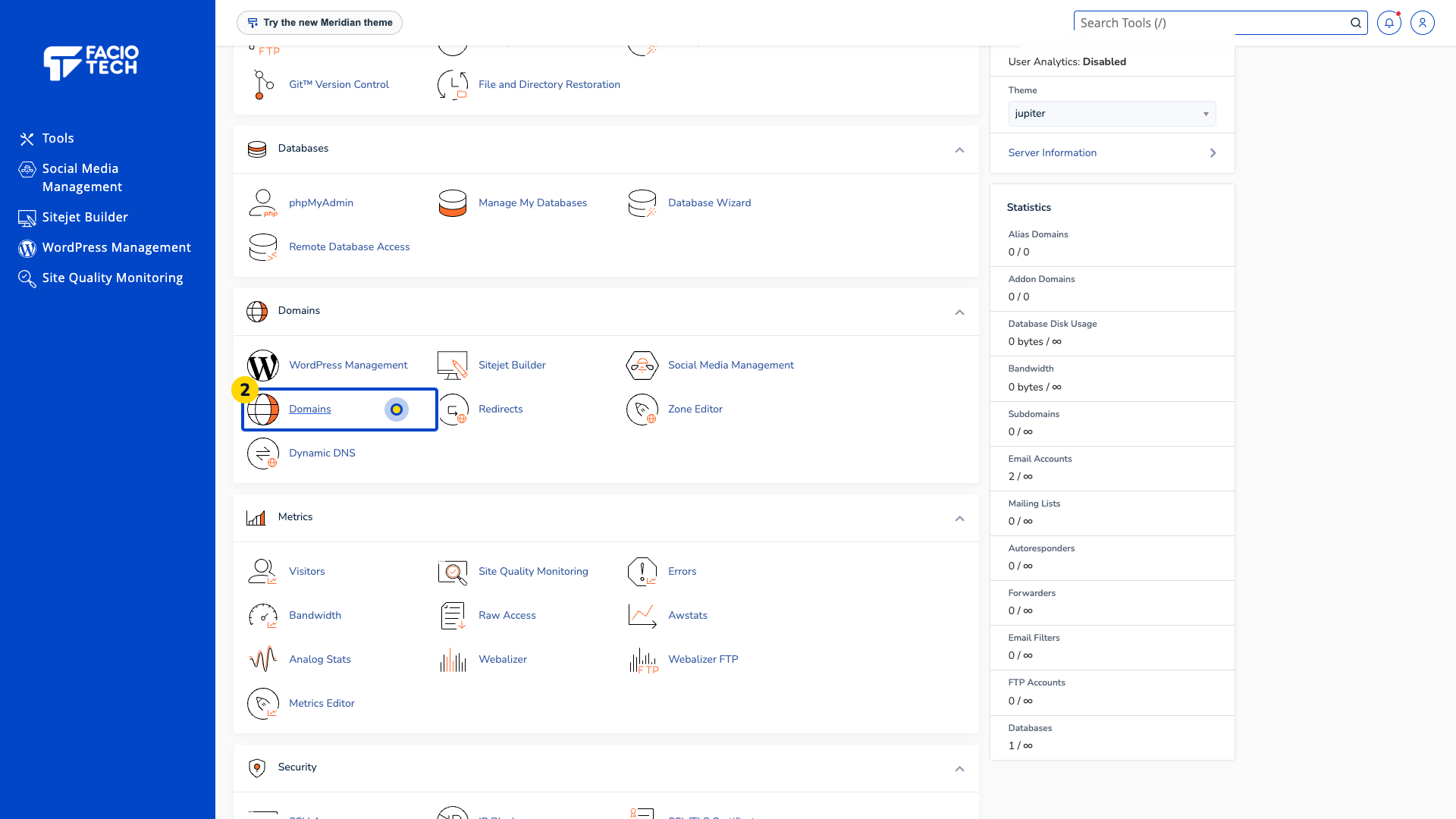
Open Domains from Tools. The Domains page opens.
Find your domain in List Domains. The Main Domain label identifies the primary domain in the demo.
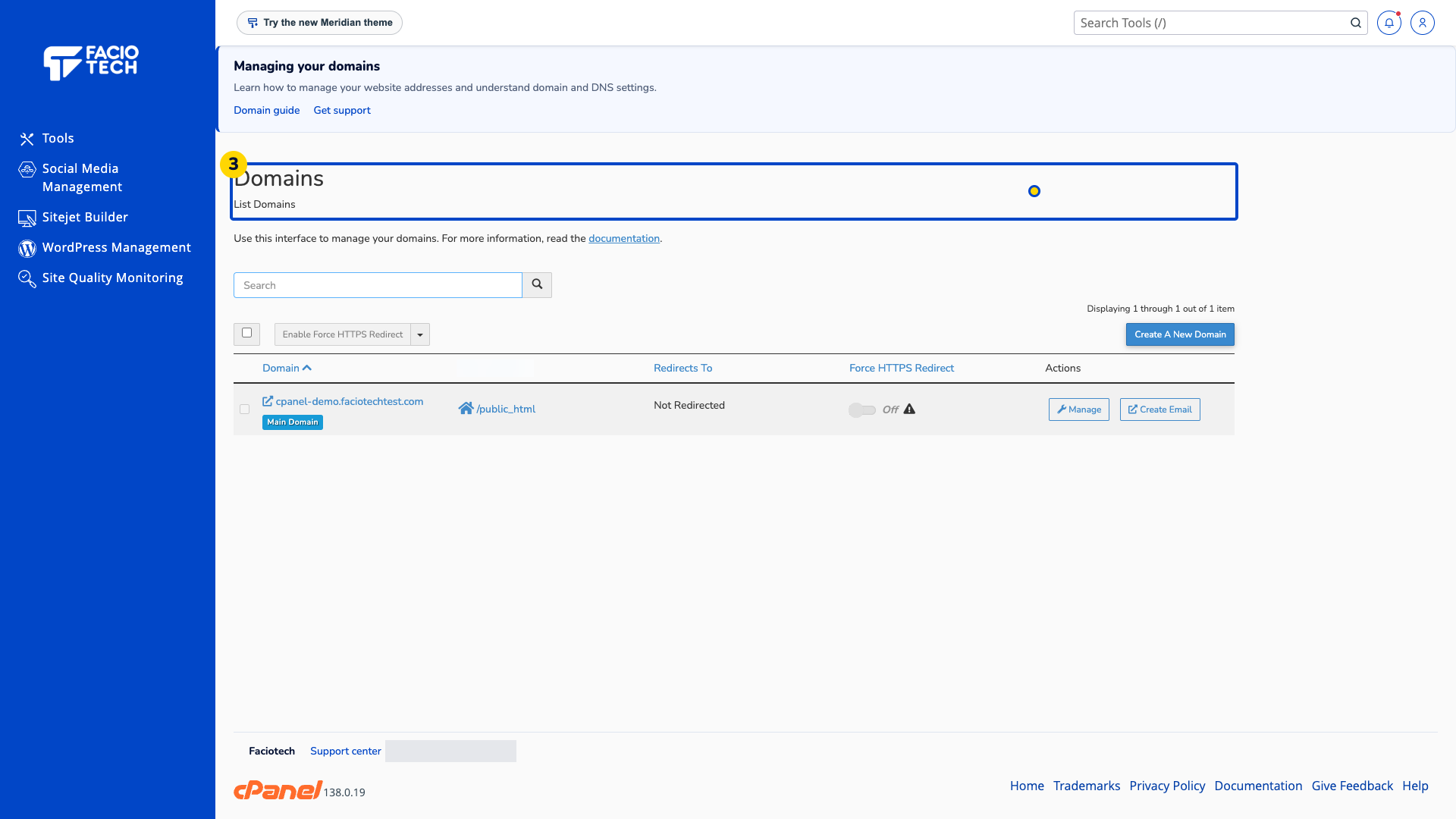
Read its Document Root and Redirects To columns. Check that you are looking at the intended website.
Ask support about a missing domain or unexpected destination before creating a domain or changing a redirect.
For help, contact Faciotech support.
