
Find the recent-visitor log entry point for a website in your account.
Log in to cPanel from your client area. If that link is unavailable, use the panel address in your welcome email. The cPanel dashboard opens.
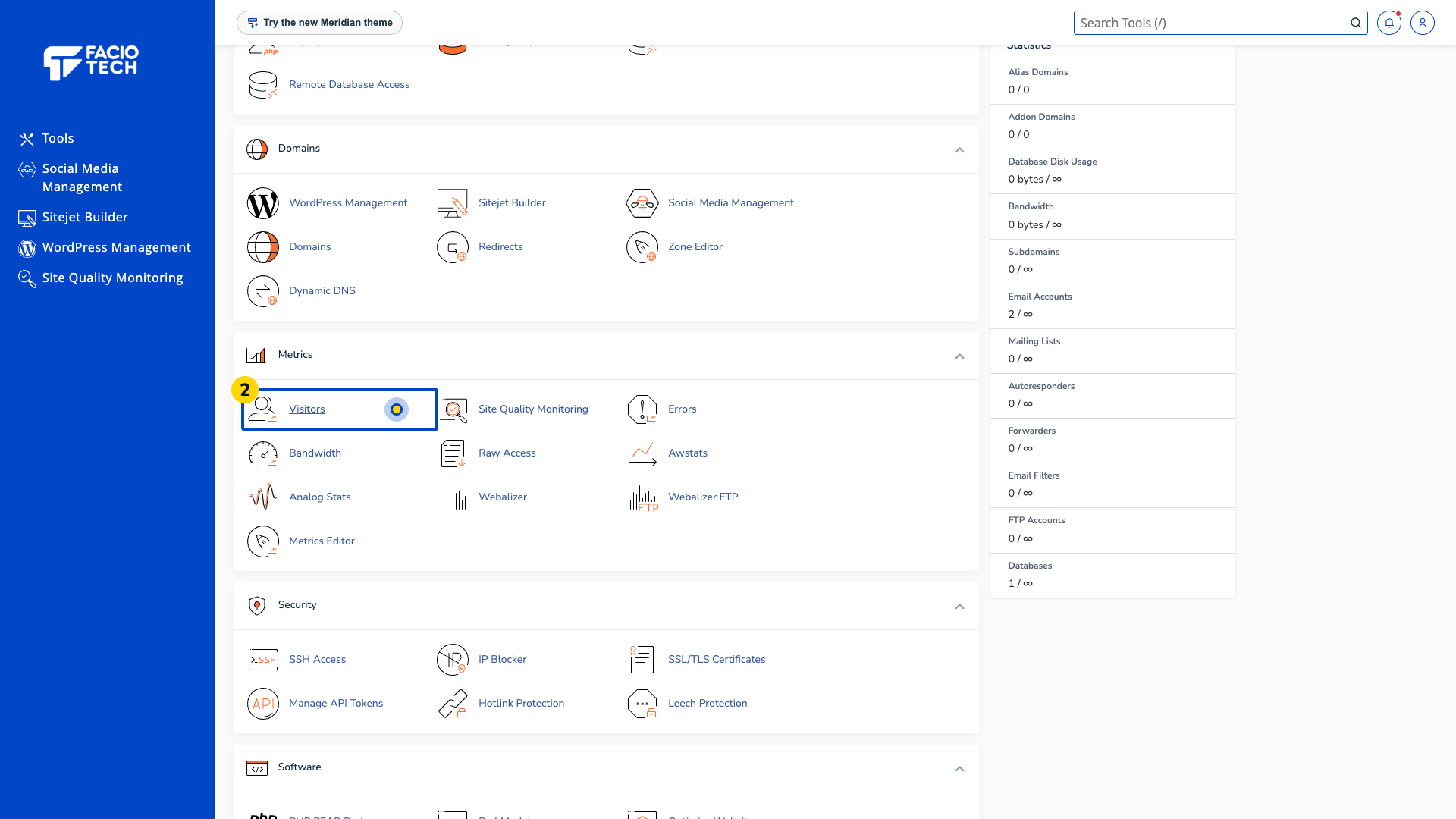
Open Visitors from Tools. The Visitors page opens.
Read Select a Domain. Choose only a domain you manage when visitor reports are available.
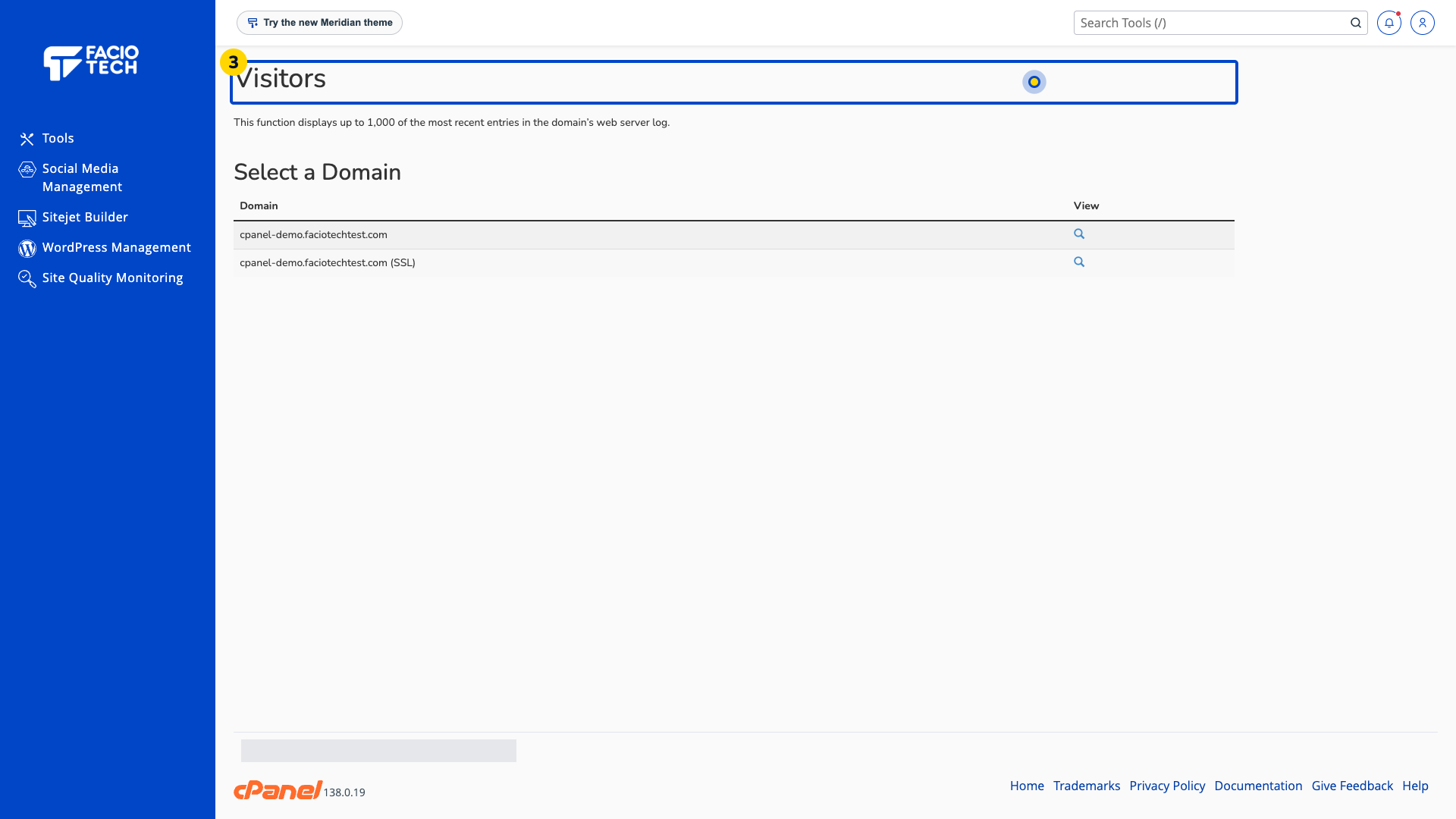
Check whether the tool reports that there are no visitor statistics to display. An empty report is not proof that the website works or has never received a visit.
Ask support about a missing report and include the domain and time you need checked.
For help, contact Faciotech support.
