
Find Web Disk’s account and client-access controls.
Log in to cPanel from your client area. If that link is unavailable, use the panel address in your welcome email. The cPanel dashboard opens.
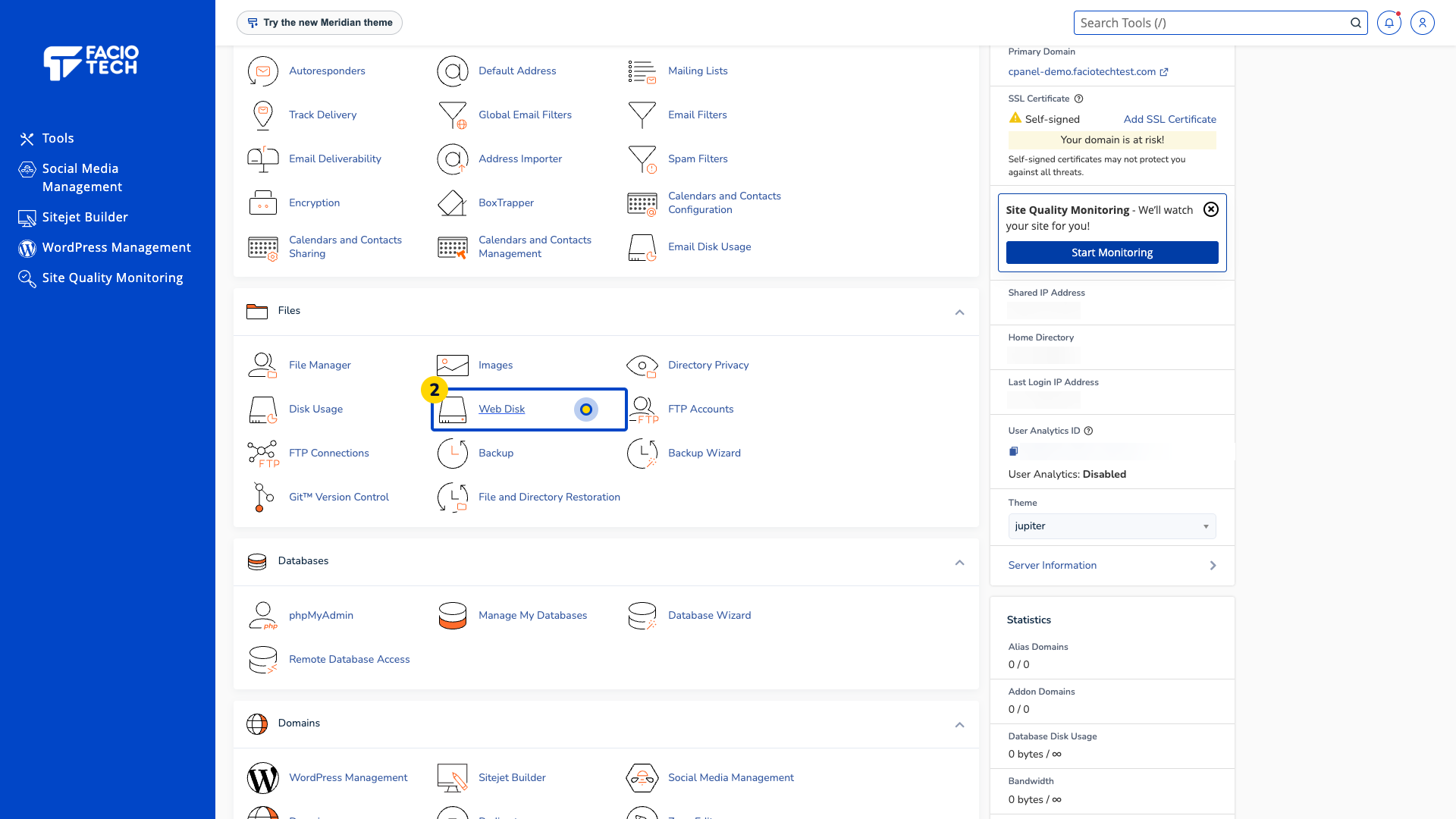
Open Web Disk from Tools. The Web Disk page opens.
Find Main Web Disk Account. Check the account and directory shown beside it.
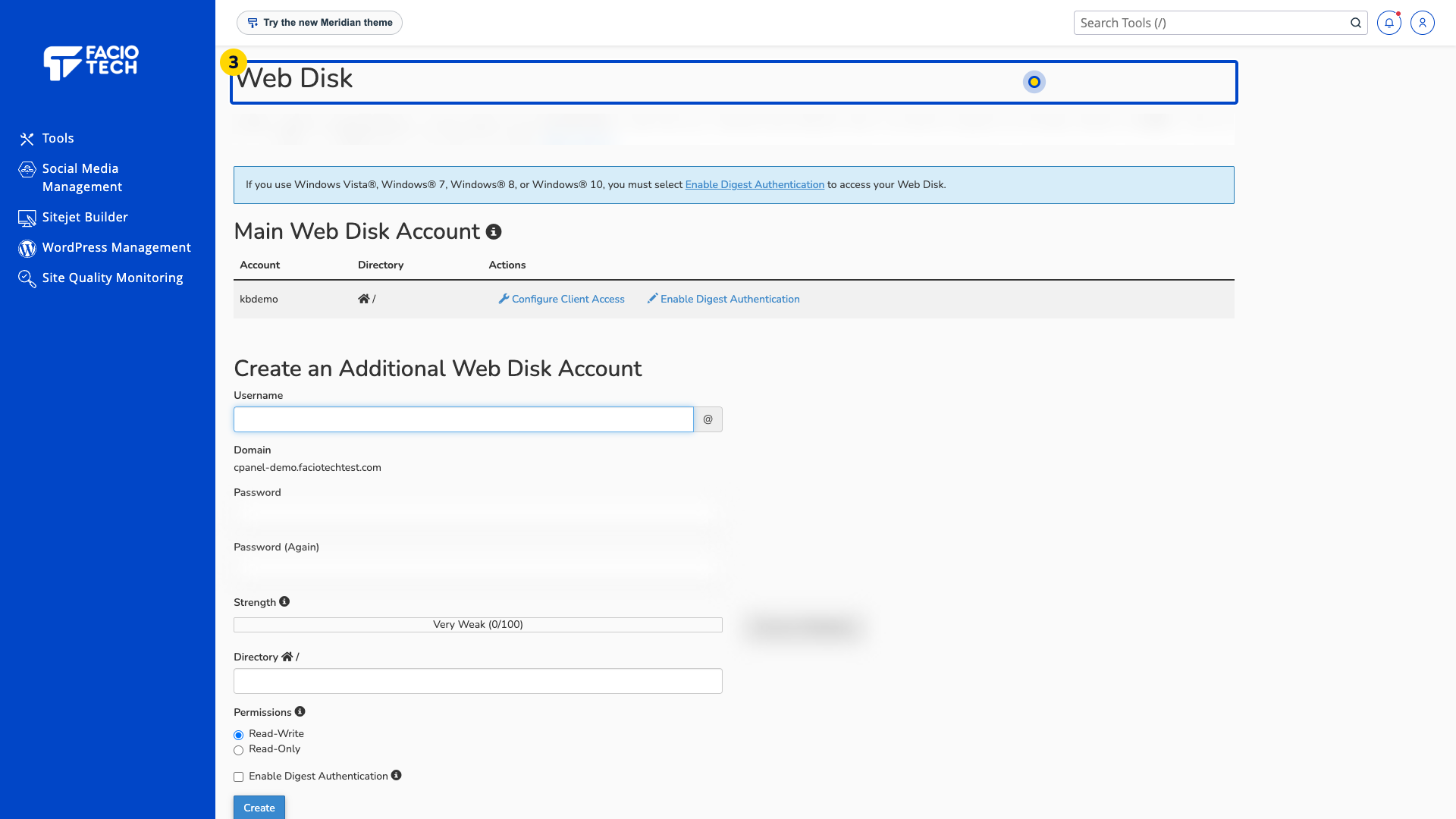
Locate Configure Client Access beside the intended account. Ask support which secure client method applies to your device before continuing.
Review any additional account’s directory and permissions before giving it to another person.
Use a supported client and the secure connection details supplied for your account.
For help, contact Faciotech support.
