
Find the image tools available in cPanel before working on a copy of an image.
Log in to cPanel from your client area. If that link is unavailable, use the panel address in your welcome email. The cPanel dashboard opens.
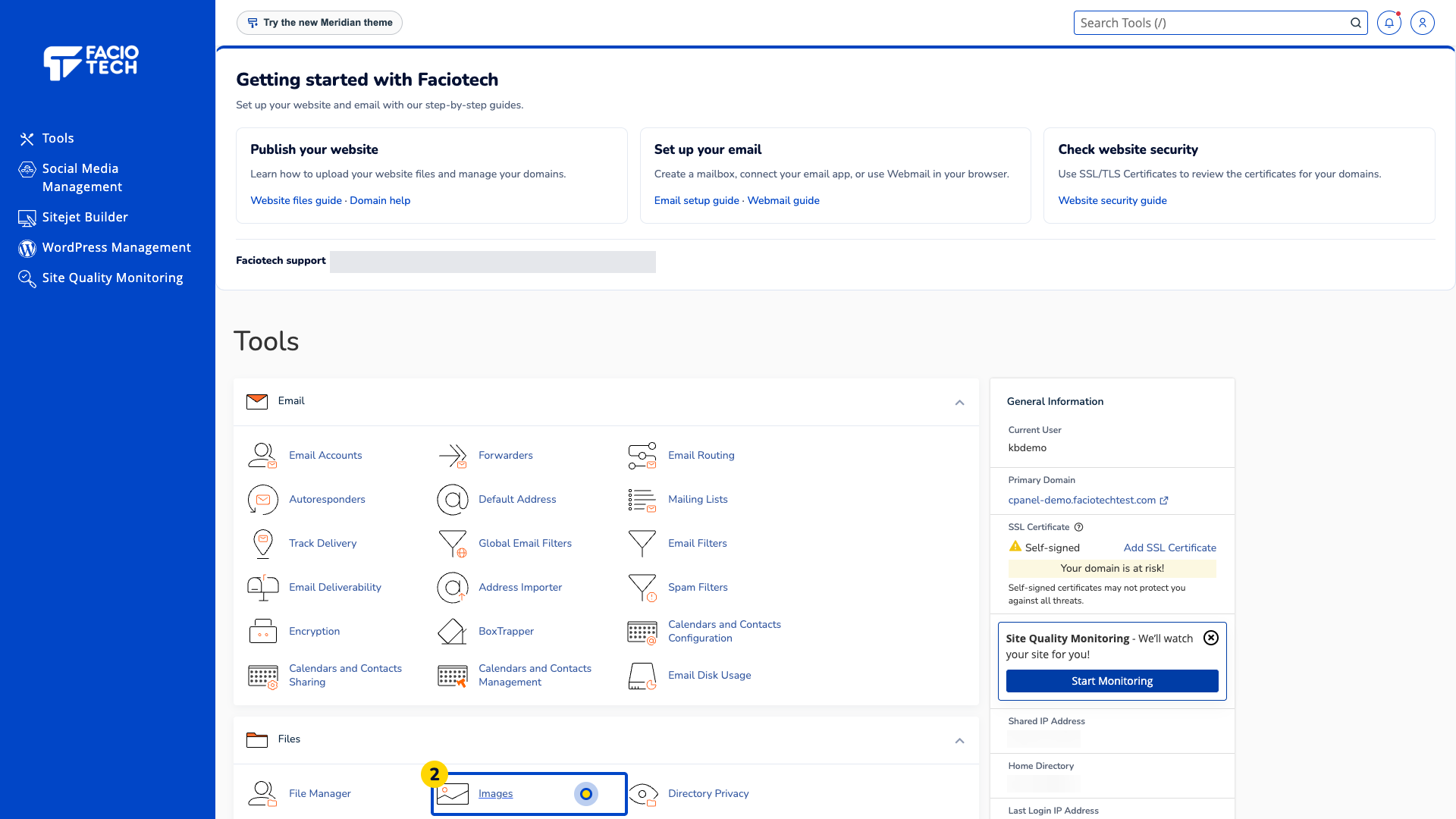
Open Images from Tools. The Images page opens.
Read the available tool names. Thumbnailer creates thumbnails, Scaler changes dimensions and Converter changes file type.
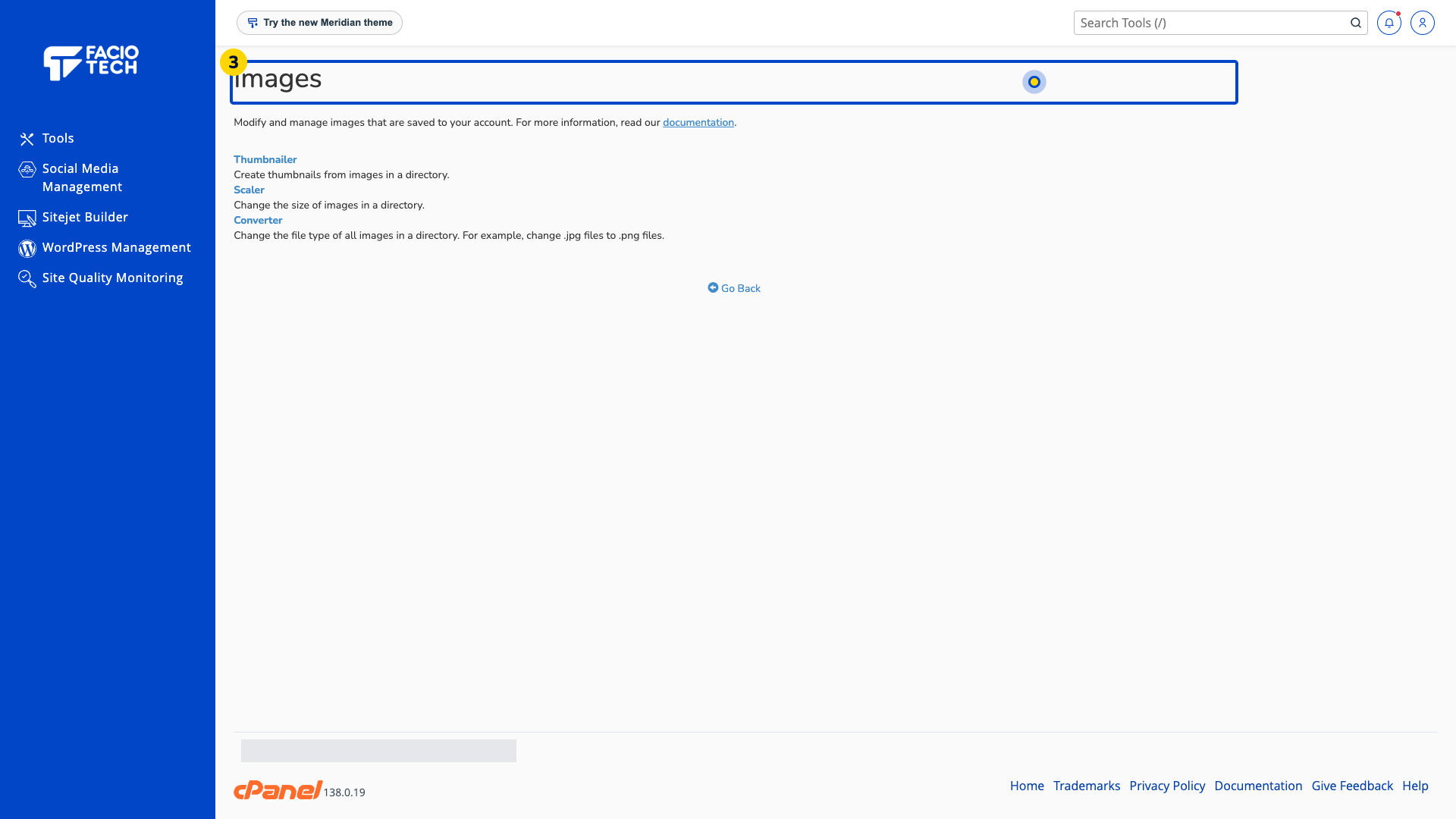
Choose which operation you need before opening a tool. Keep the original image separately.
Ask support if the needed tool is absent or the target image folder is unclear.
For help, contact Faciotech support.
