
Understand which additional services a cPanel subaccount may use.
Log in to cPanel from your client area. If that link is unavailable, use the panel address in your welcome email. The cPanel dashboard opens.
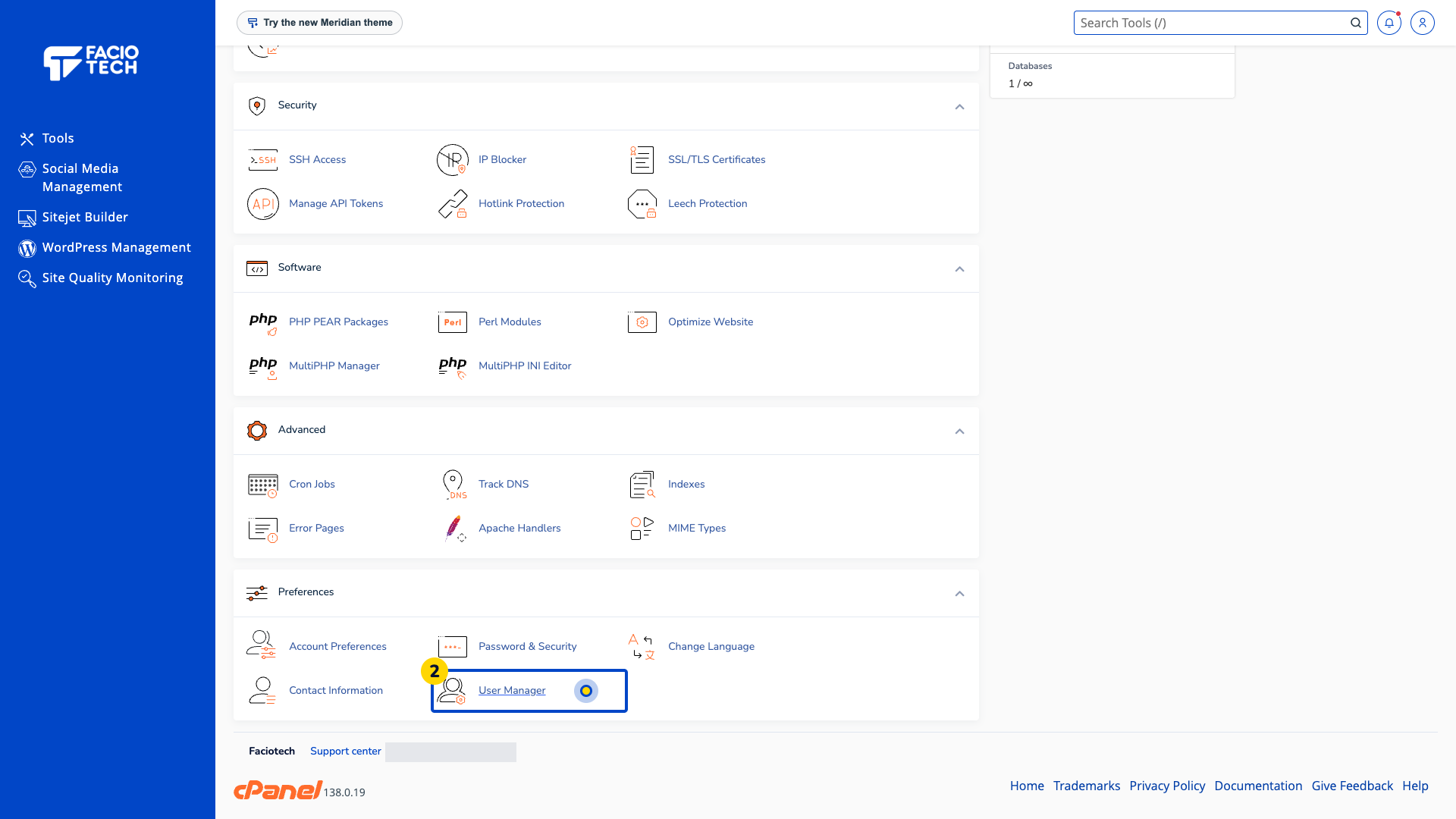
Open User Manager from Tools. The User Manager page opens.
Read the visible account list. Confirm which address or user you intend to review.
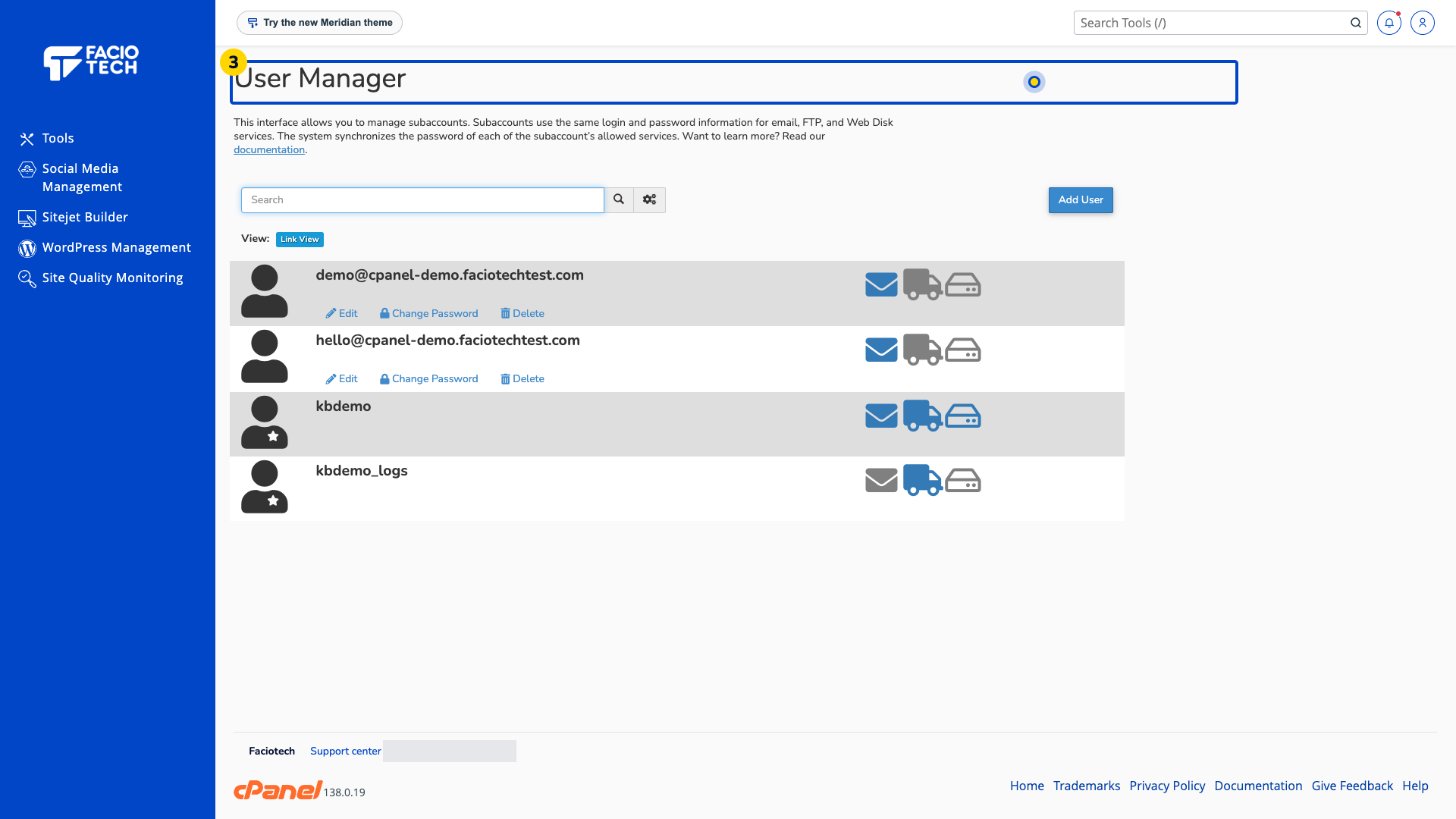
Read the service information before linking accounts. User Manager can synchronise a subaccount’s allowed email, FTP and Web Disk services.
Ask support about the correct access arrangement before adding, linking or deleting a user.
For help, contact Faciotech support.
