
Find the SSH key-management entry point and confirm access before configuring a transfer app.
Log in to cPanel from your client area. If that link is unavailable, use the panel address in your welcome email. The cPanel dashboard opens.
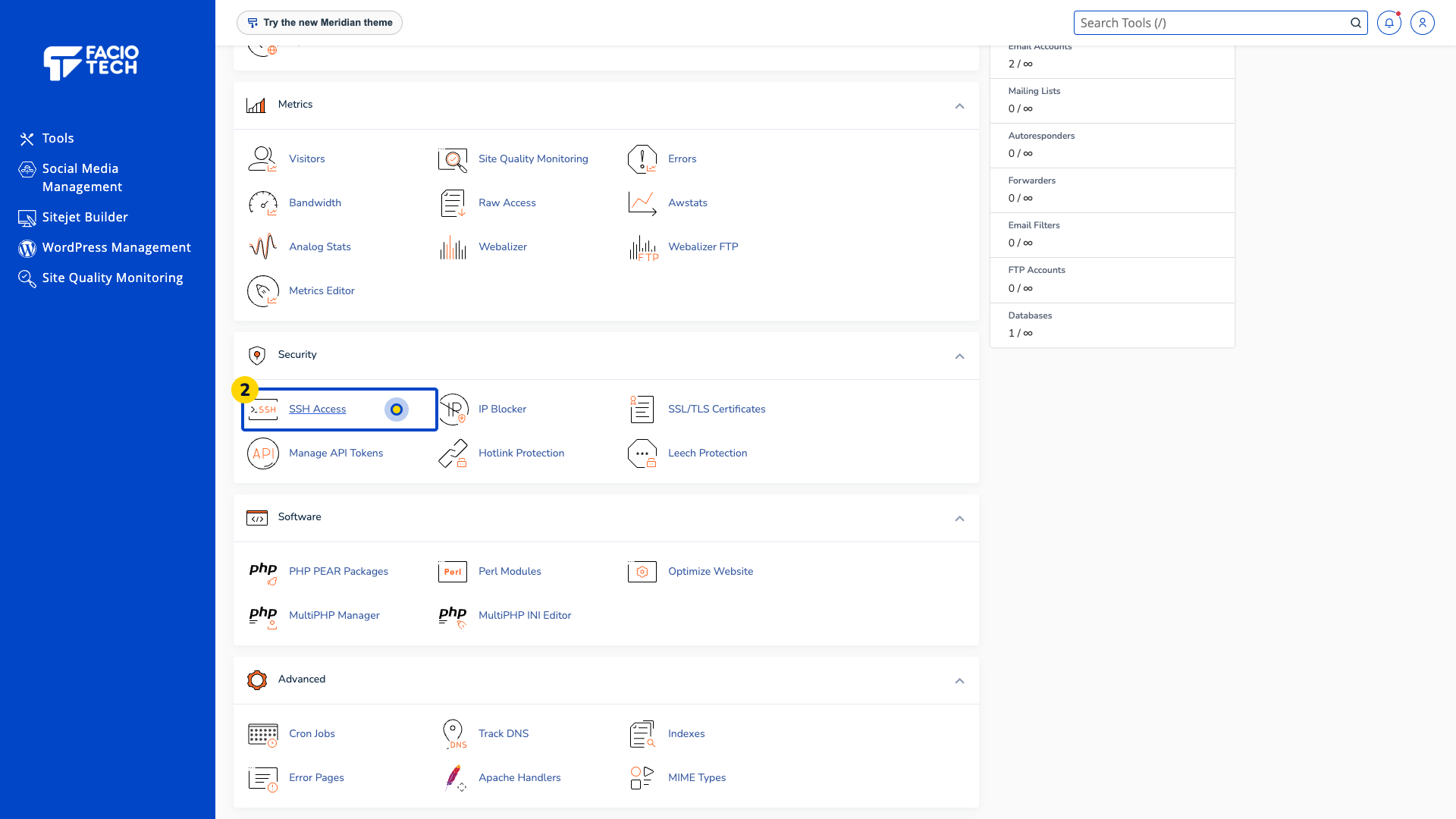
Open SSH Access from Tools. The SSH Access page opens.
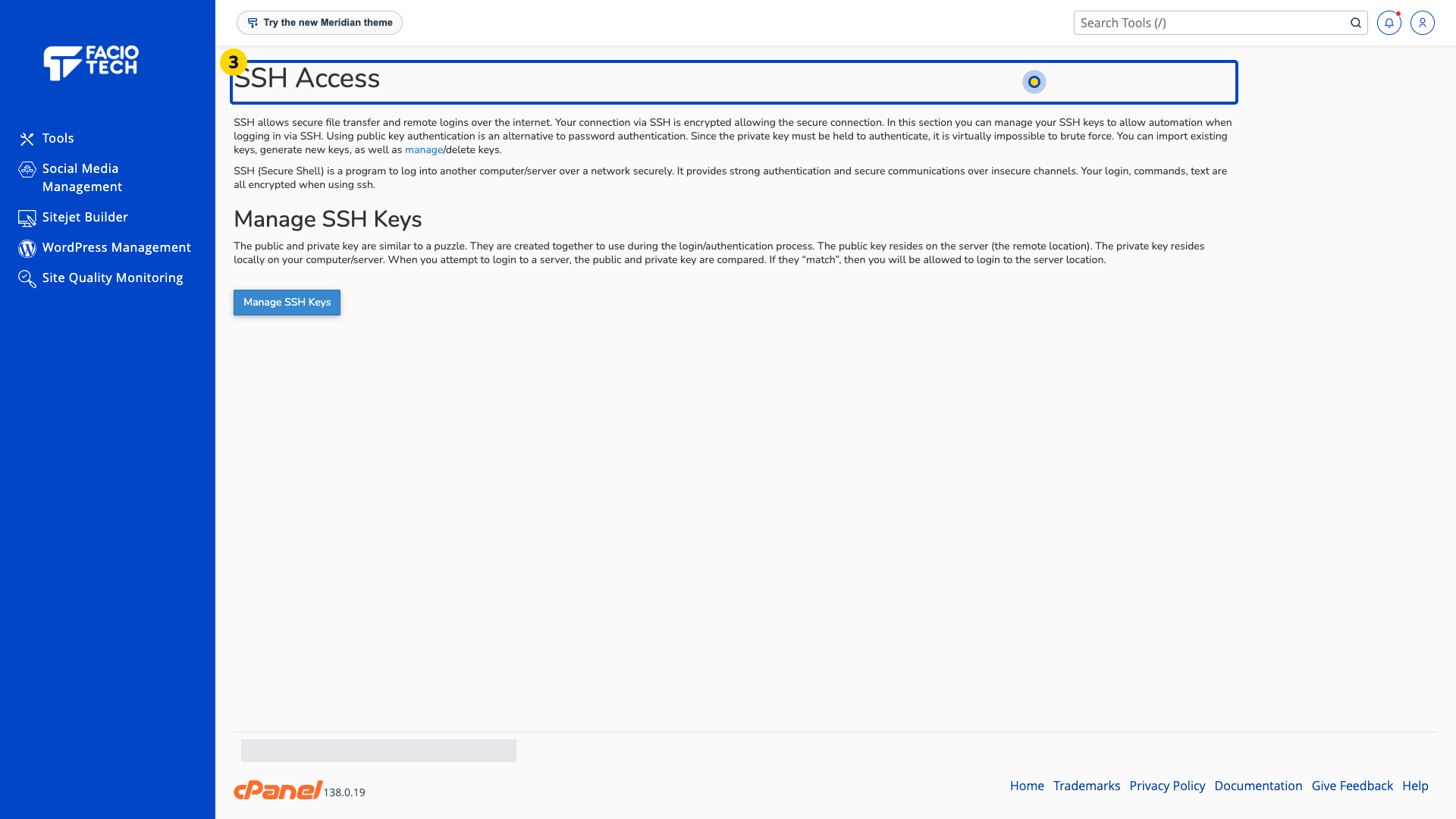
Read the SSH Access page. It explains key-based access and shows Manage SSH Keys.
Ask support whether SSH or SFTP is enabled for your service. Request the correct connection details and a way to verify the server identity.
Keep your private key and its passphrase private. Share only the public key through the method agreed with support.
For help, contact Faciotech support.
