
Read the PHP version reported for a domain.
Log in to cPanel from your client area. If that link is unavailable, use the panel address in your welcome email. The cPanel dashboard opens.
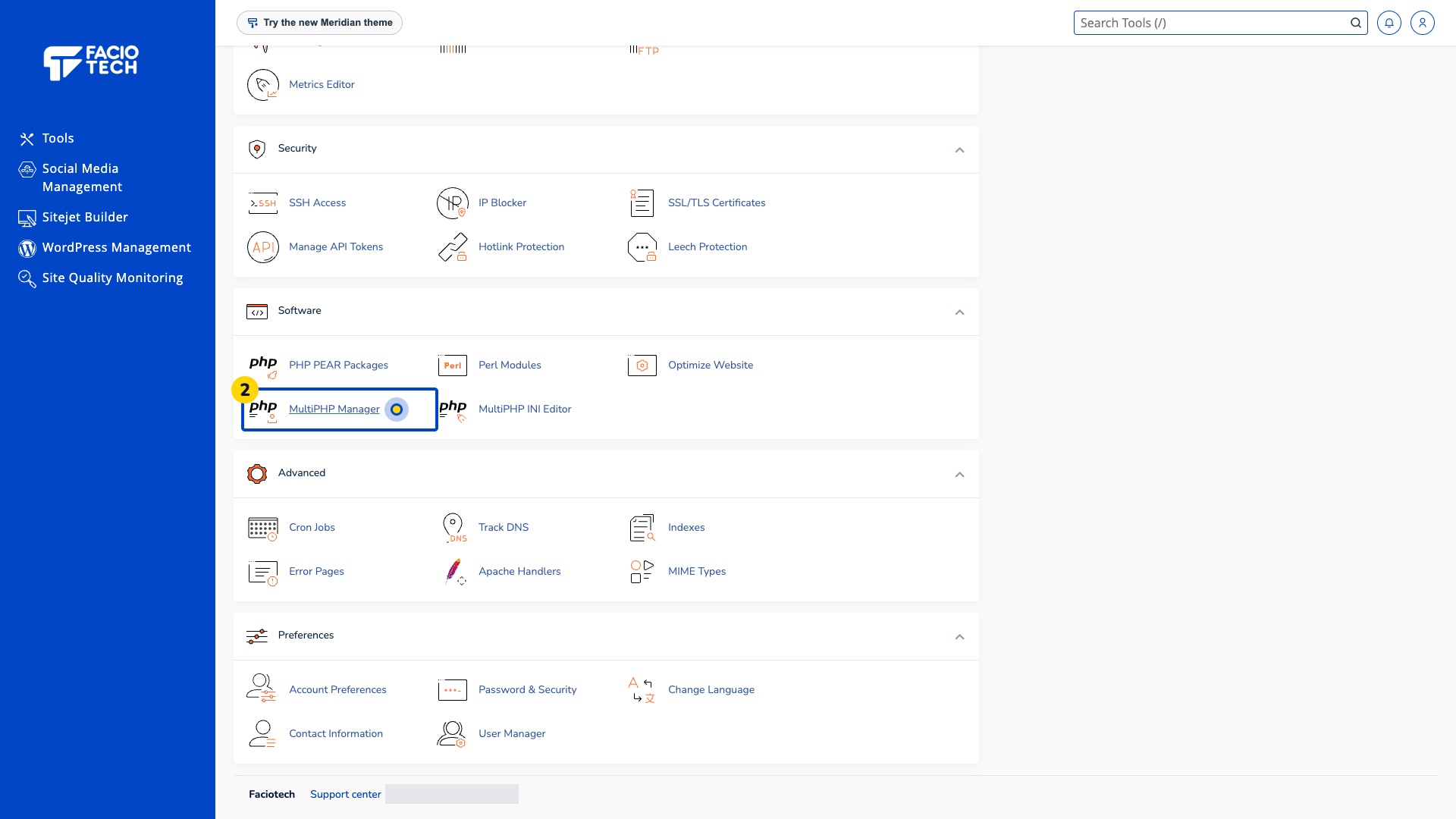
Open MultiPHP Manager from Tools. The MultiPHP Manager page opens.
Find your domain in the table. Read the PHP Version column beside it.
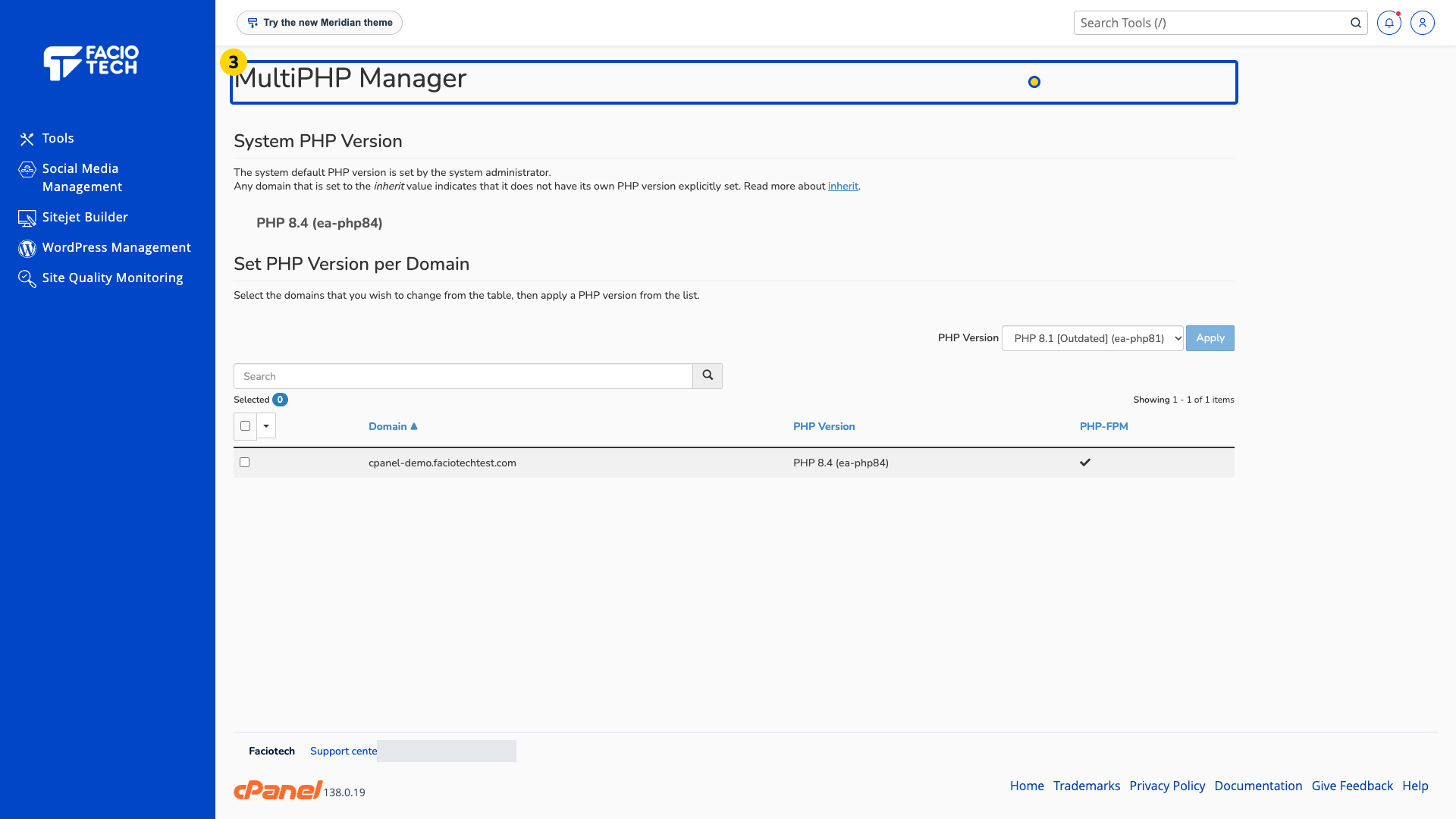
If the domain shows inherit, read System PHP Version to understand the default reported by the panel.
Keep the domain and reported version ready when asking support about application requirements.
The PHP version can differ between domains. Ask support about your application’s supported versions before requesting a change.
For help, contact Faciotech support.
