
Locate the account’s IP Blocker tool and review its current entries.
Log in to cPanel from your client area. If that link is unavailable, use the panel address in your welcome email. The cPanel dashboard opens.
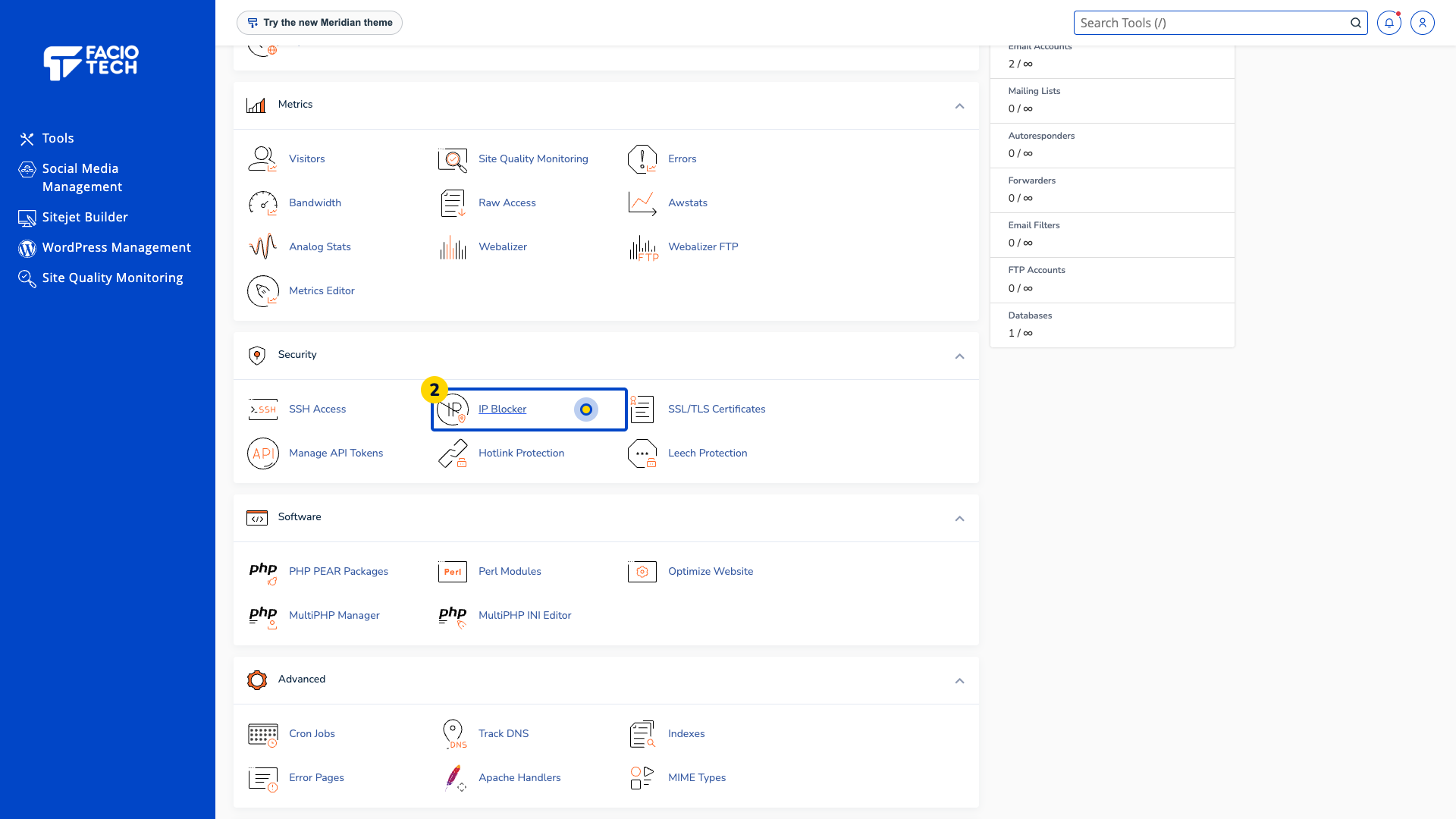
Open IP Blocker from Tools. The IP Blocker page opens.
Find Currently-Blocked IP Addresses. Read any entries already listed for your account.
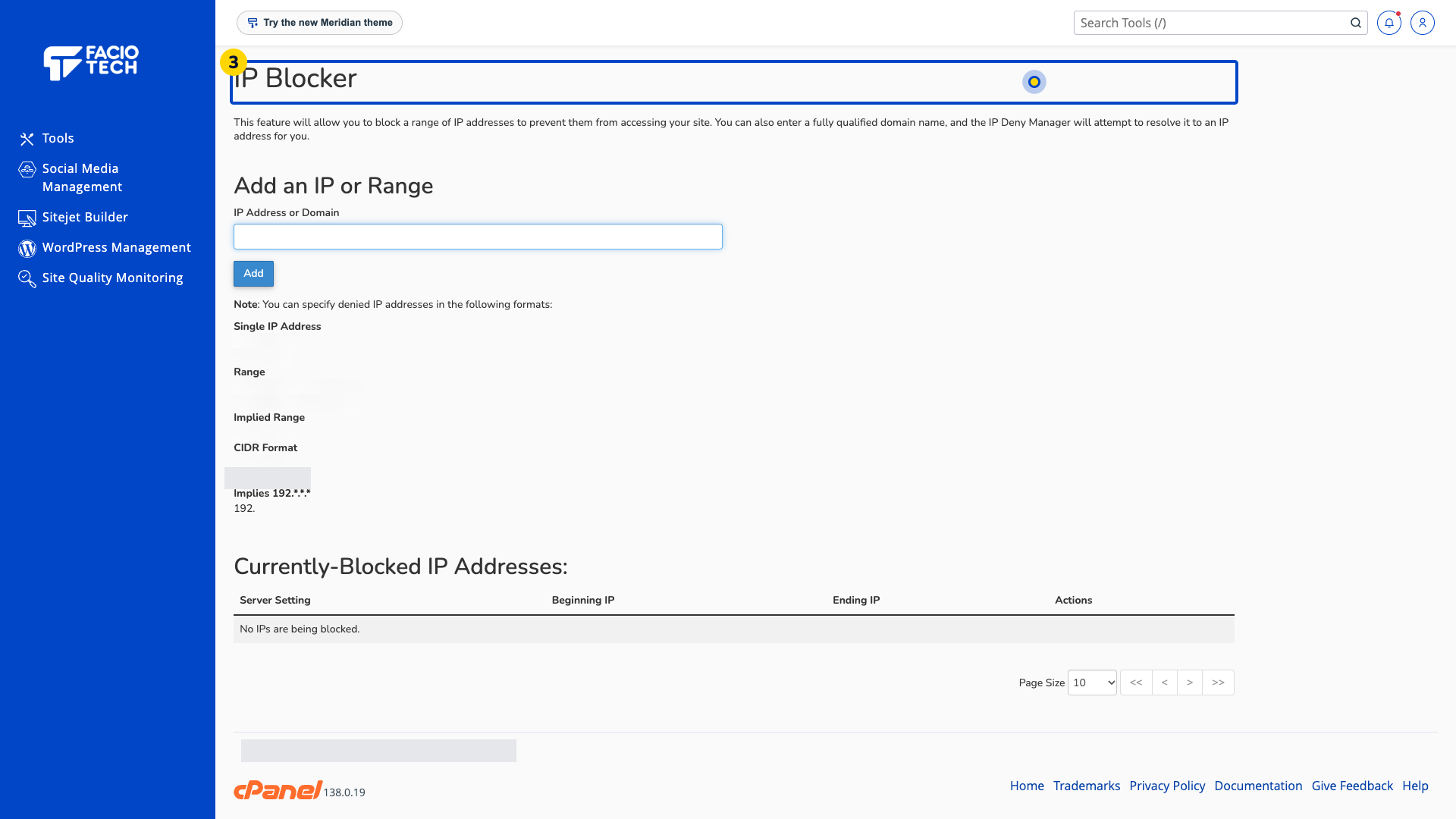
Check the reason for a proposed block with support before adding an address or range.
Keep a record of an approved change and its purpose if support asks you to make one.
For help, contact Faciotech support.
