
Find the account’s calendar and contact connection information.
Log in to cPanel from your client area. If that link is unavailable, use the panel address in your welcome email. The cPanel dashboard opens.
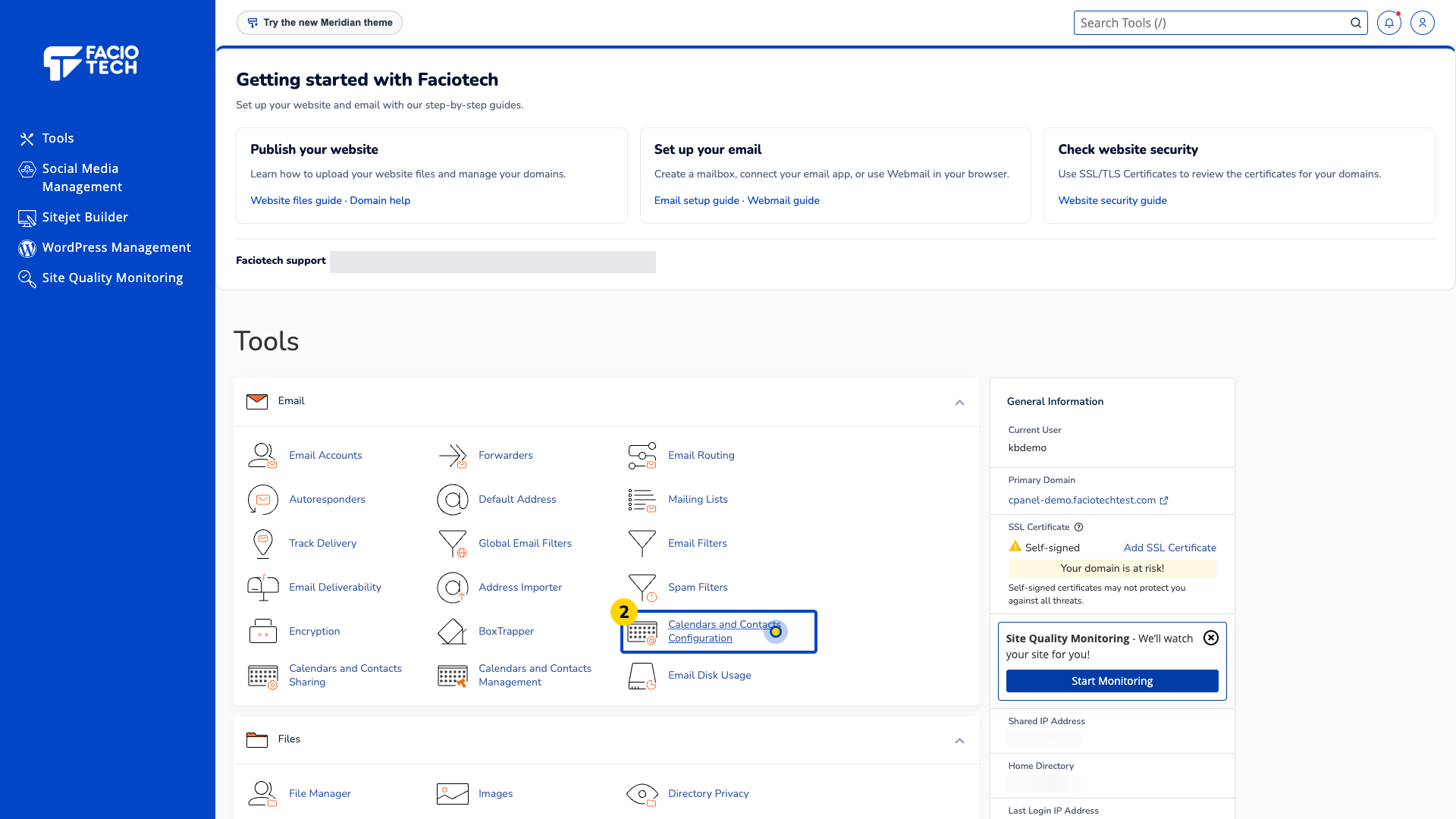
Open Calendars and Contacts Configuration from Tools. The Calendars and Contacts Configuration page opens.
Find CalDAV and CardDAV SSL/TLS Settings. Read the username and secure server information for the account you intend to use.
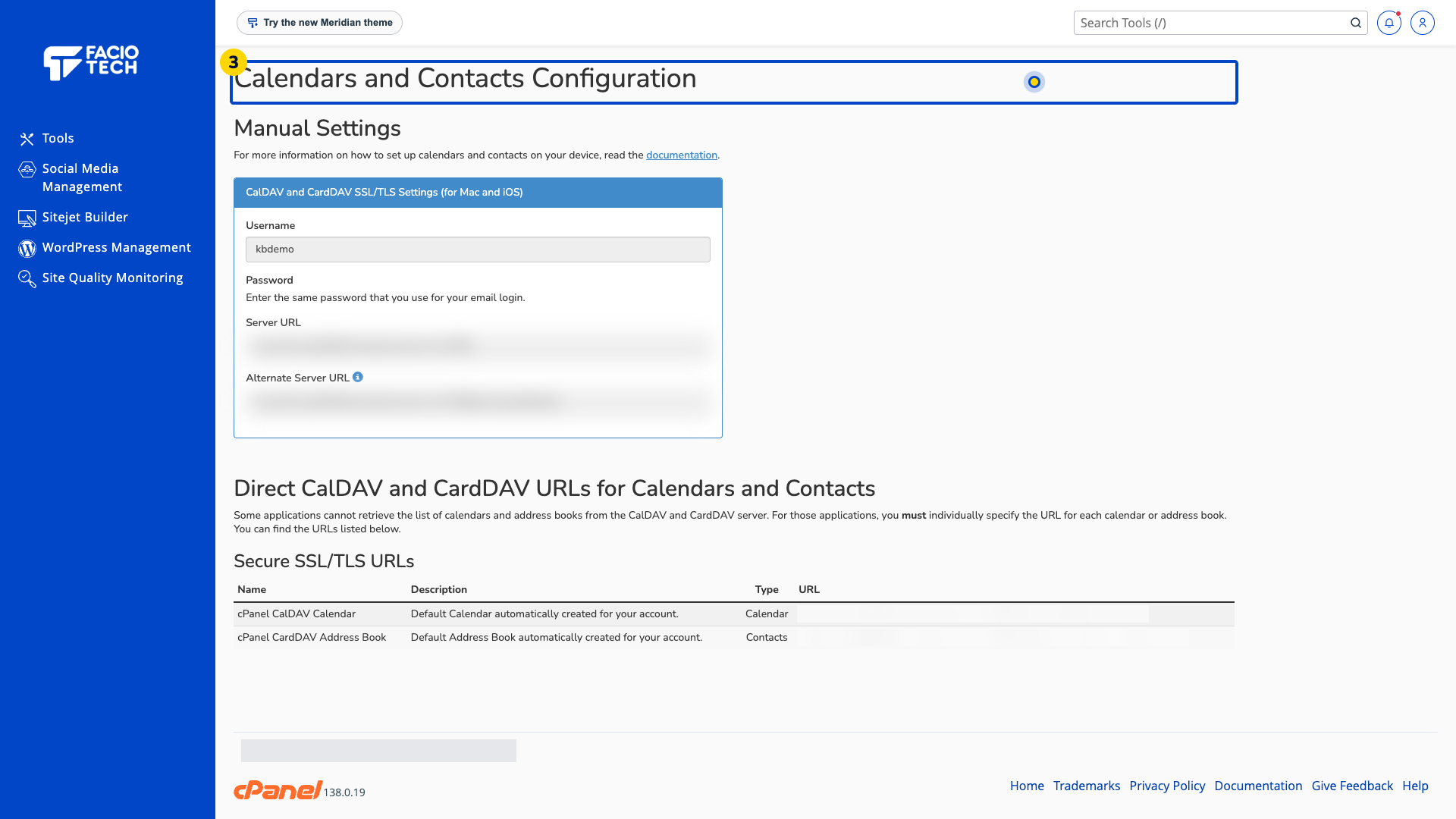
Check whether your app needs the direct calendar or address-book URL listed below the manual settings.
Follow your app vendor’s setup guide with the settings supplied for your own account. Keep the password private.
For help, contact Faciotech support.
