
Check whether your account shows the Mailing Lists interface before planning a list.
Log in to cPanel from your client area. If that link is unavailable, use the panel address in your welcome email. The cPanel dashboard opens.
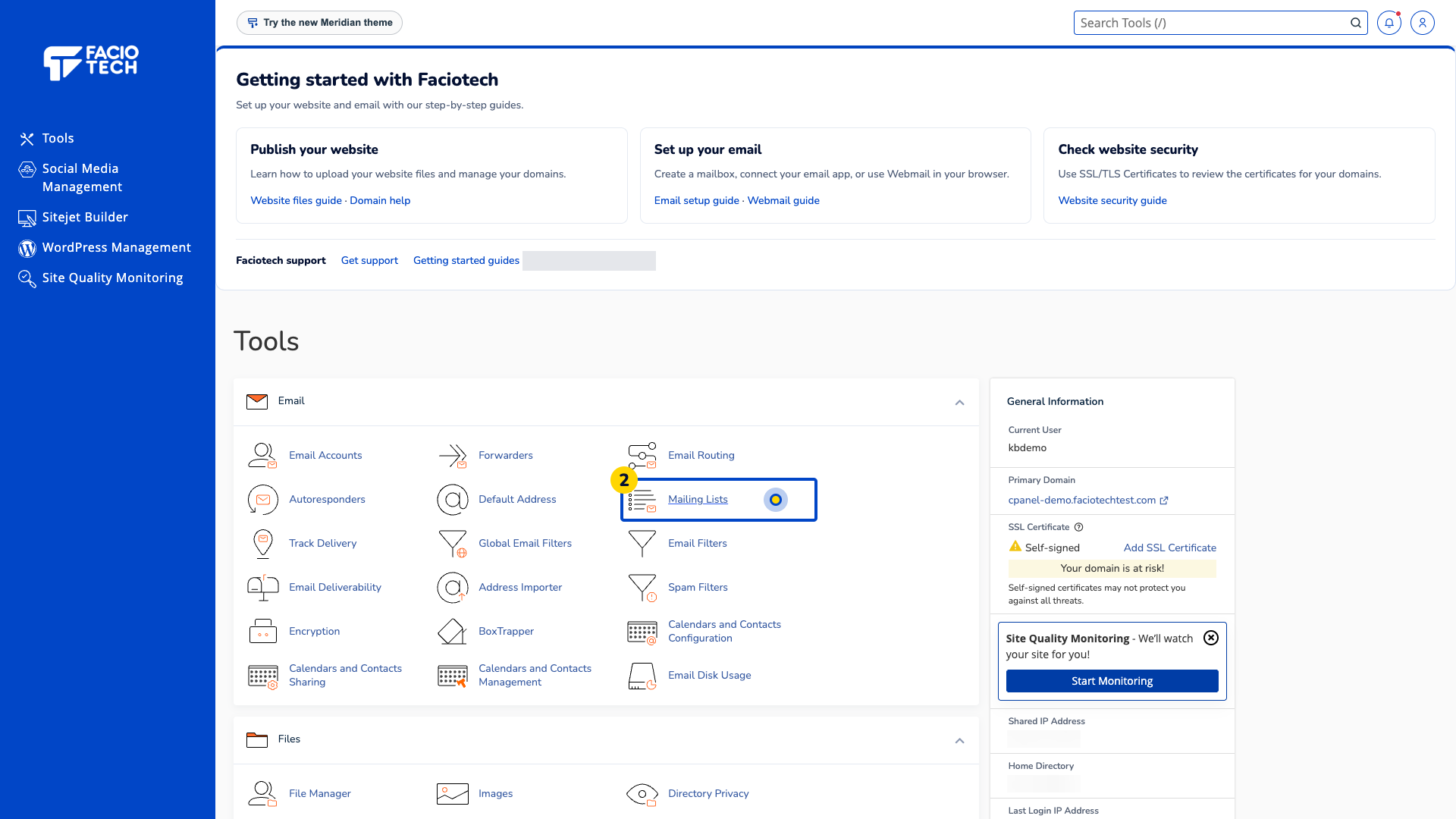
Open Mailing Lists from Tools. The Mailing Lists page opens.
Find the Current Lists section. It shows any lists already visible to your account.
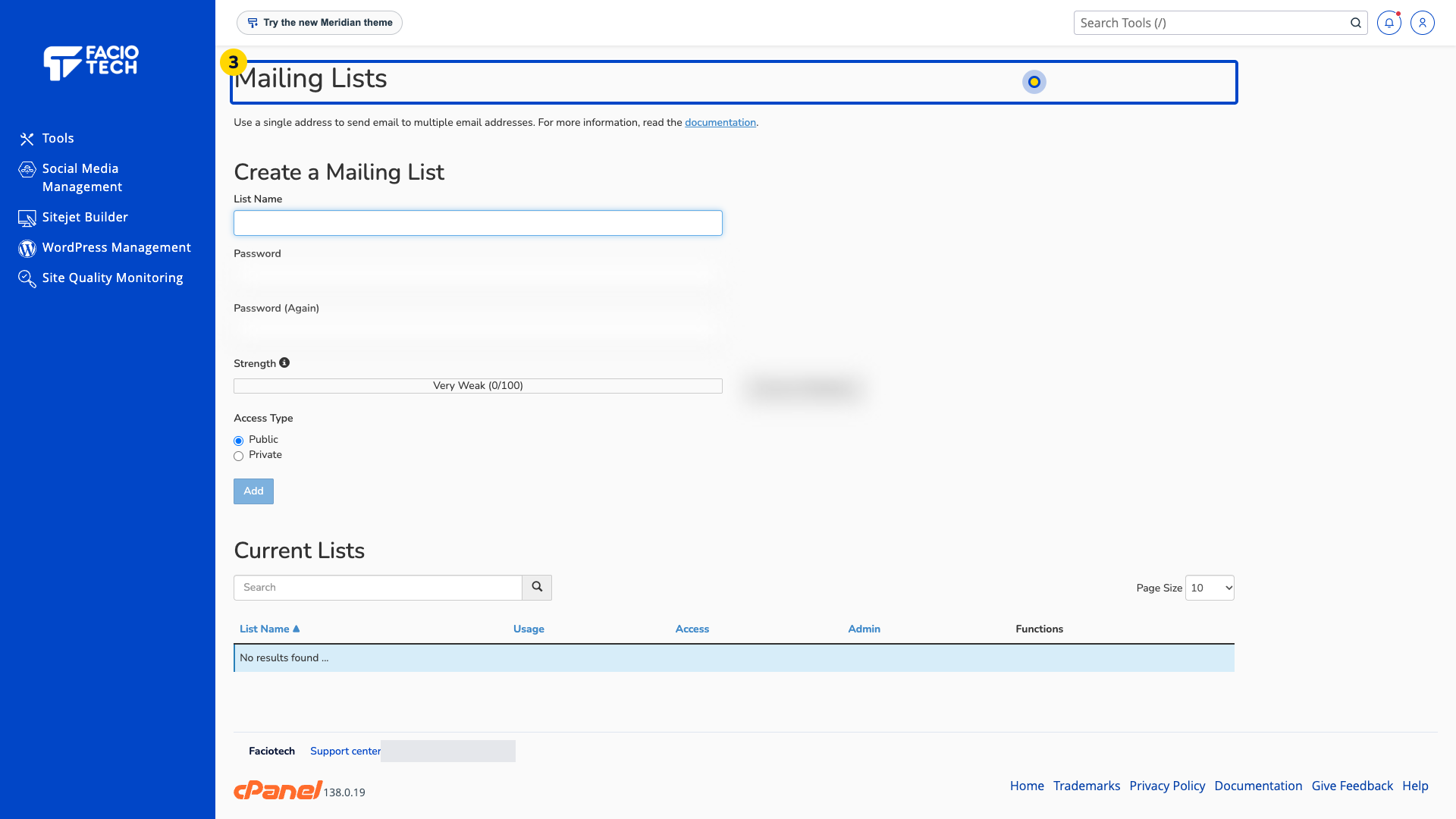
Check whether a Create a Mailing List form is present. Its appearance alone does not confirm that a list can be created or that sending is permitted.
Ask support to confirm list availability and suitable use for your service before creating or importing subscribers.
For help, contact Faciotech support.
