
Review how much space the folders in a selected mailbox use.
Log in to cPanel from your client area. If that link is unavailable, use the panel address in your welcome email. The cPanel dashboard opens.
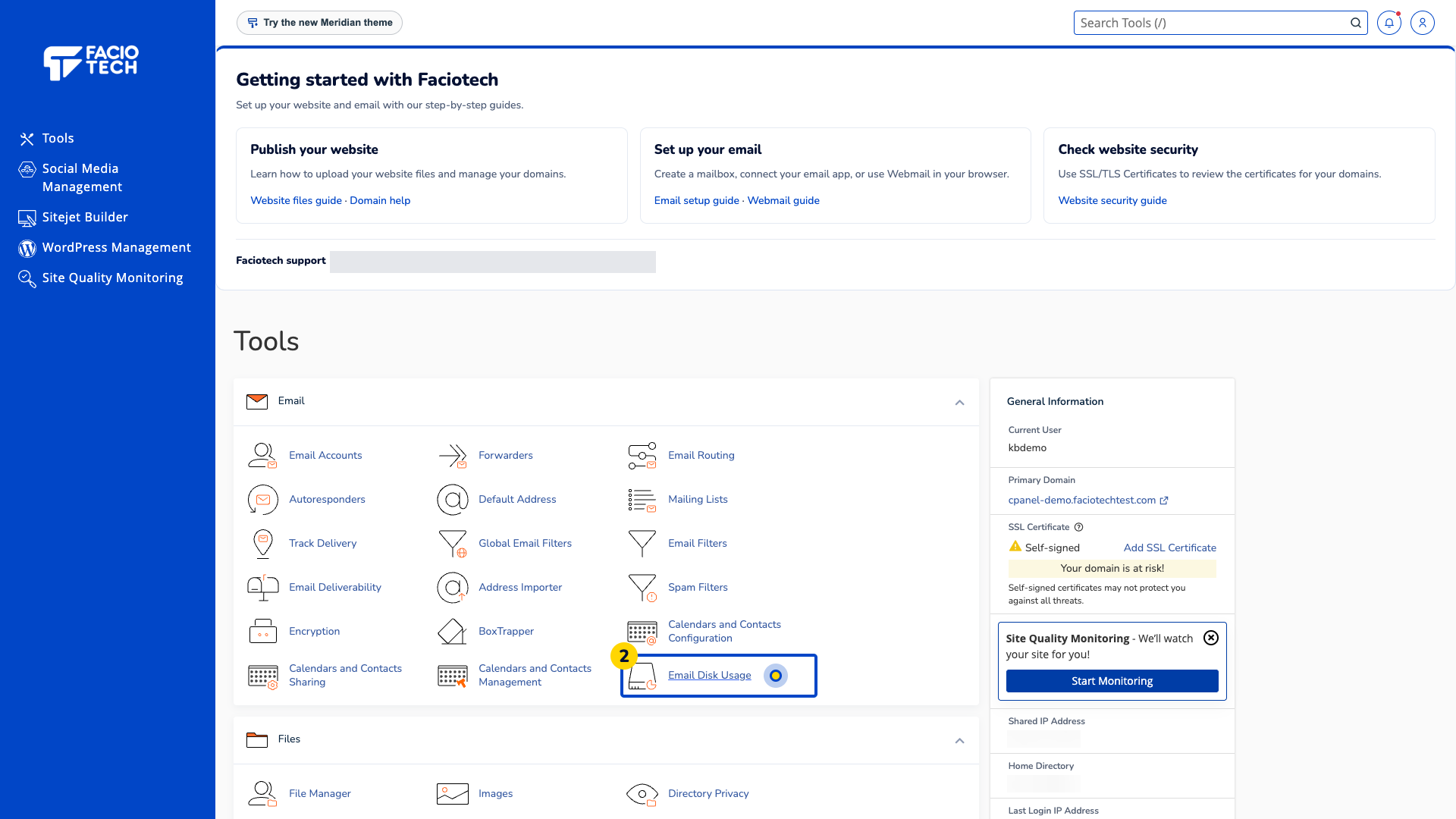
Open Email Disk Usage from Tools. The Email Disk Usage page opens.
Check the Account selected above the folder table. Make sure it is the mailbox you intend to inspect.
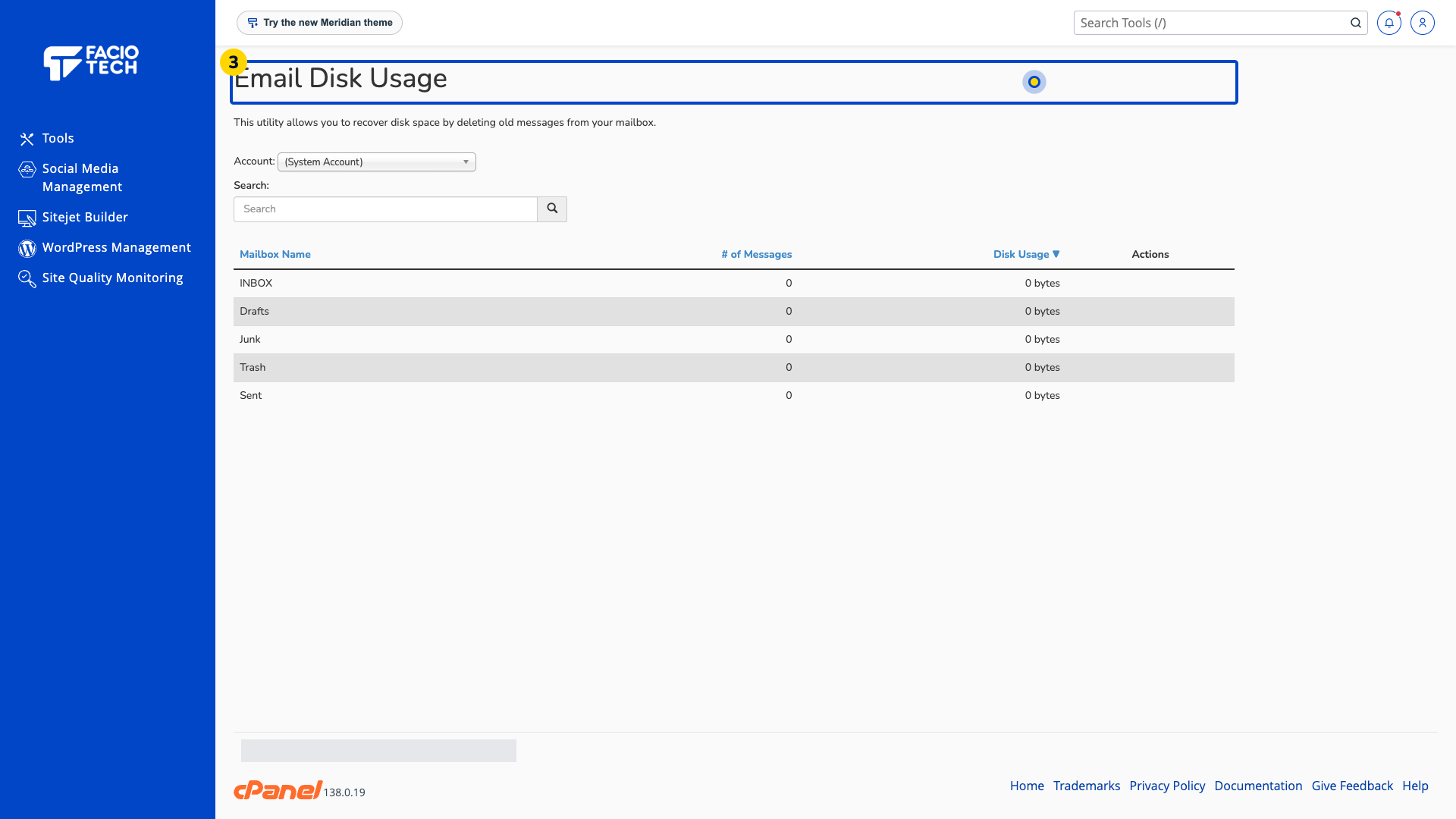
Read the number of messages and disk usage beside each folder. The System Account is separate from your named mailboxes.
Compare the findings with the mailbox allocation shown in Email Accounts. Keep a backup before considering any message removal.
Deleting messages here removes them from the mailbox. Keep a separate backup before removing mail.
For help, contact Faciotech support.
