
Review the site title and tagline in the WordPress settings.
Open the WordPress dashboard for the intended site.
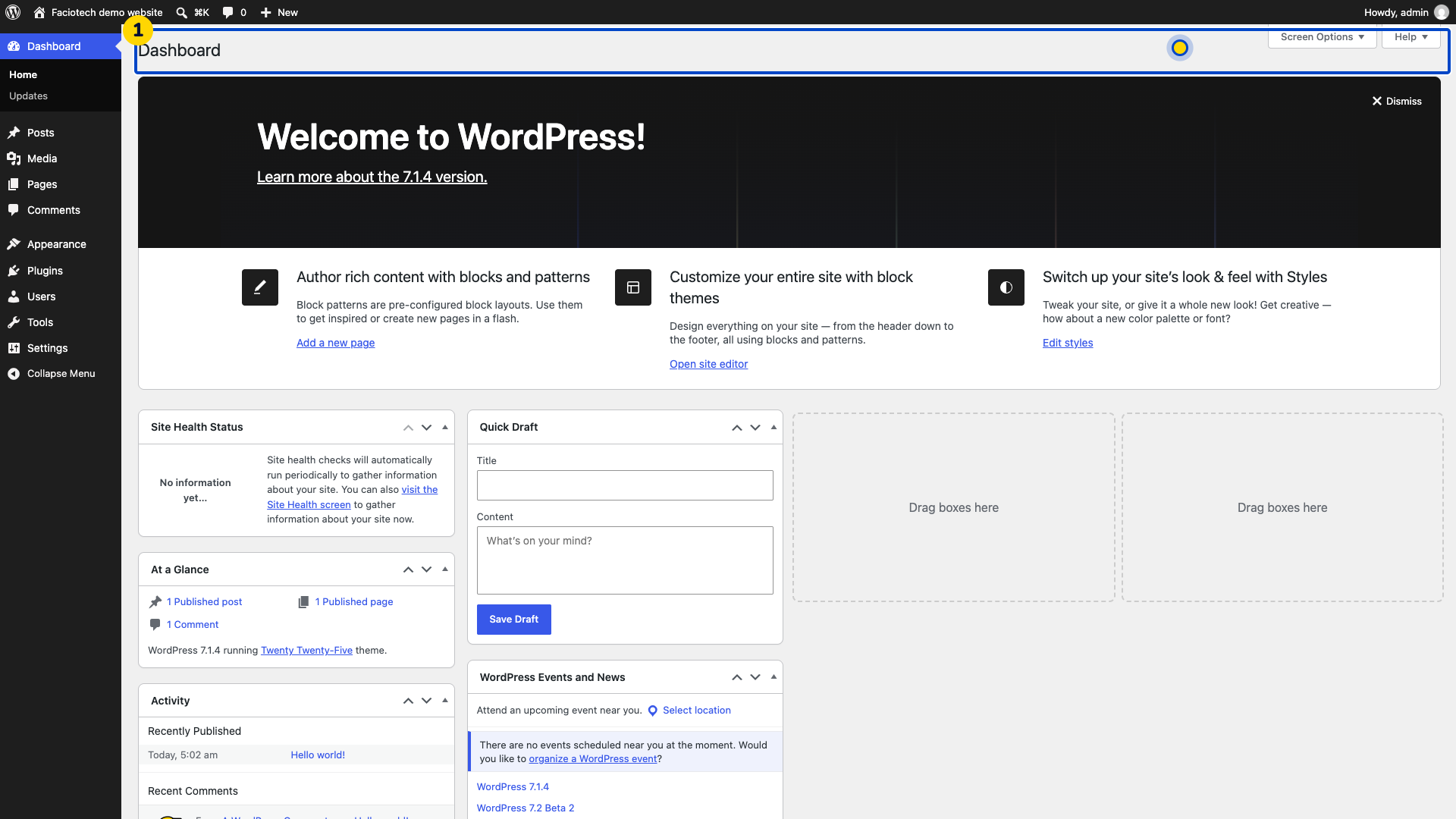
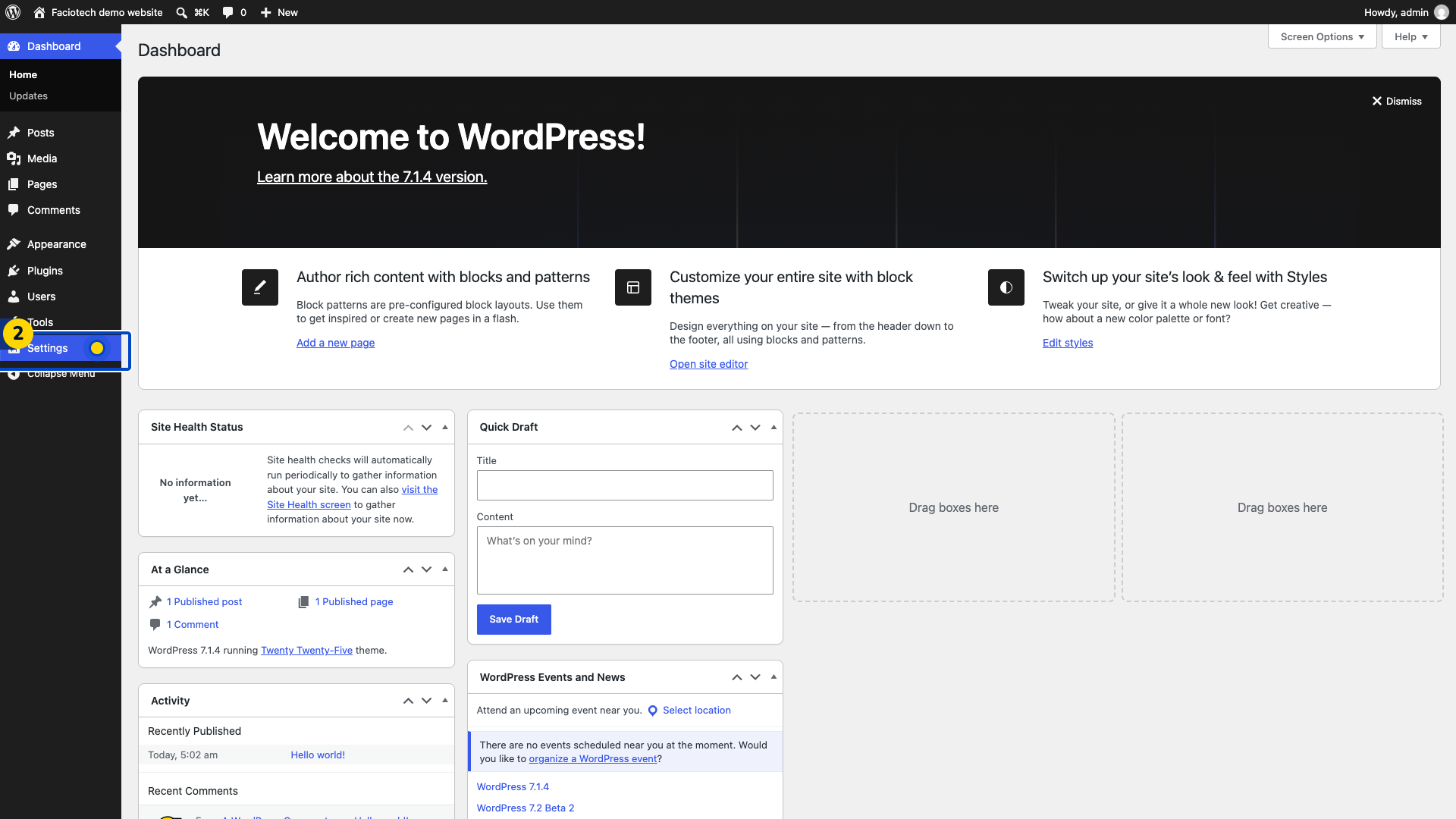
Open Settings > General. The site-wide settings appear.
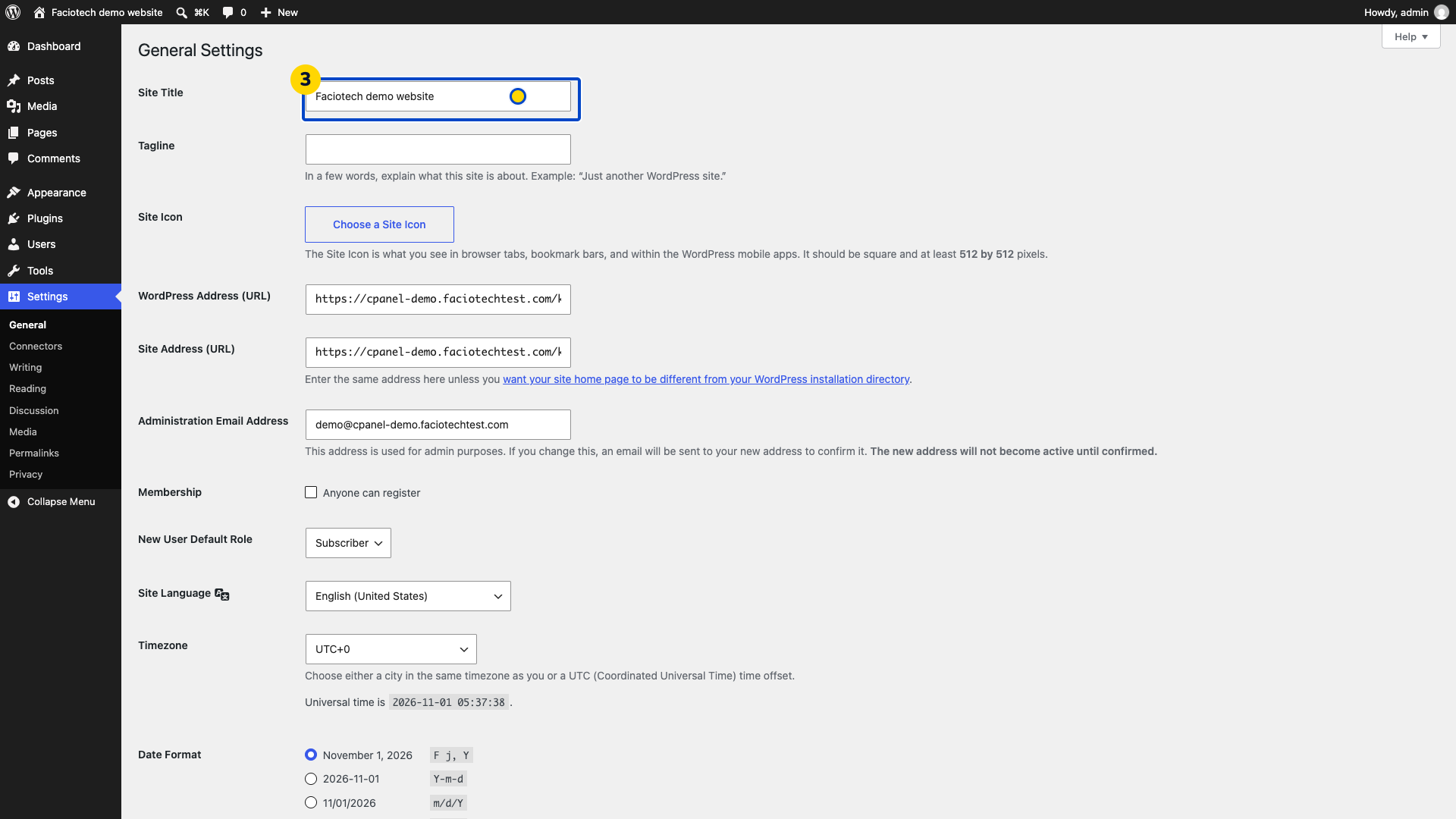
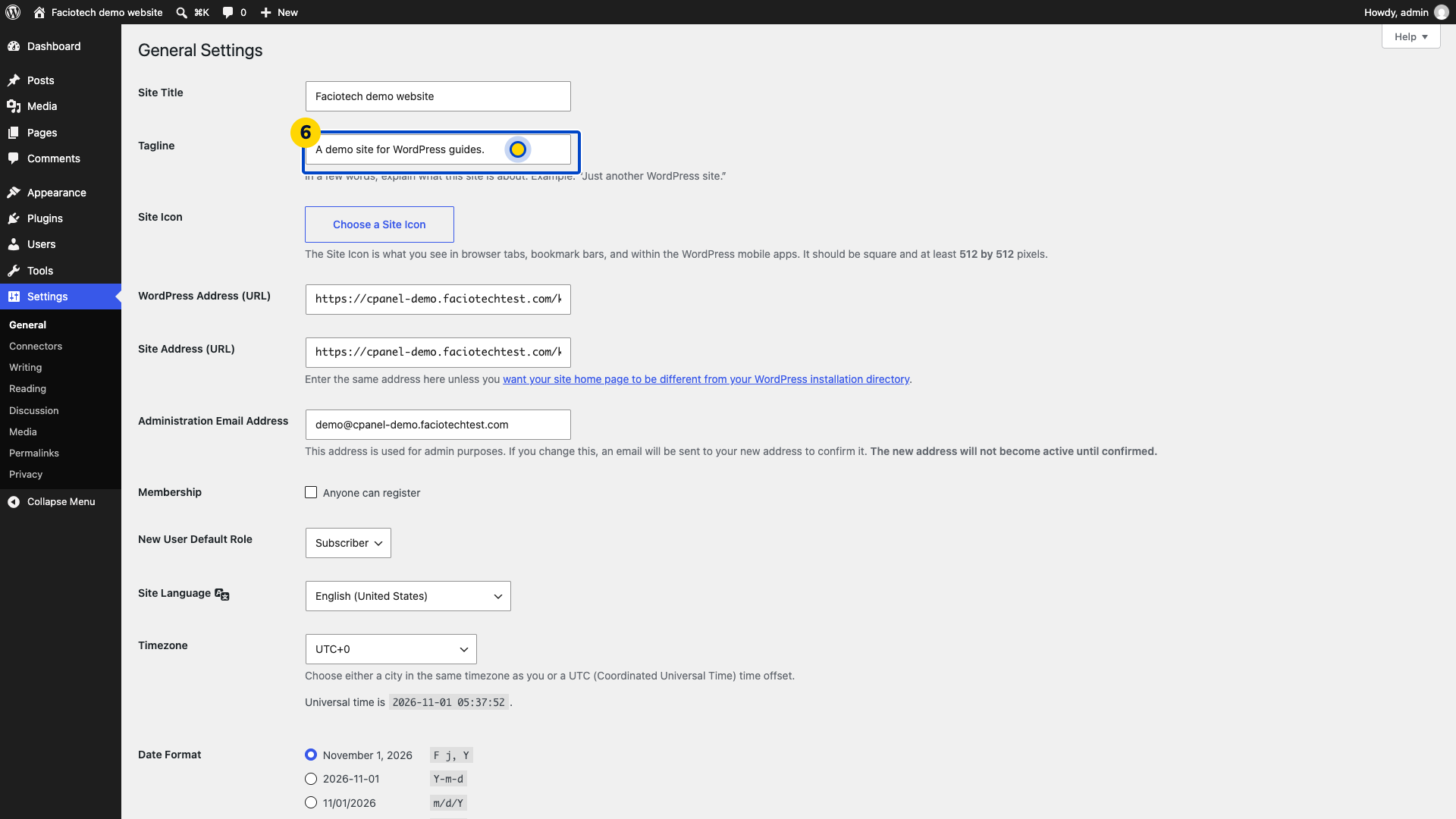
Review Site Title and Tagline. Keep the website addresses unchanged.
Edit the wording you intend to change. This example changes only the demo tagline.
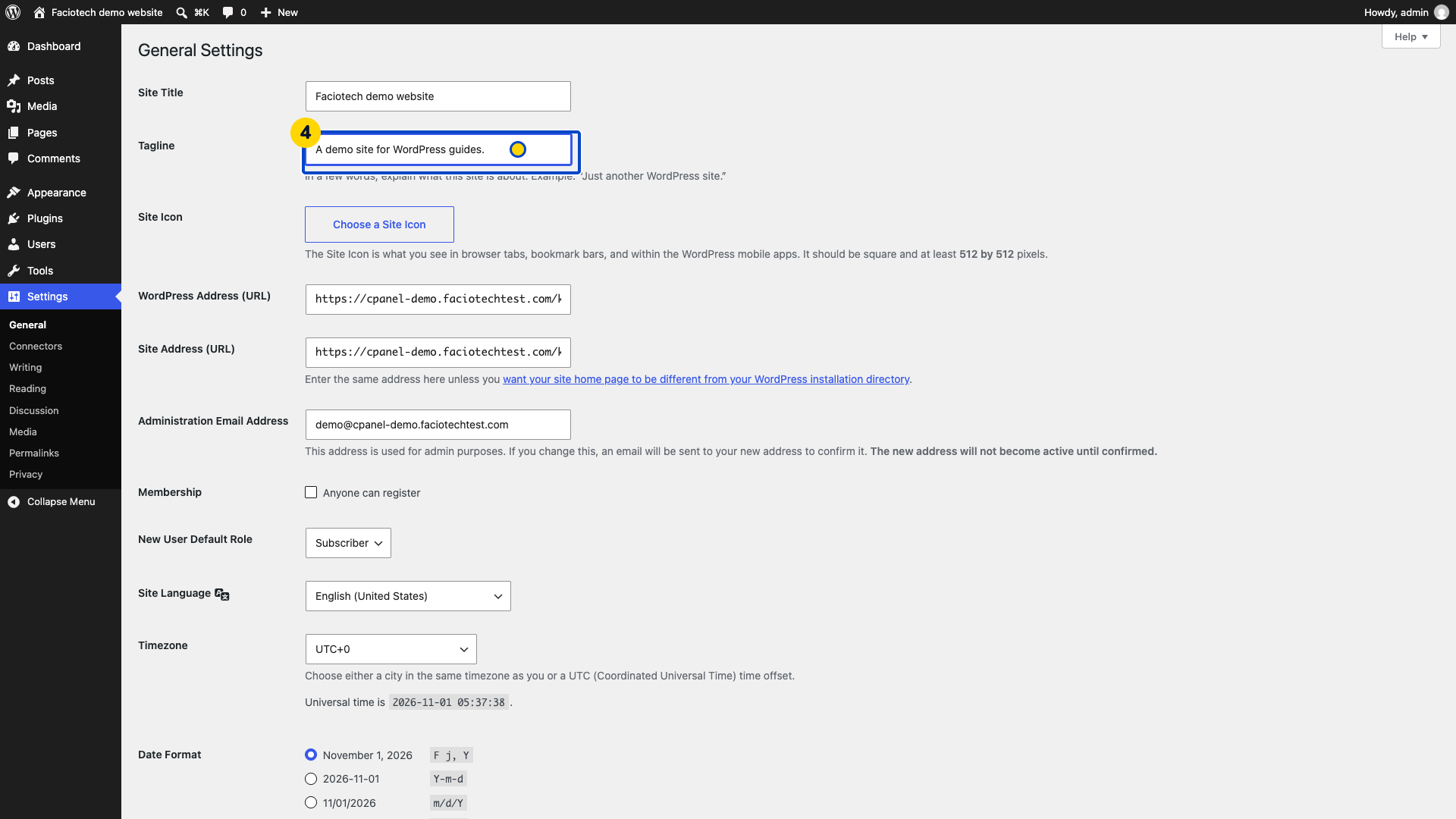
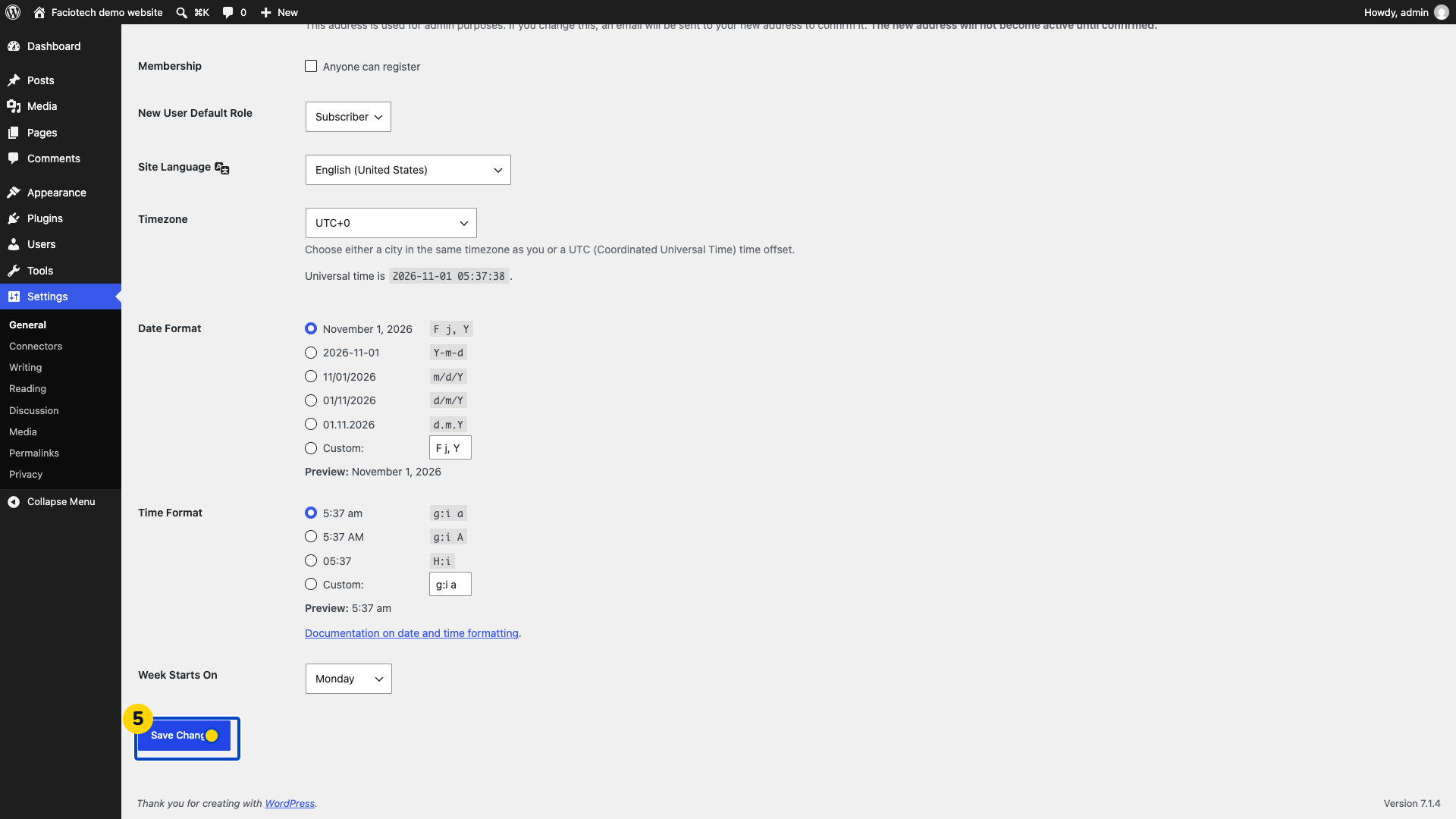
Select Save Changes. Wait for Settings saved before reopening General.
Reopen General settings. Check that the new wording is still shown.
Video walkthrough
Sources
For help, contact Faciotech support.
