
Turn useful words in a page into a link, then test where the link takes visitors.
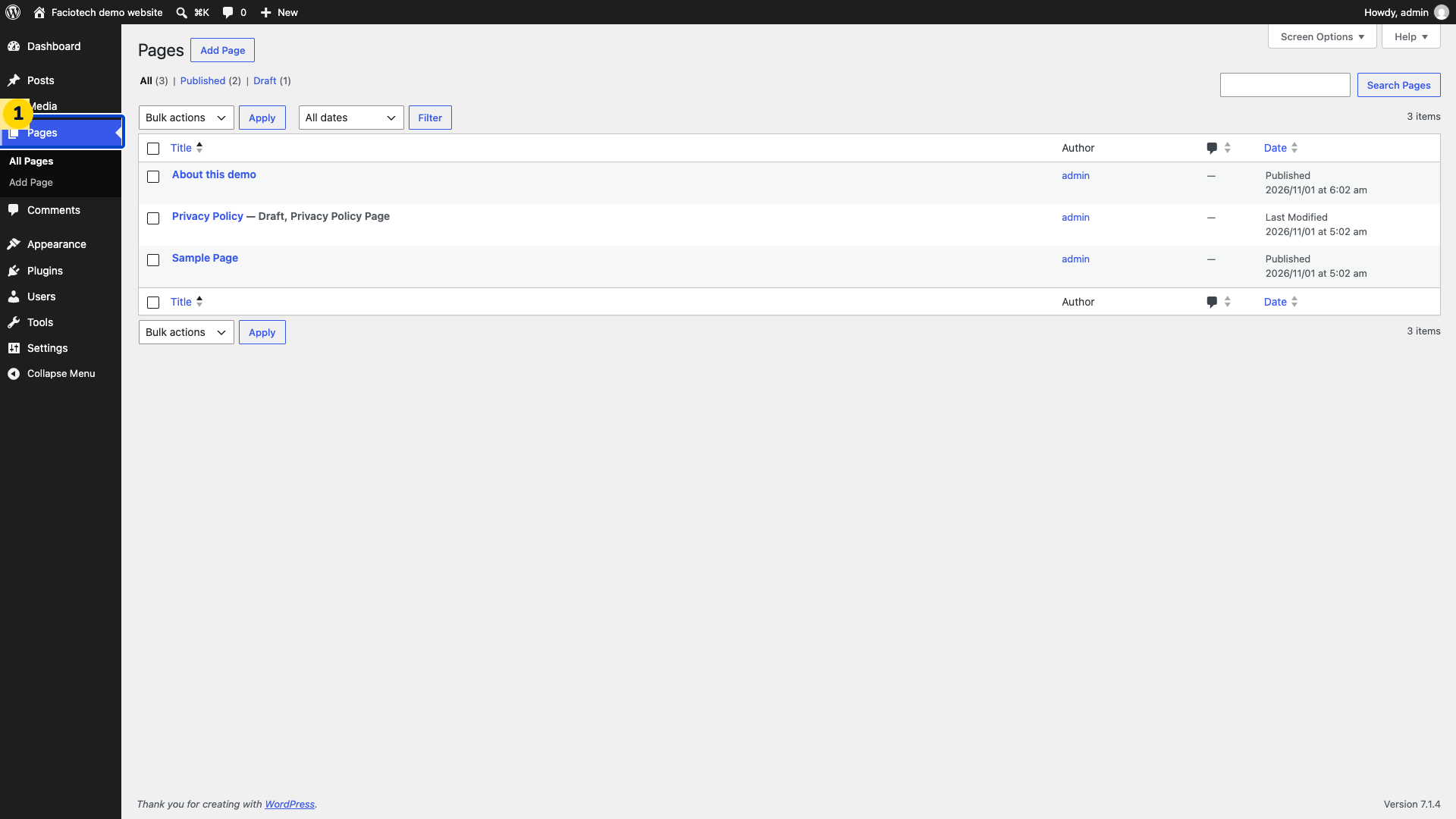
Open Pages in your WordPress dashboard.
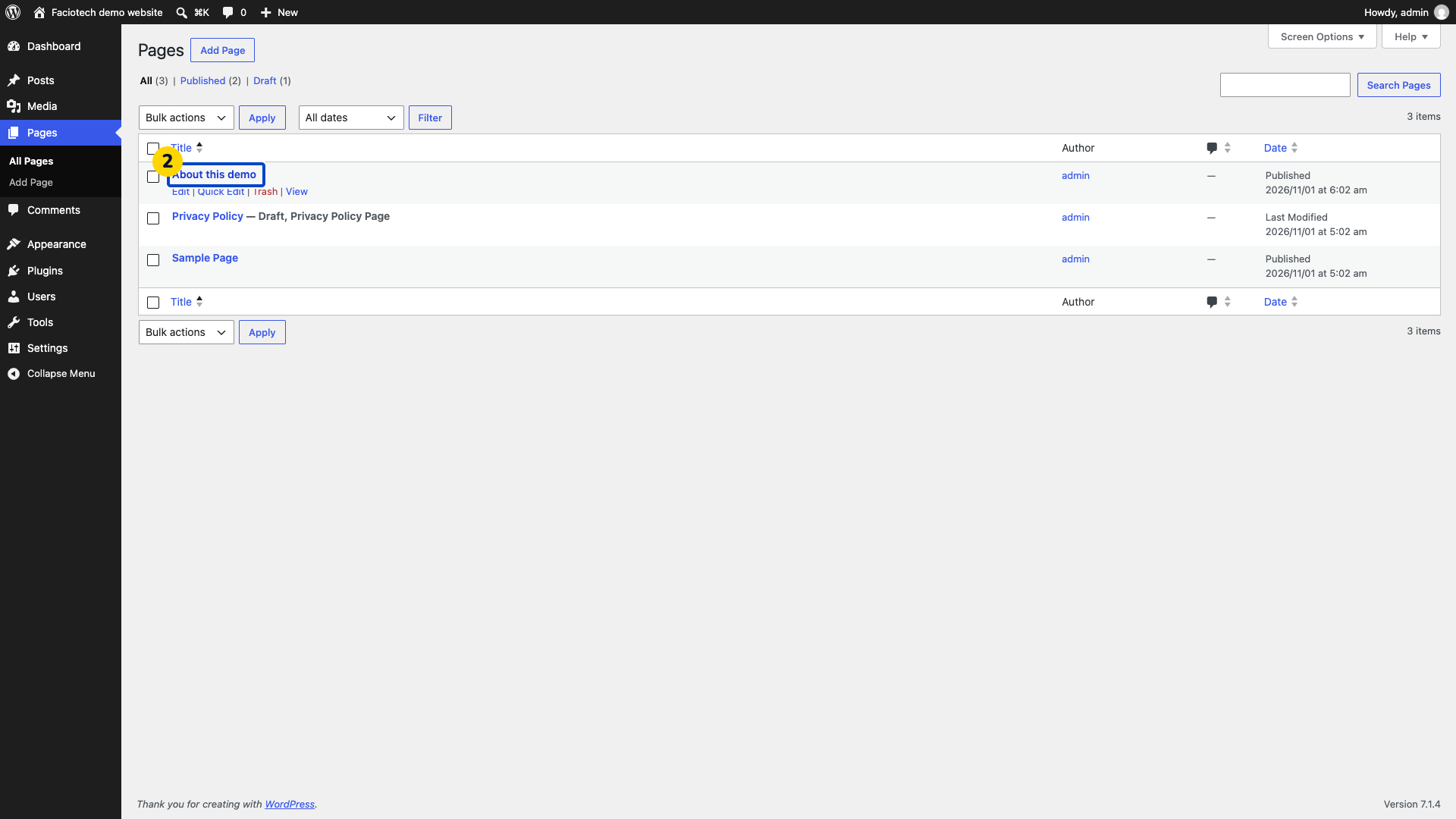
Open the page you want to edit.
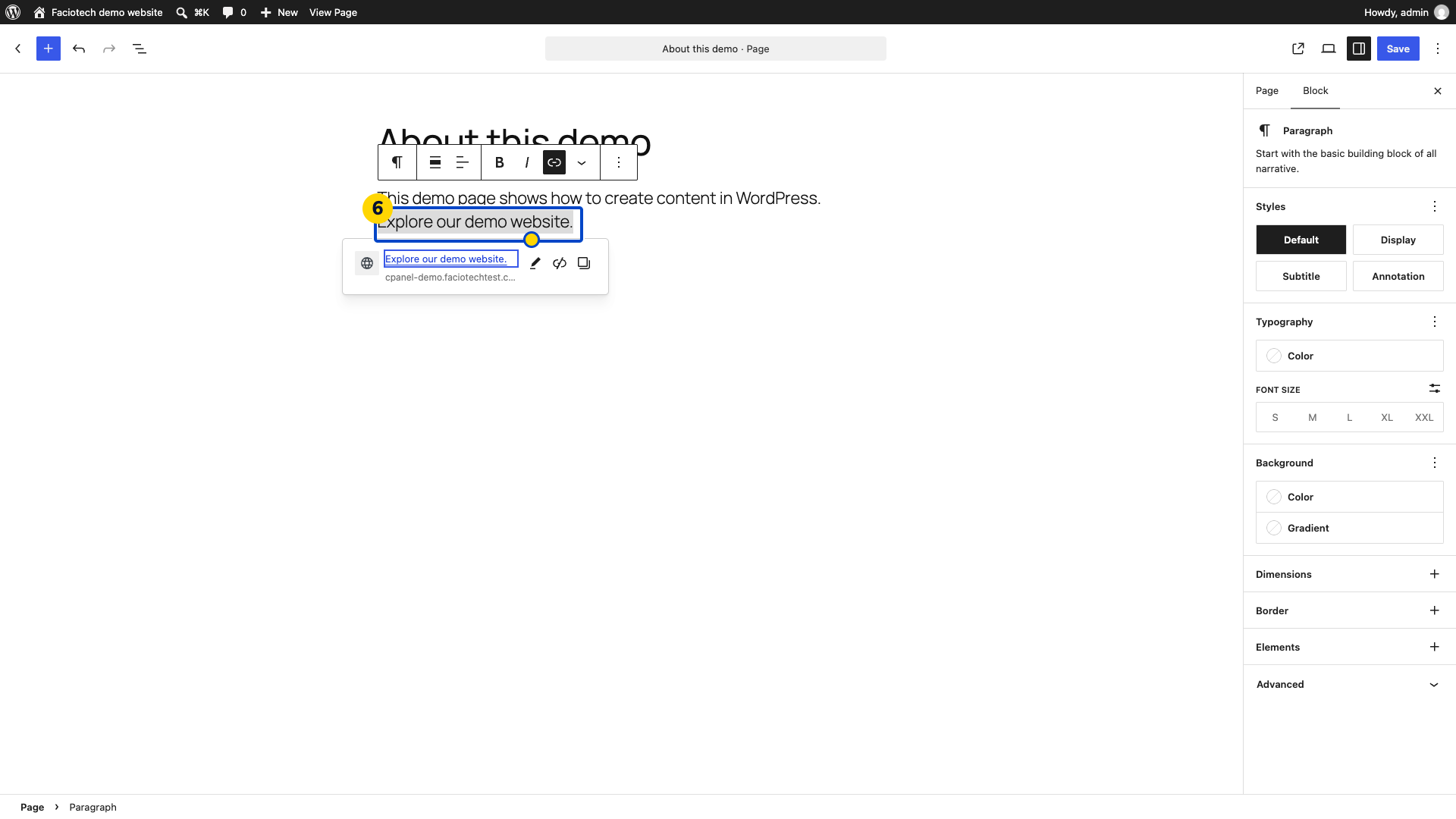
Select the words that should become a link. This example selects Explore our demo website.
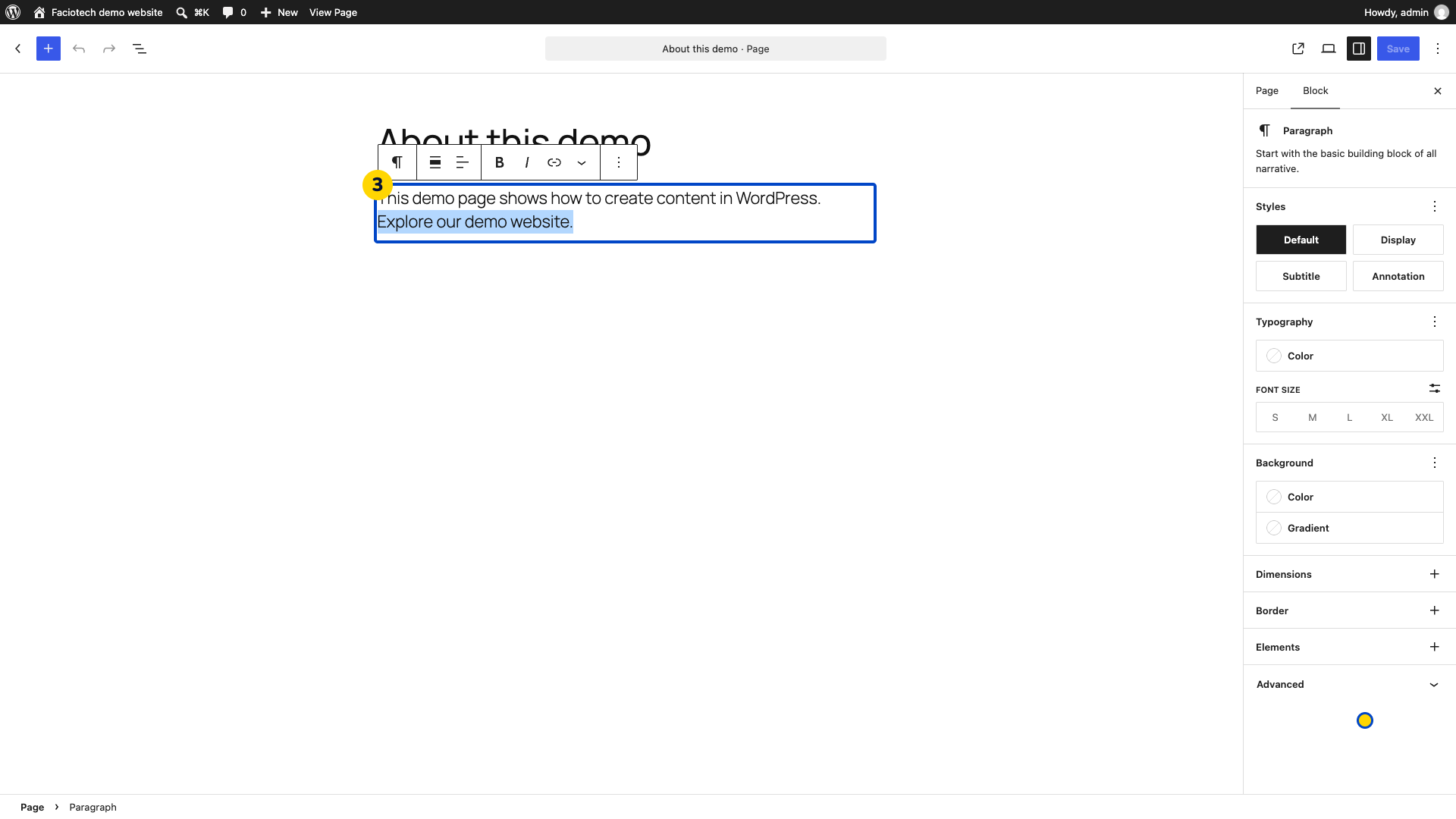
Choose Link in the block toolbar. The link popover opens with its address field.
Enter the full destination address in the popover. The address field shows the link you intend to use.
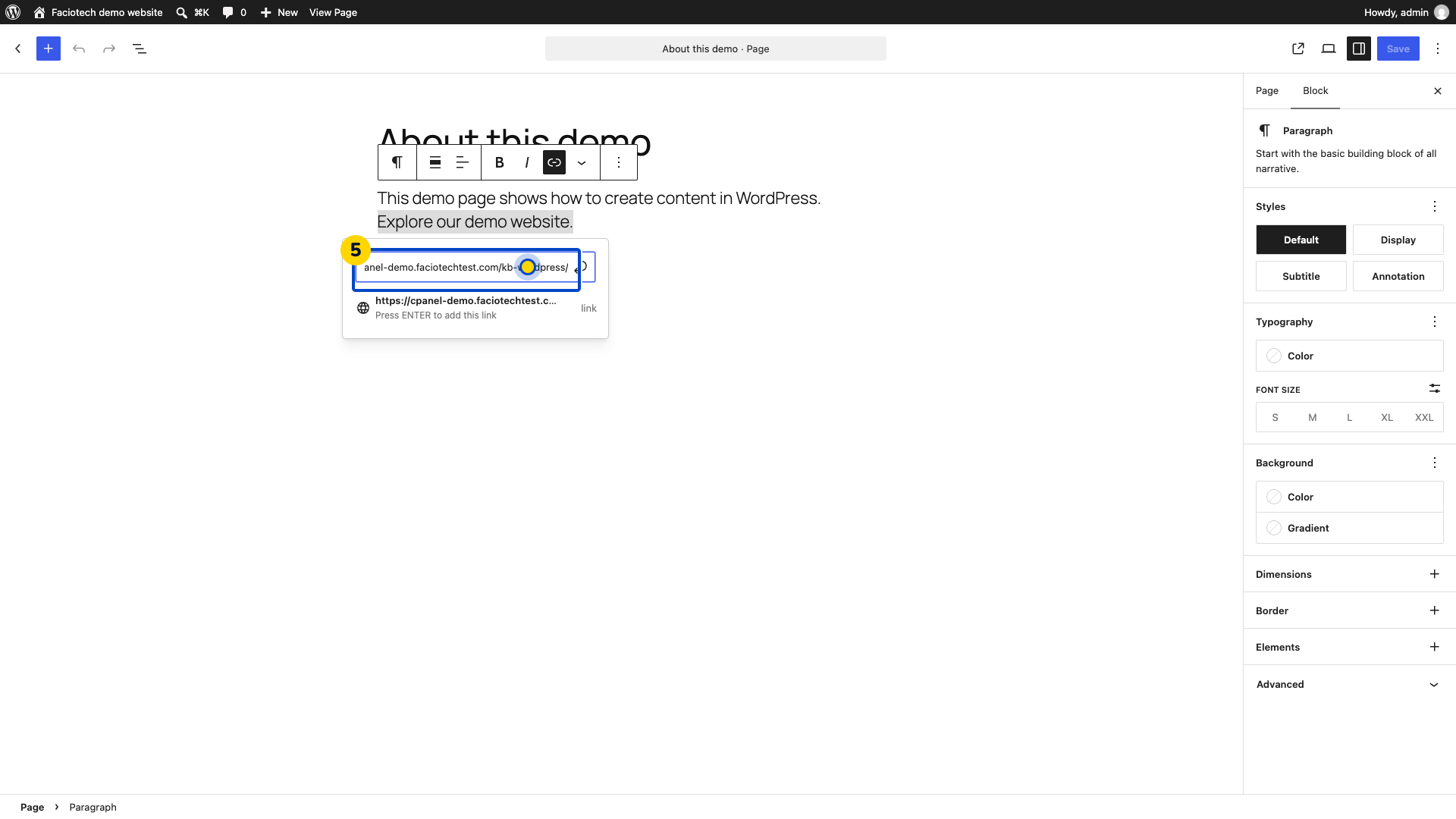
Press Enter to apply the link. The selected words become linked text.
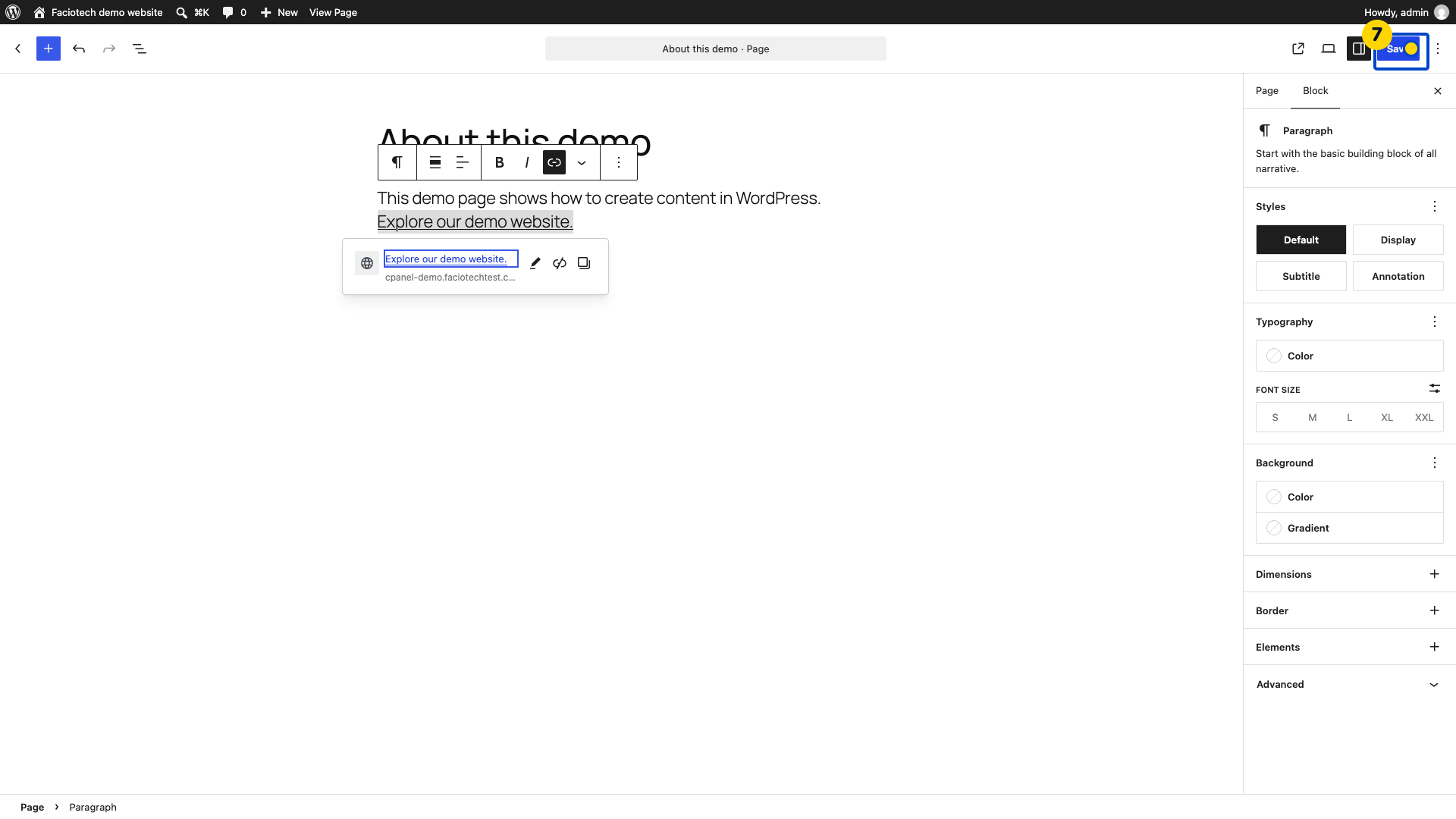
Choose Save to update the page.
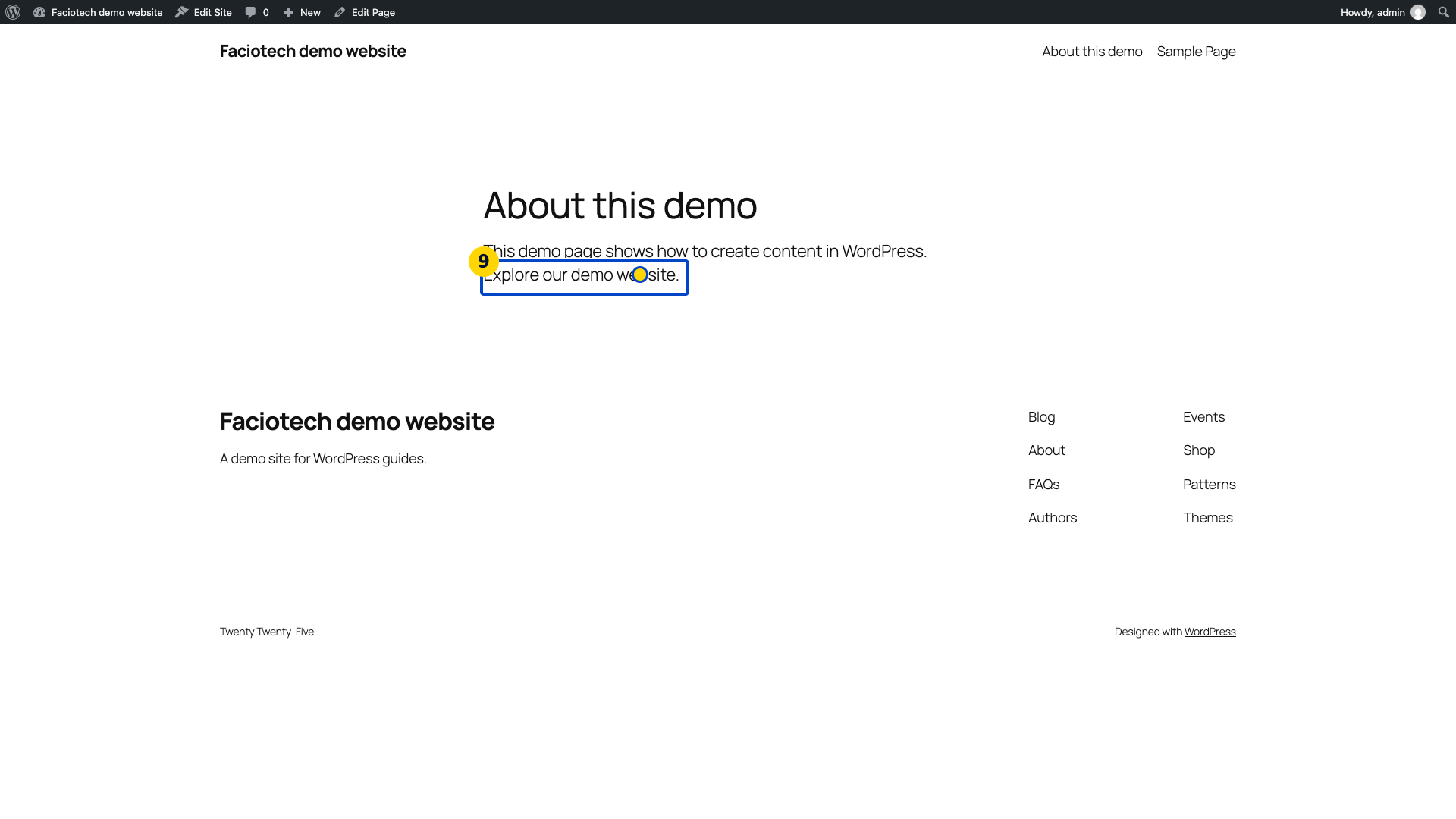
Choose View Page. The saved page opens for visitors.
Open the linked words on the saved page. The browser should reach the intended destination.
Use link text that explains where the link goes. Check the full address before saving.
Video walkthrough
Sources
For help, contact Faciotech support.
