
Use the dashboard to find the pages, posts and media in a WordPress site you manage.
Open WordPress using the sign-in route supplied for your website. The dashboard appears.
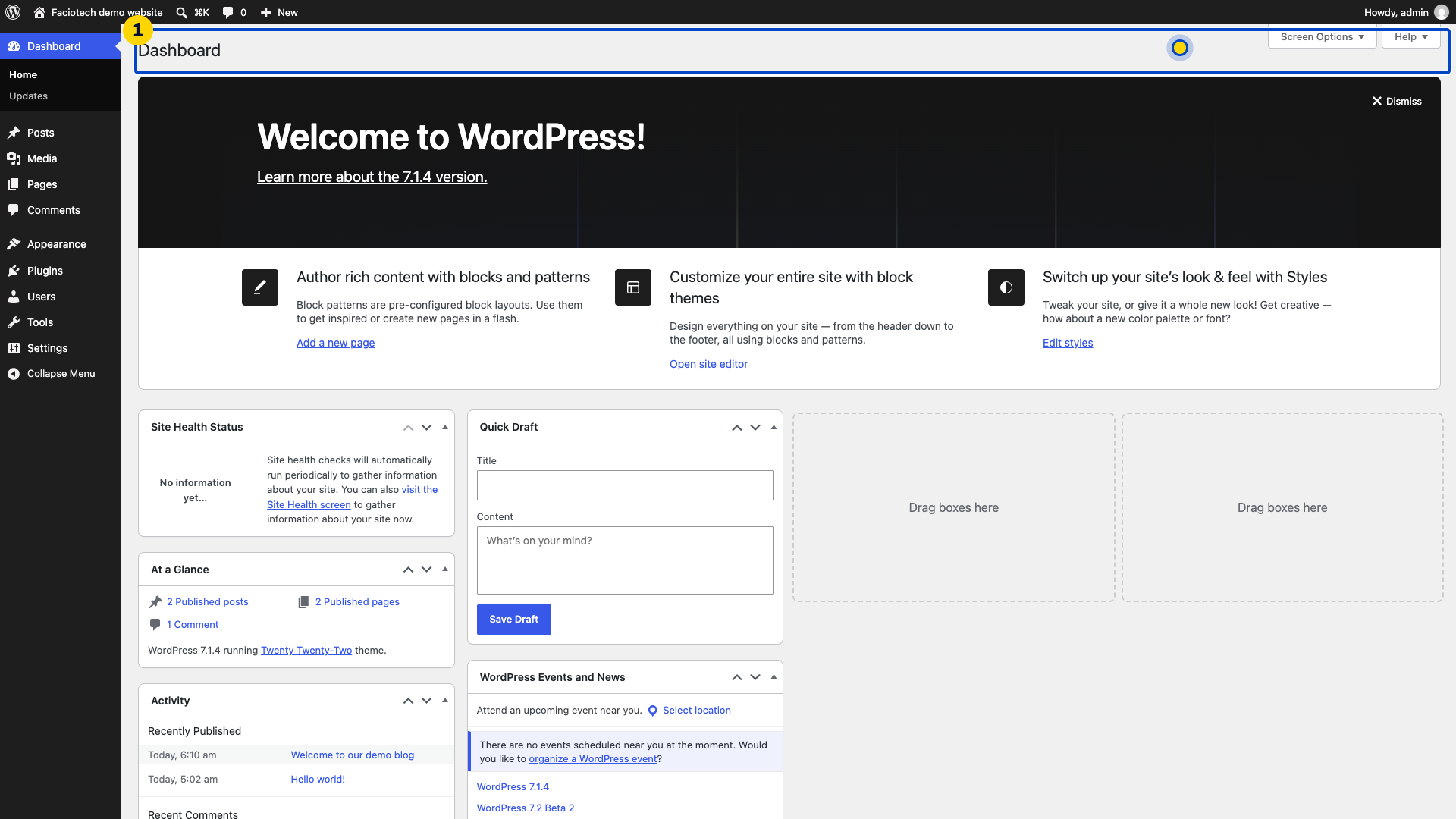
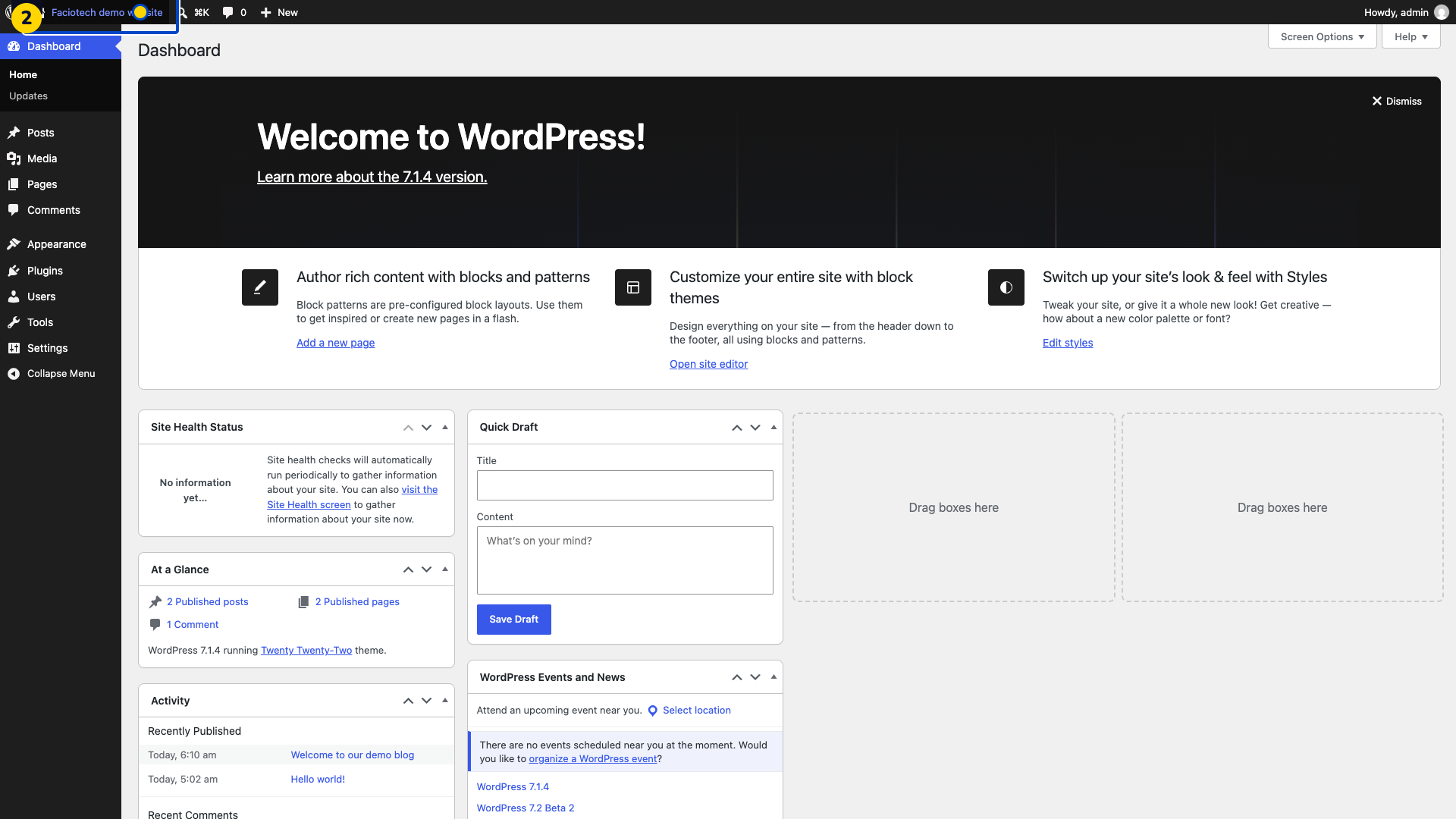
Check the site name in the top toolbar. Make sure it is the website you intend to manage.
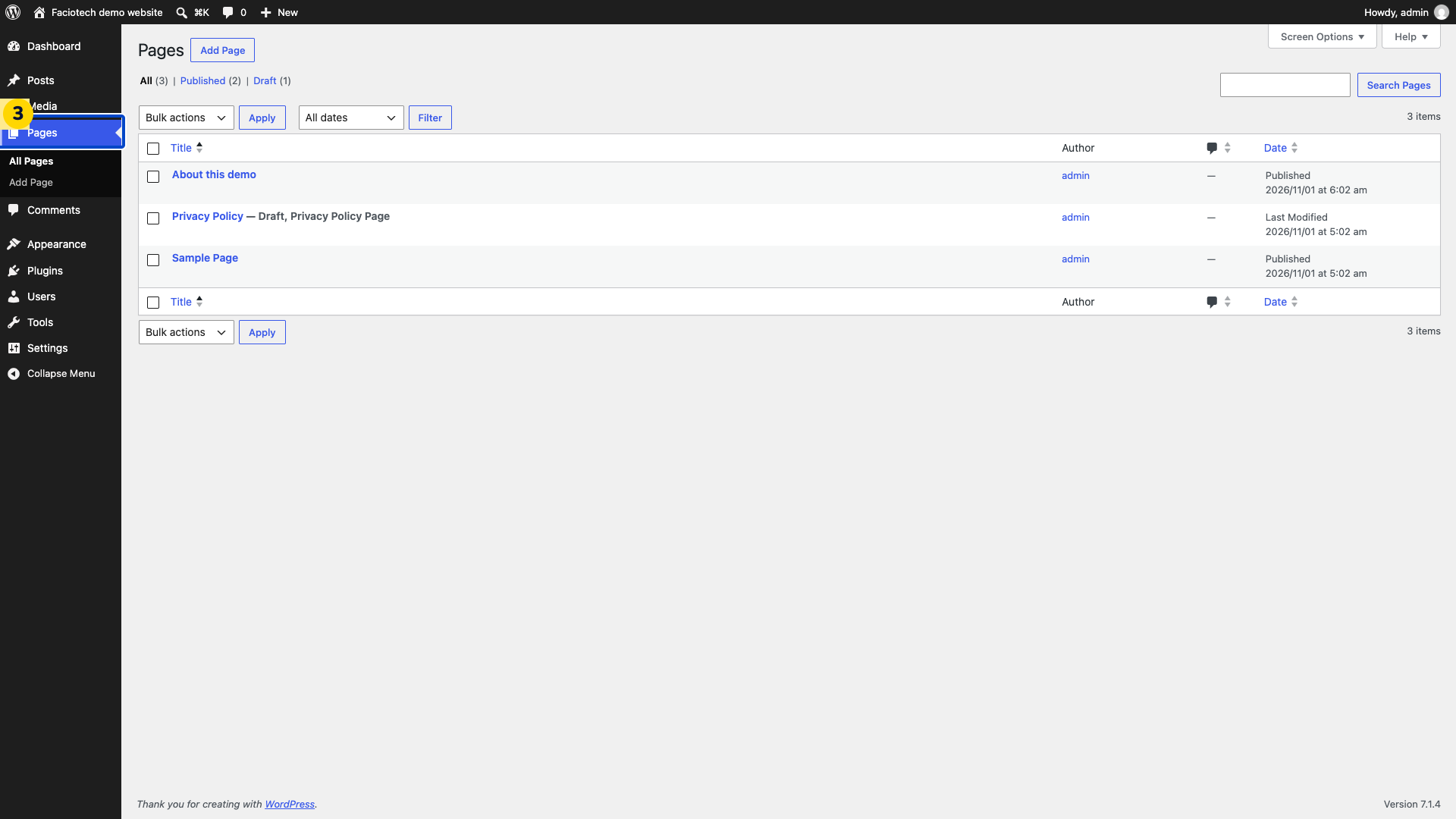
Open Pages. You will see the site’s page list.
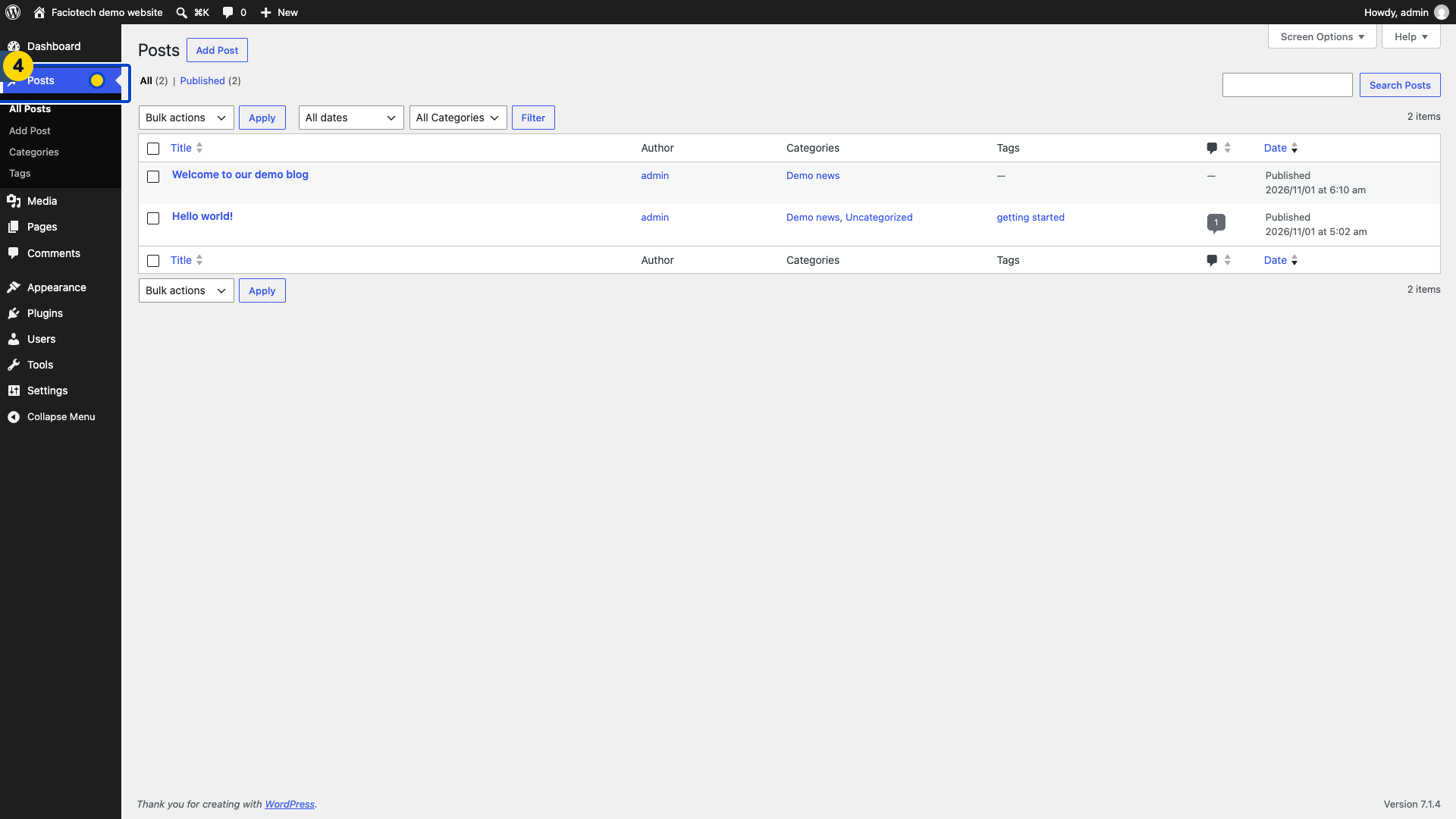
Open Posts. You will see the site’s post list.
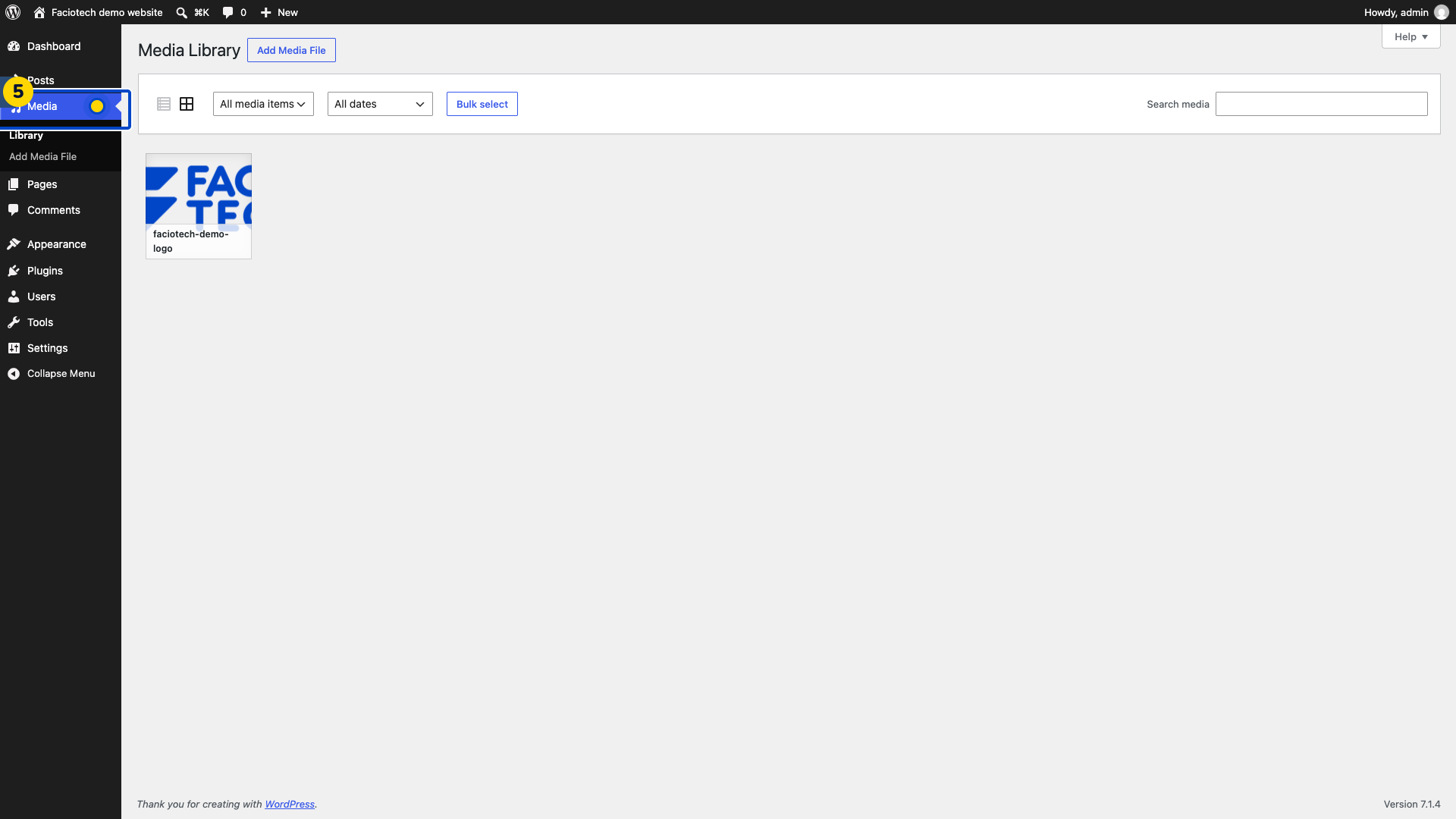
Open Media. The Media Library opens.
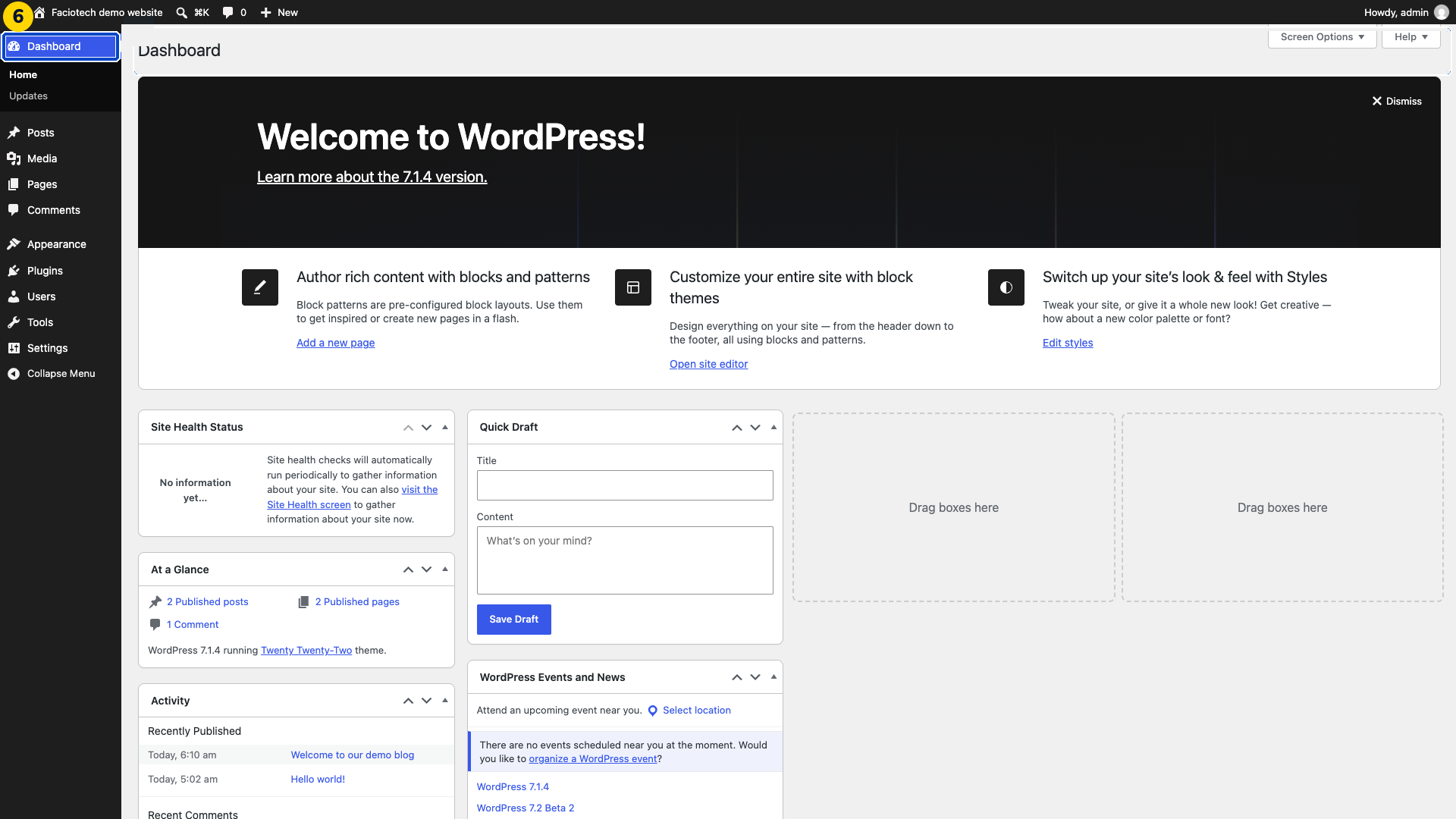
Return to Dashboard when finished. You will see the site overview again.
The menus available to you depend on your access and the features installed on the site.
Video walkthrough
Sources
For help, contact Faciotech support.
