
Download the tables and data from one database as a backup file.
Log in to cPanel from your client area. If that link is unavailable, use the panel address in your welcome email. The cPanel dashboard appears after successful sign-in.
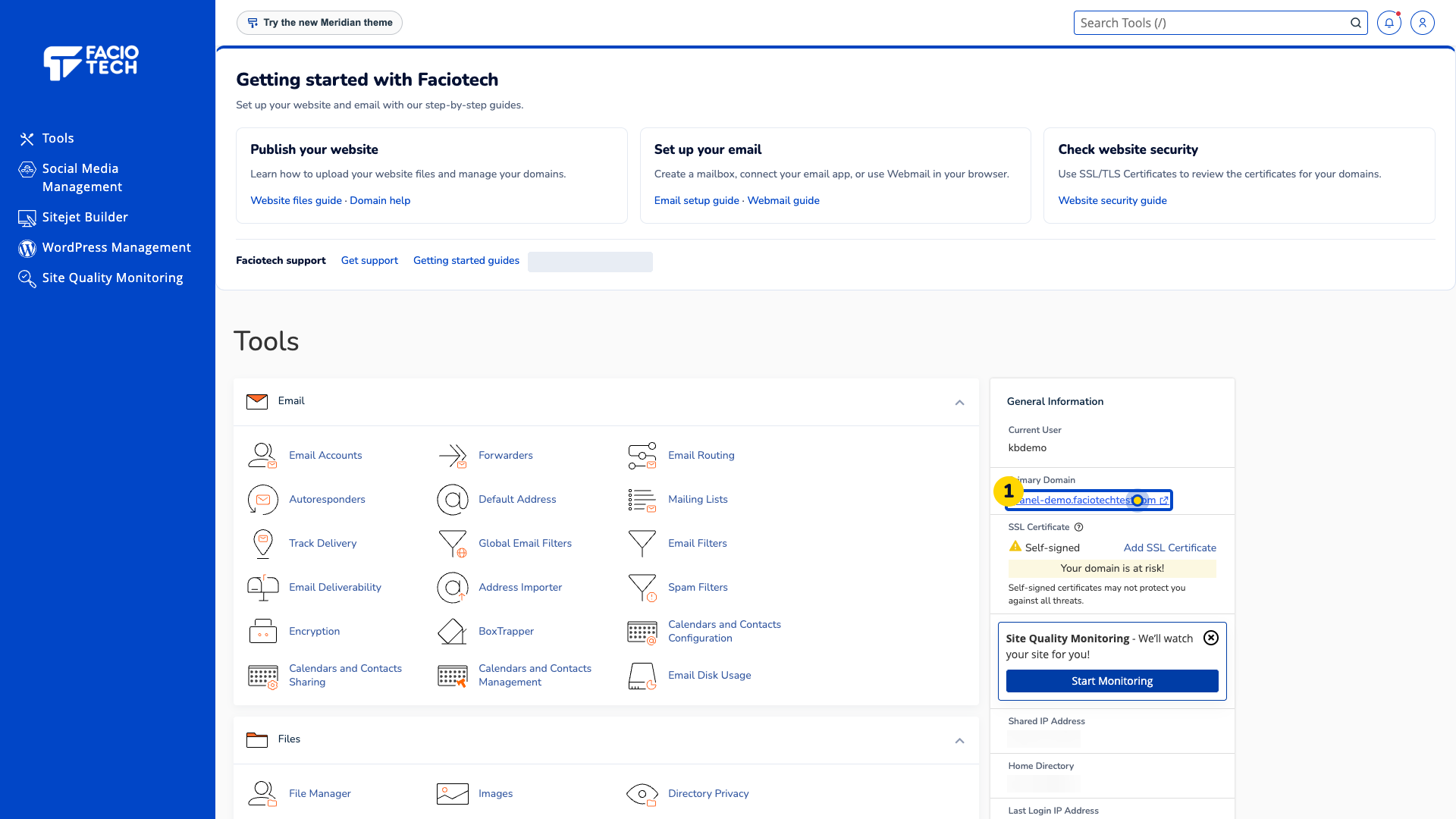
Open phpMyAdmin from Tools. It opens in another tab.
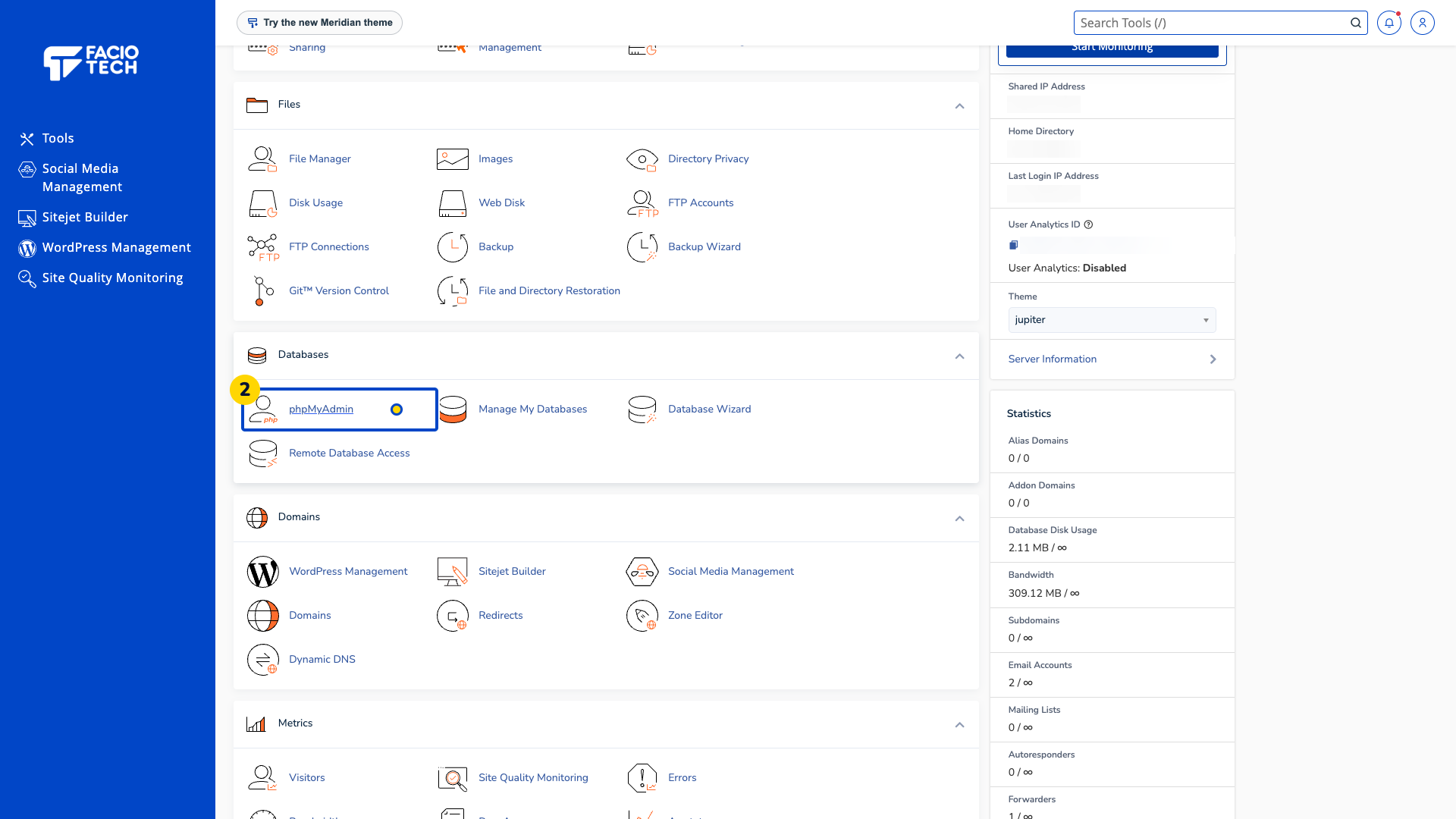
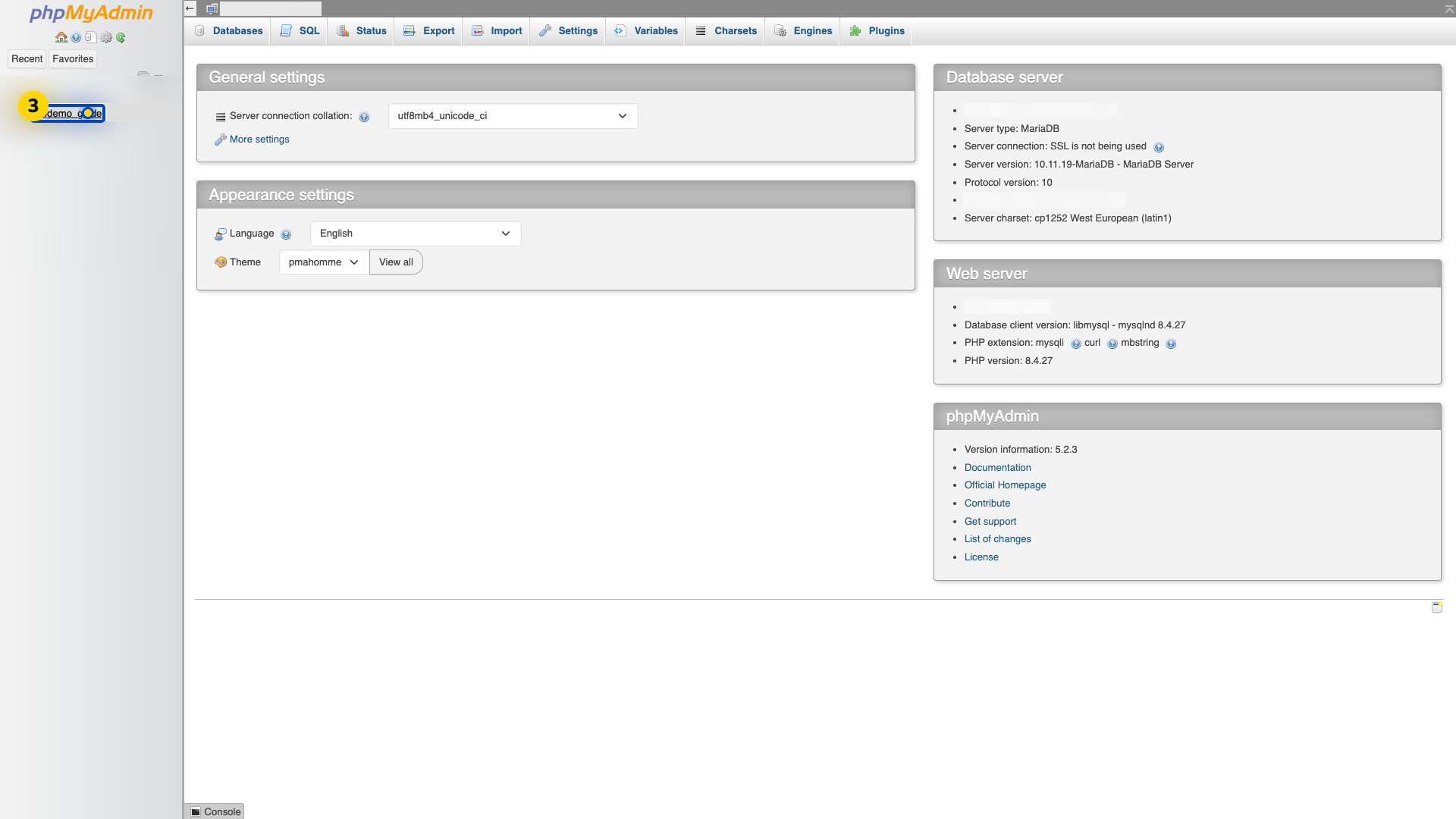
Choose the database you want to back up from the database list.
Choose Export for that database. The export options appear.
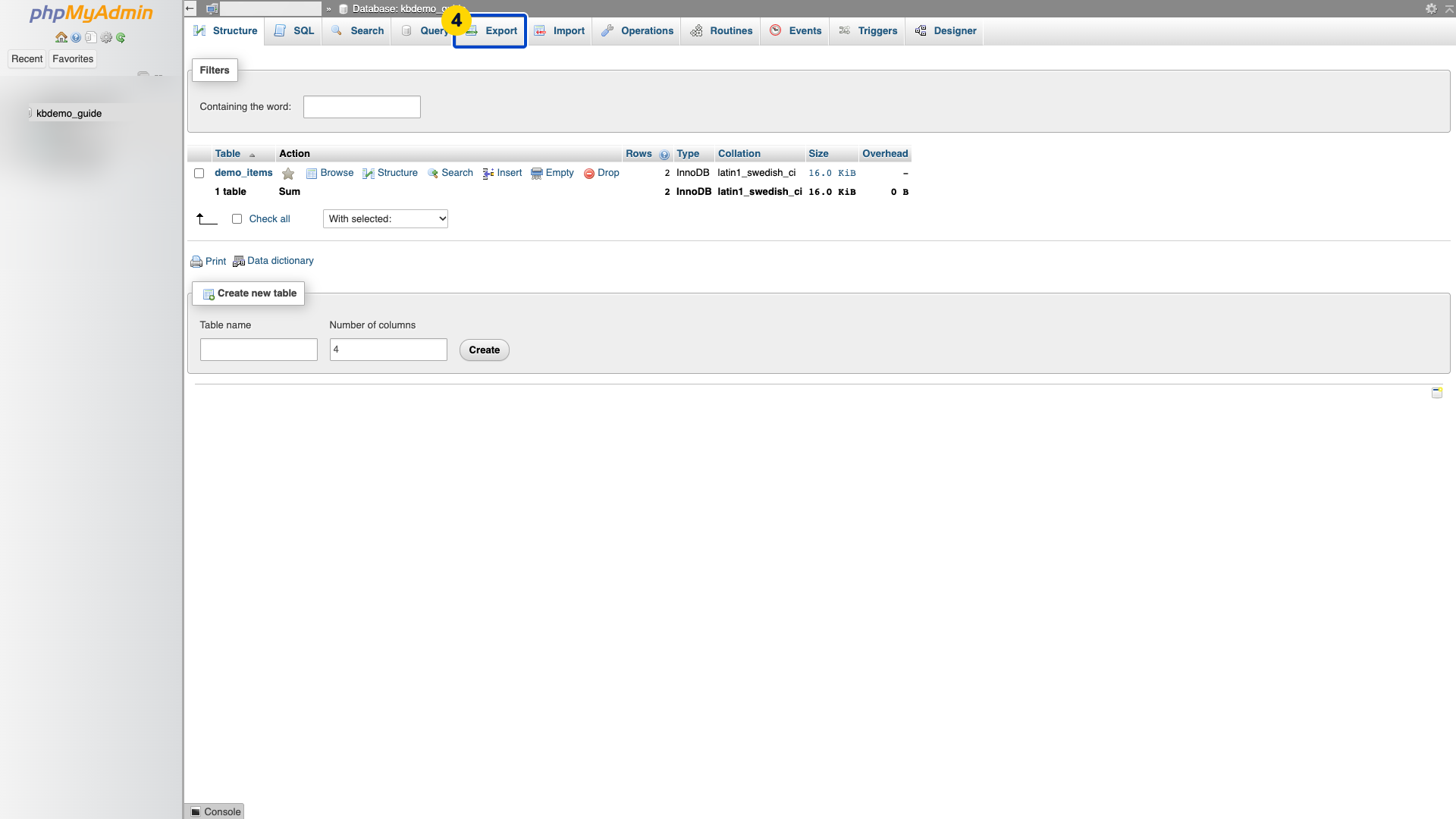
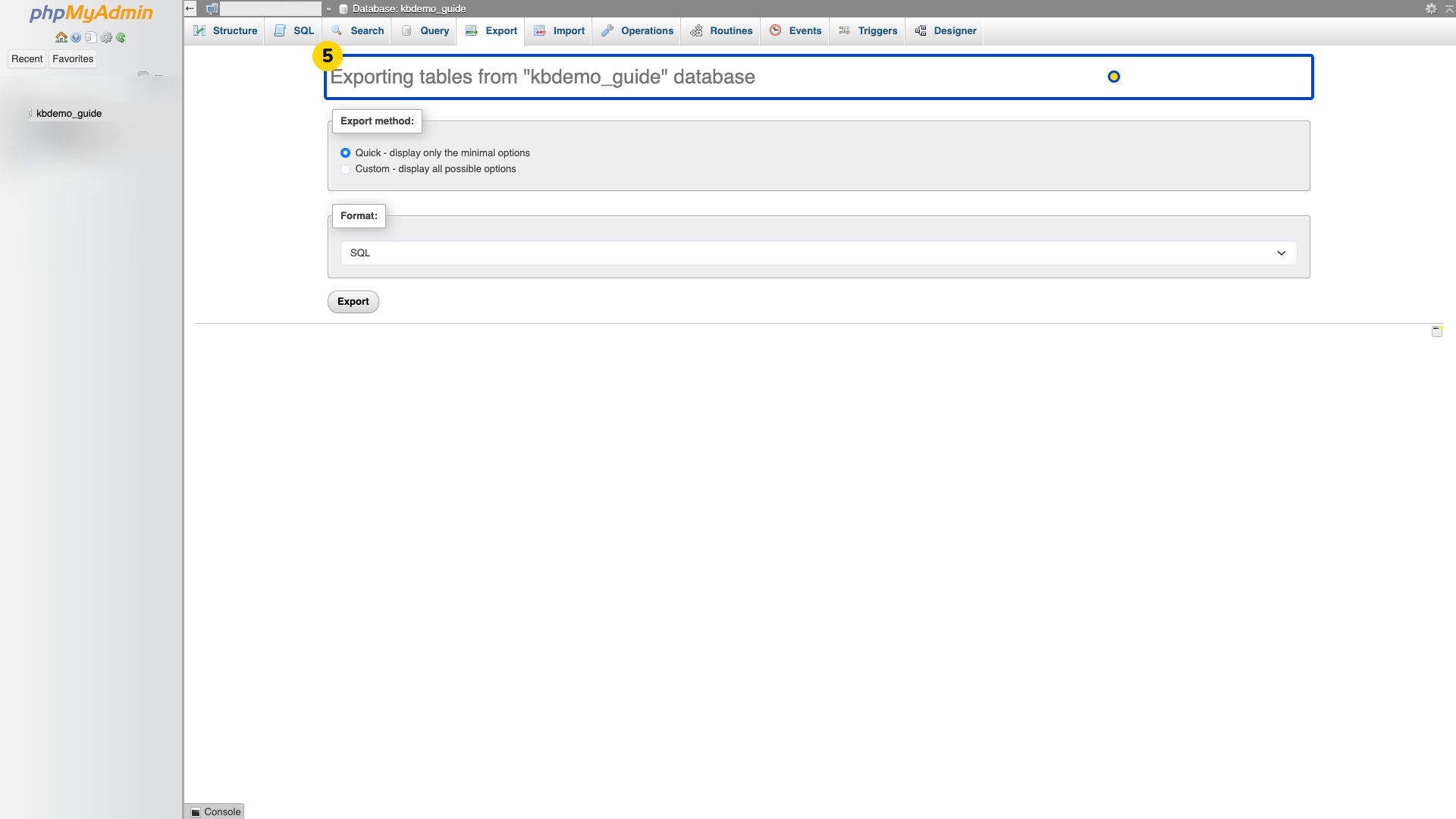
Check the database named on the export page before continuing.
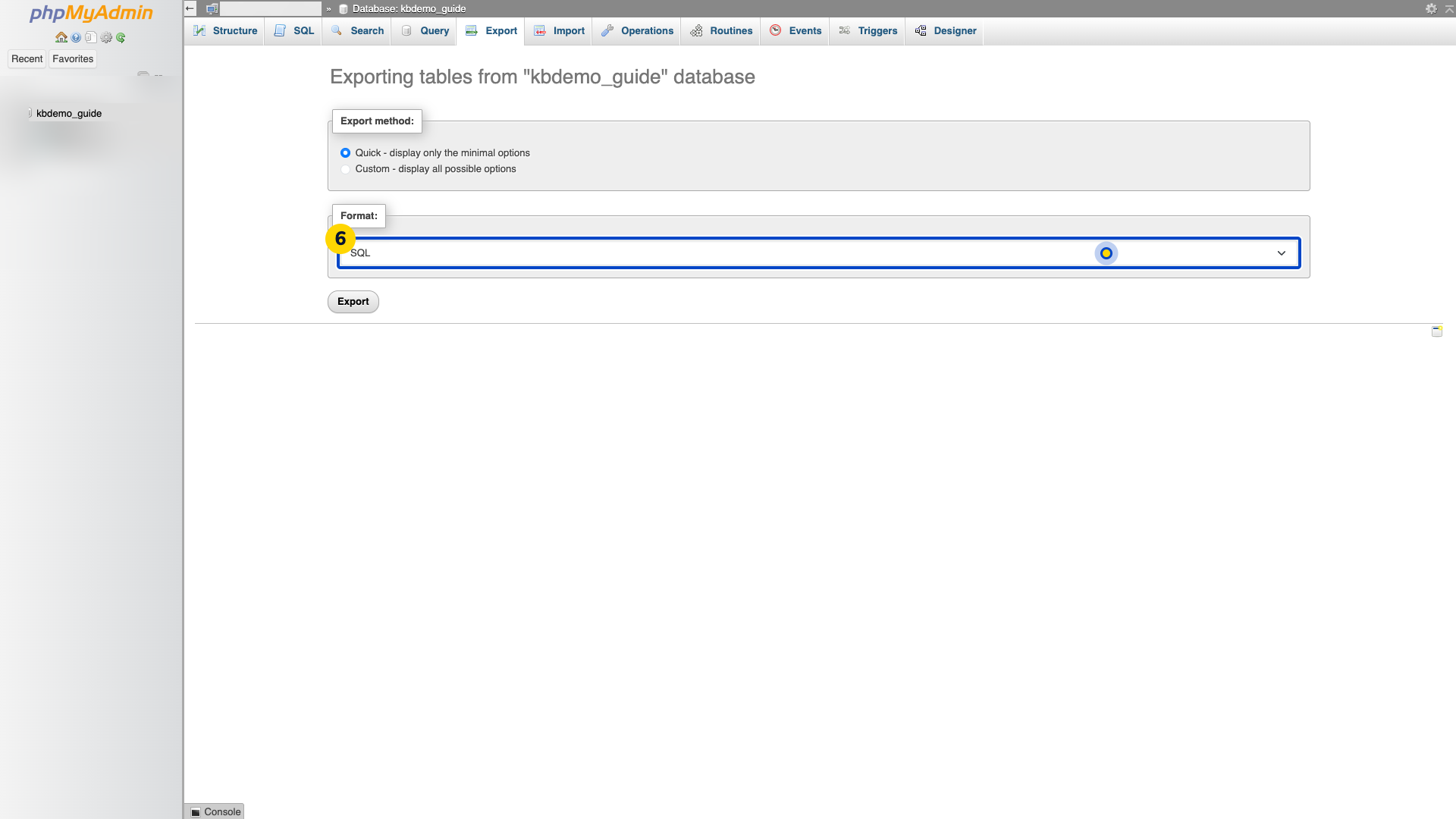
Choose the format your application needs. This example keeps Quick selected and uses SQL.
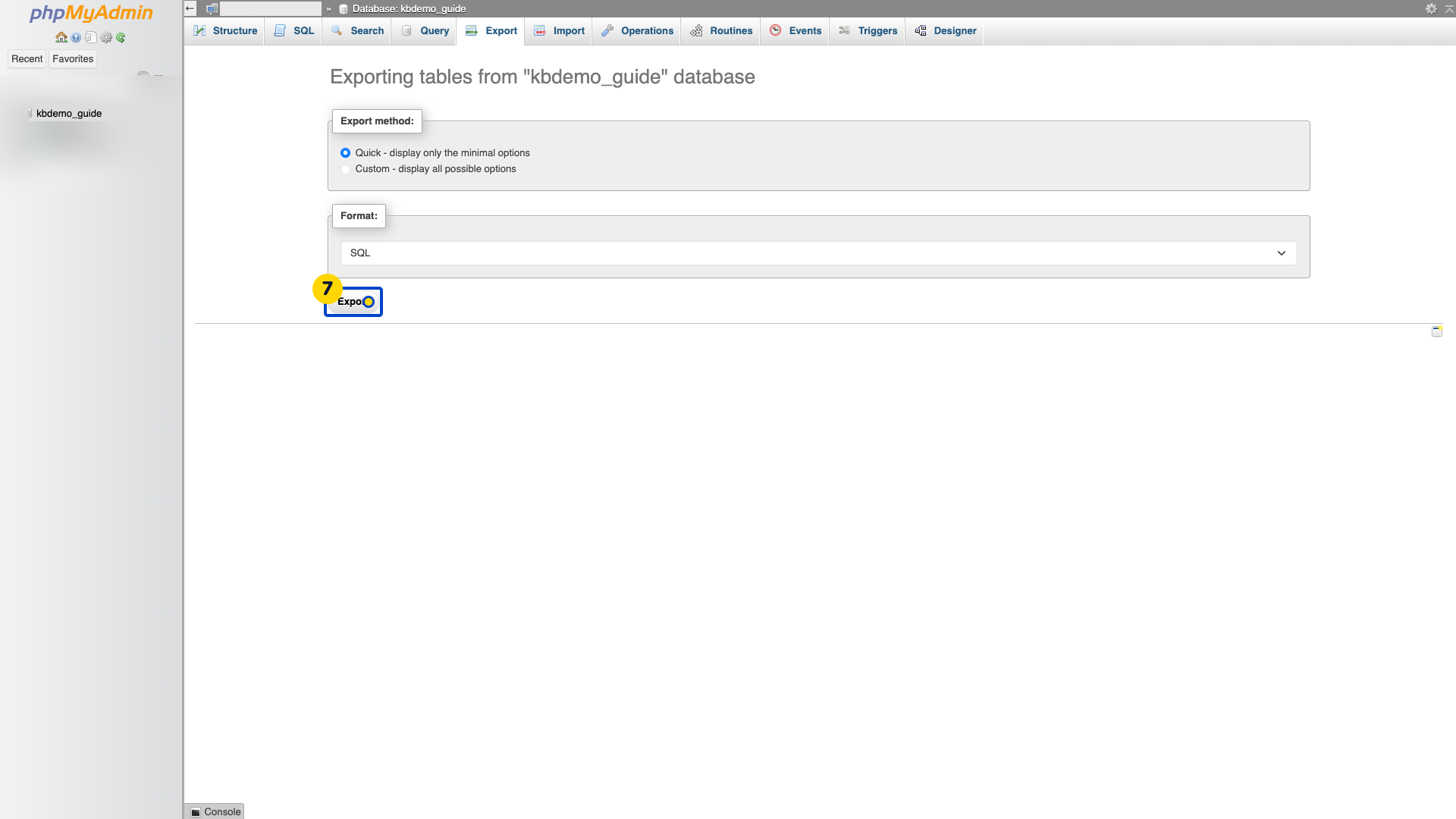
Choose Export to download the file. Wait for the download to complete.
Keep the downloaded file somewhere private and check that it is not empty.
This example exports only one demo database. A database export does not include your website’s separate files.
Video walkthrough
Sources
For help, contact Faciotech support.
