
Find the current cPanel preference sections before changing account information.
Log in to cPanel from your client area. If that link is unavailable, use the panel address in your welcome email. The cPanel dashboard opens.
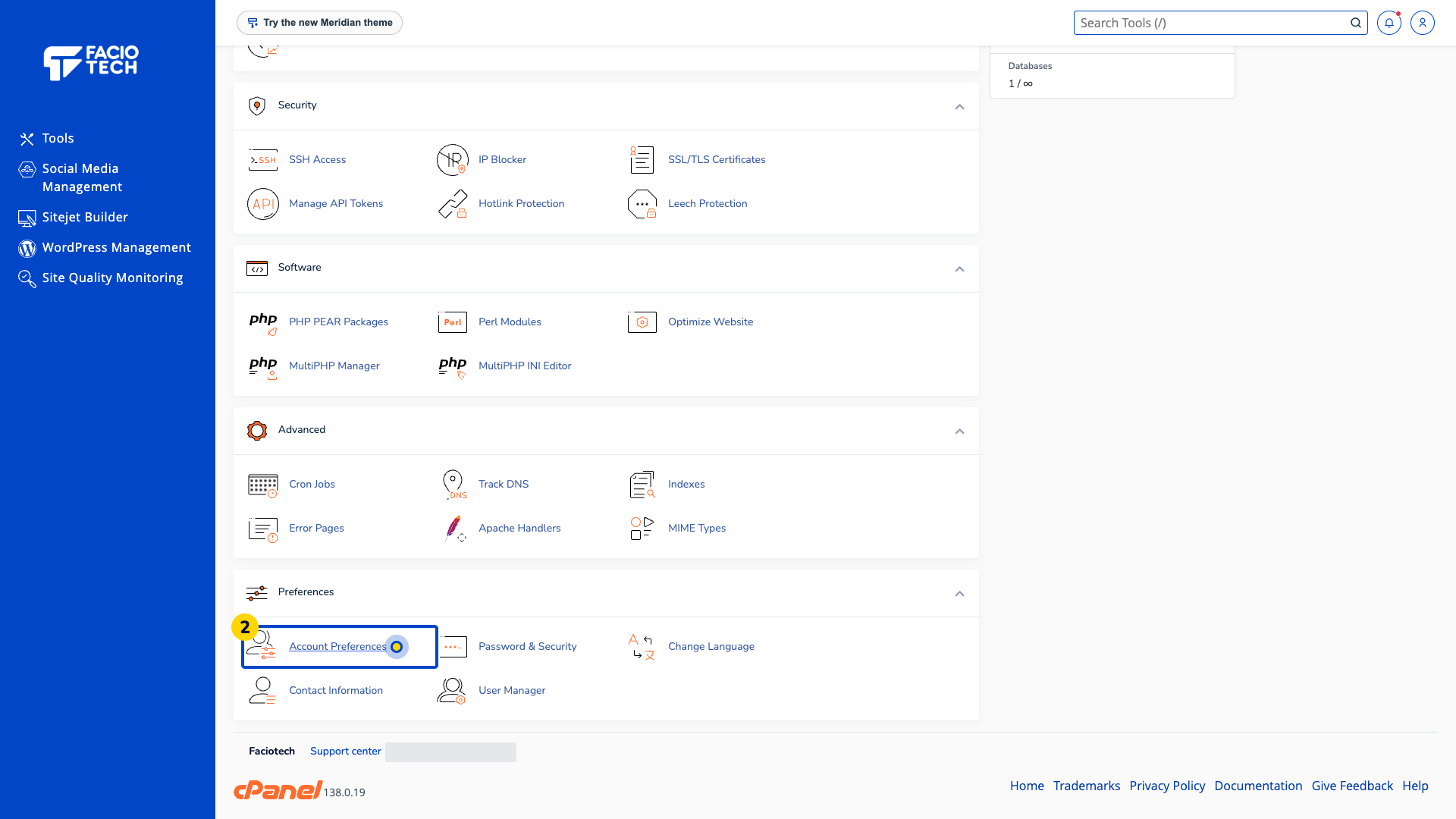
Open Account Preferences from Tools. The Account Preferences page opens.
Find the section you need, such as Contact Information, Change Language or Change Password.
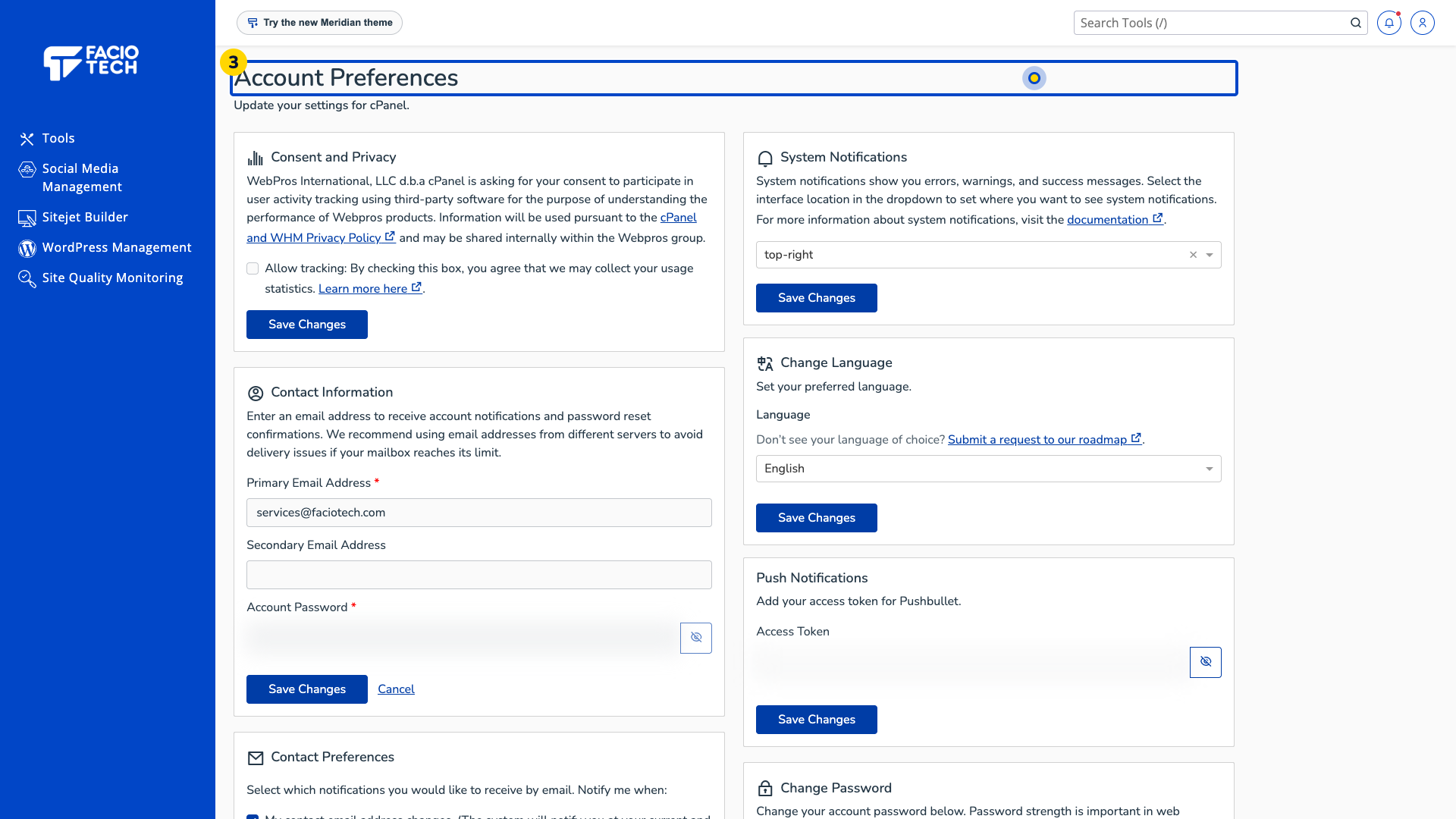
Read the guidance and current choices for that section before entering a change.
Ask support if a login or contact detail is unexpected. Keep account passwords and access tokens private.
A password change can end your current cPanel session.
For help, contact Faciotech support.
