
Add a signature to the mailbox identity you use in Roundcube.
Open your mailbox in Roundcube. Check the full email address before continuing.
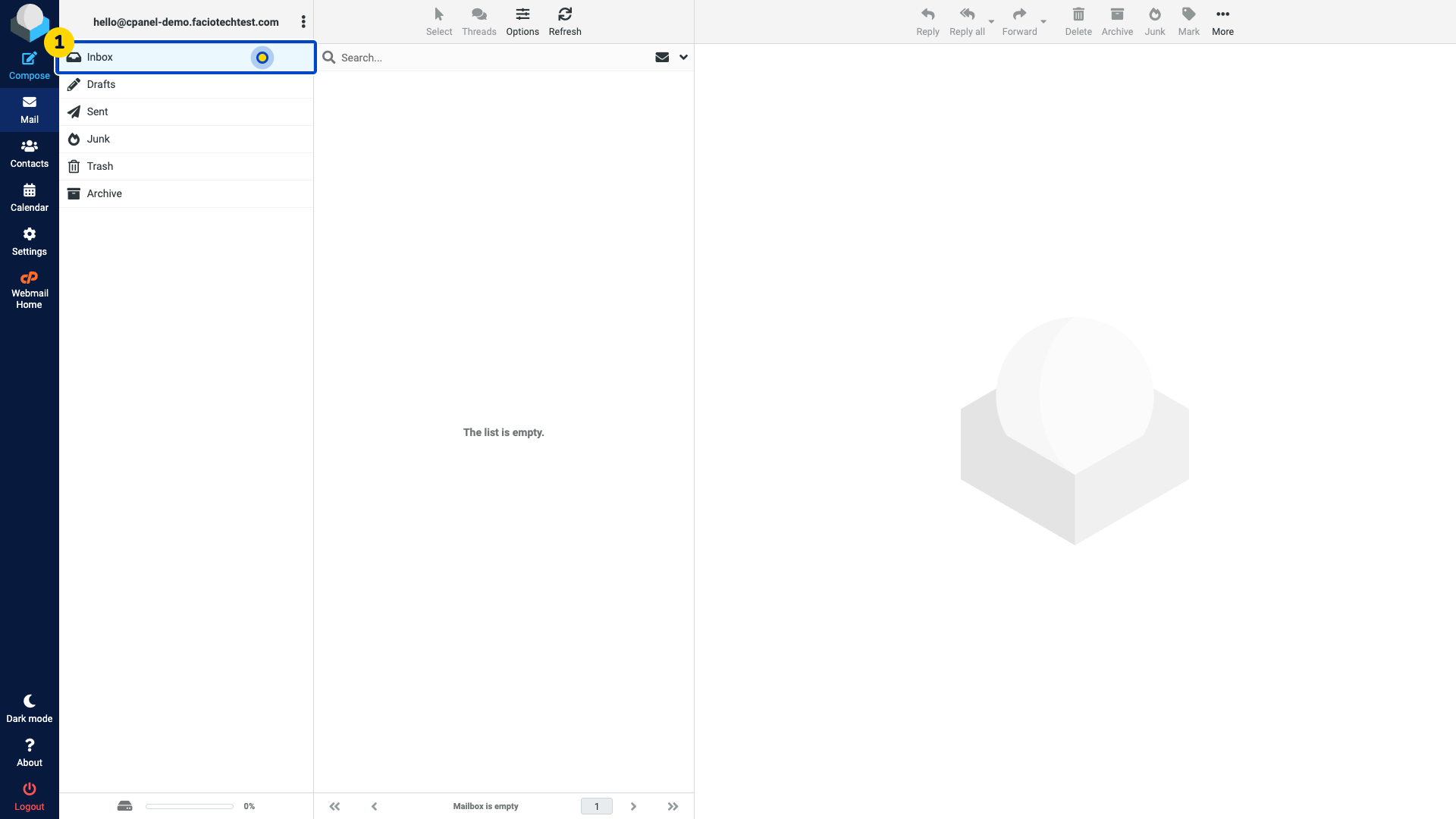
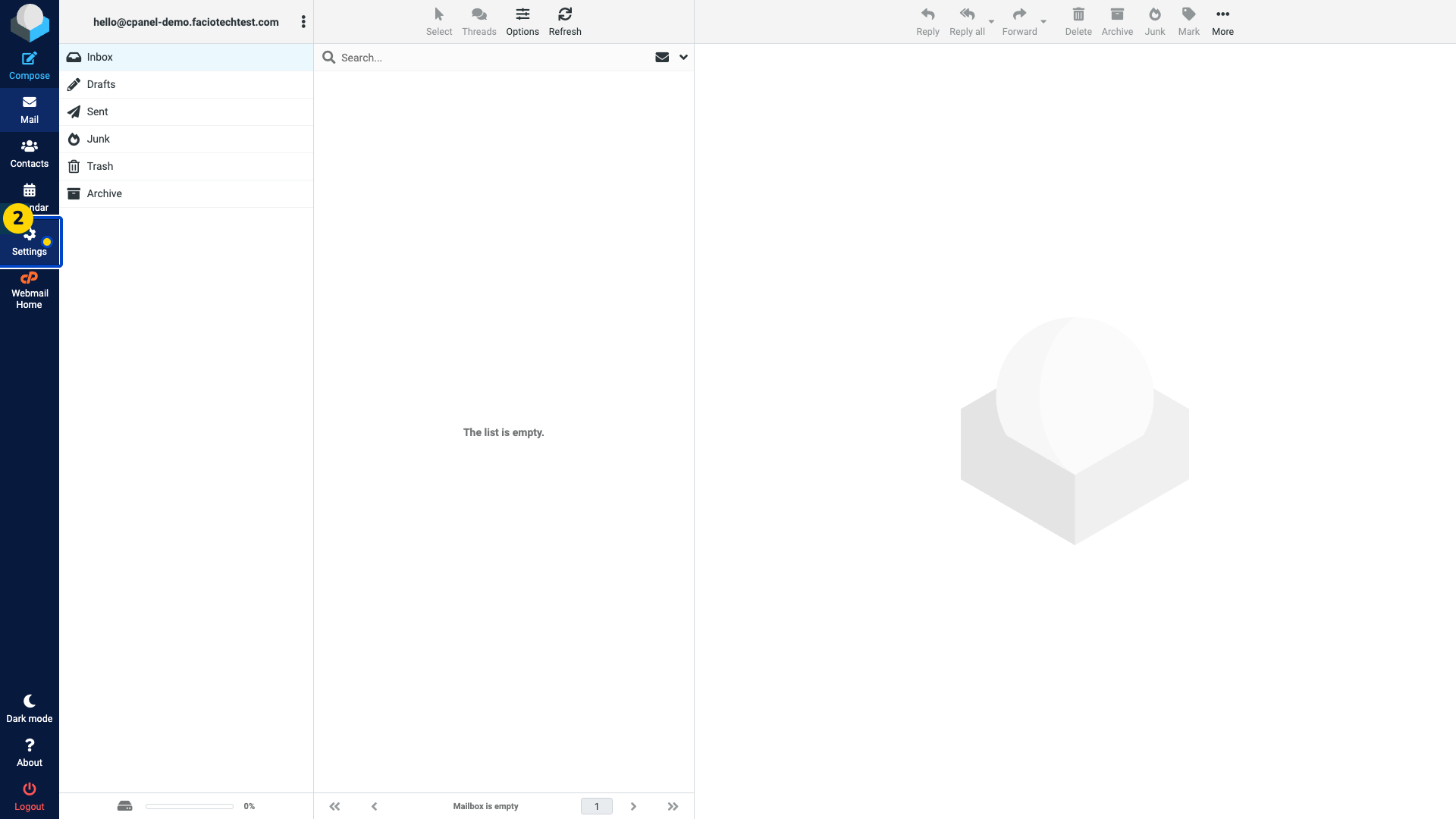
Choose Settings in the left menu. The settings options appear.
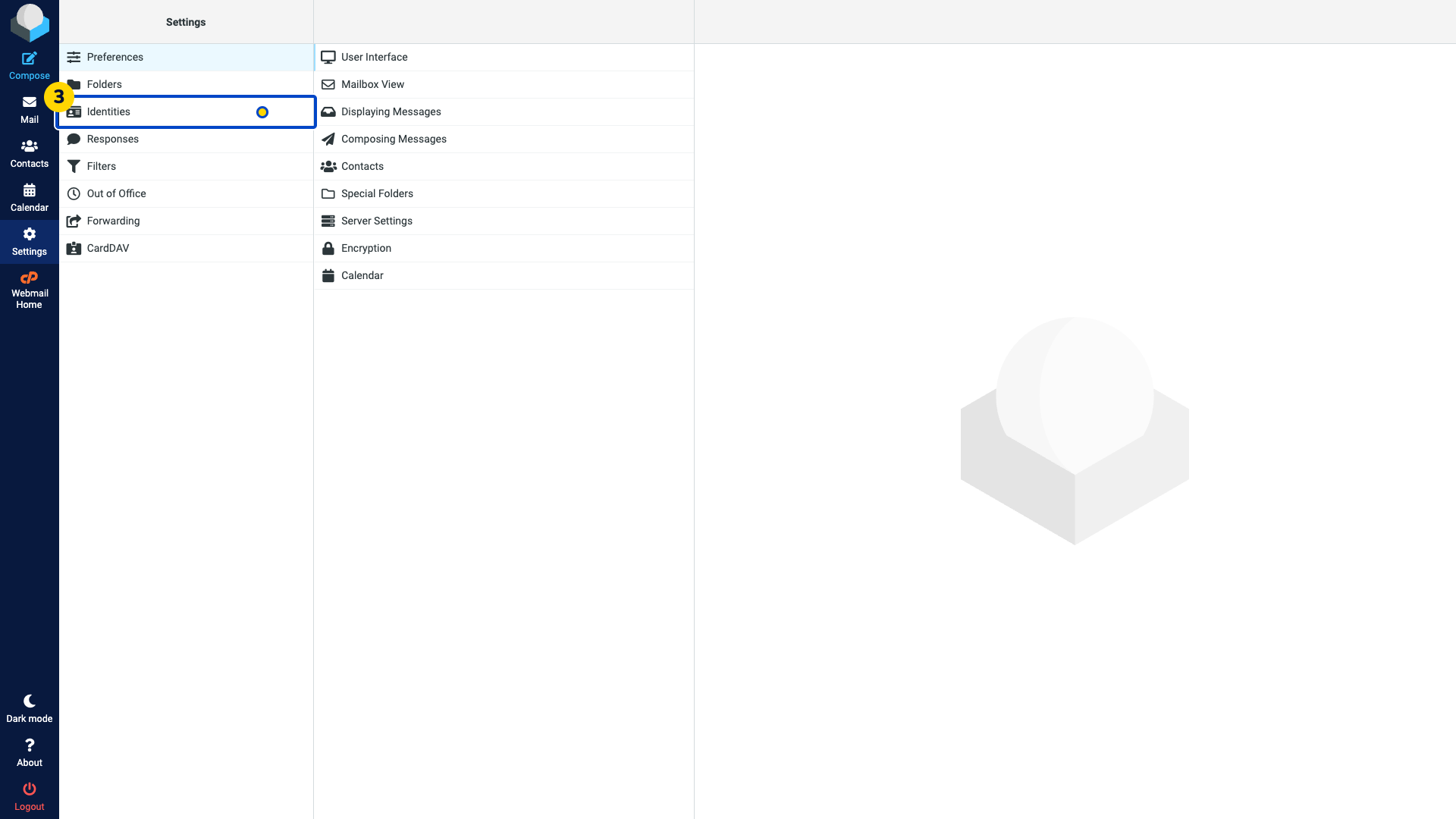
Choose Identities. The mailbox identities appear.
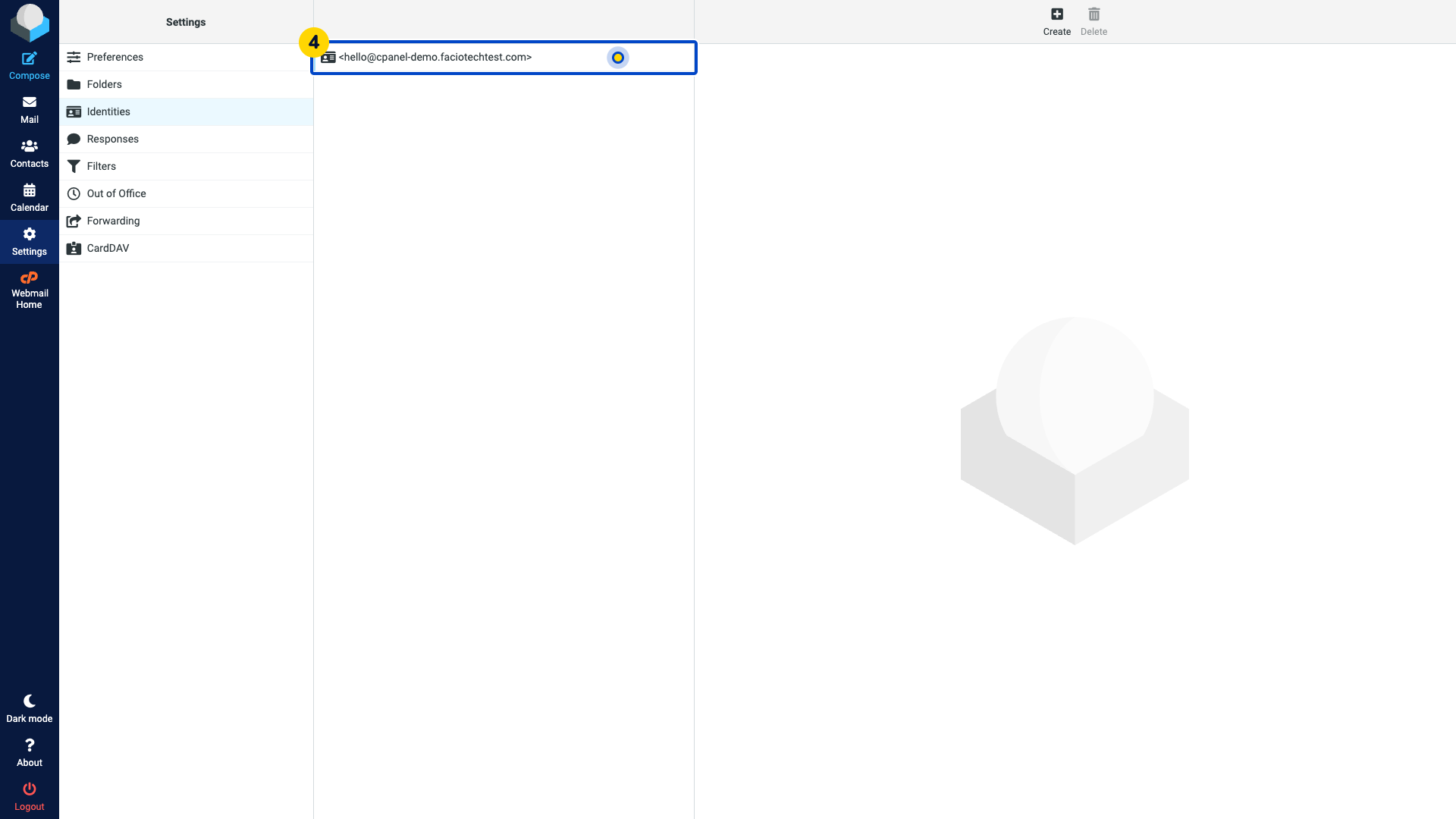
Select the identity for the email address you use.
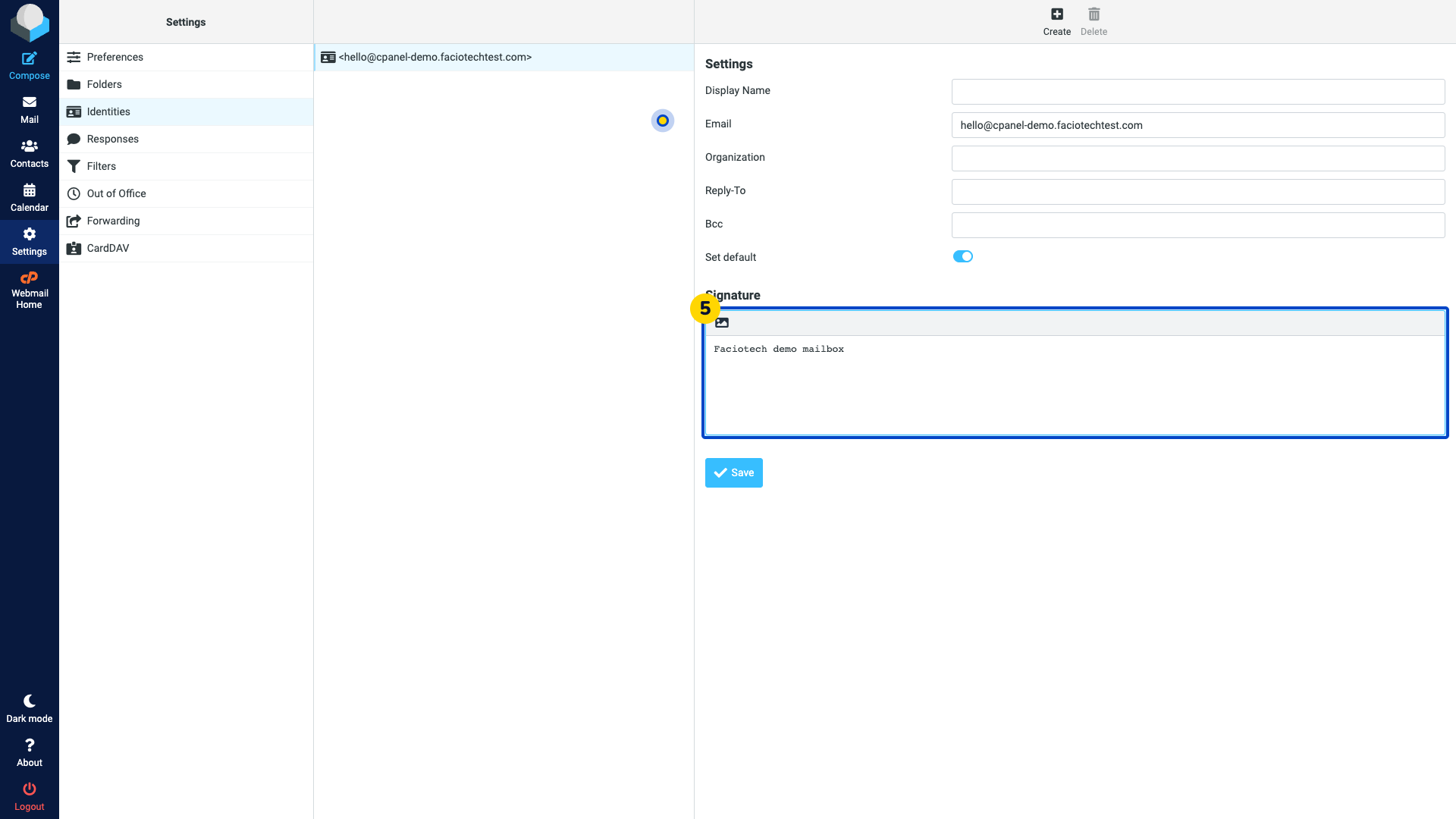
Enter your signature in Signature. Leave the sender address and other identity fields unchanged.
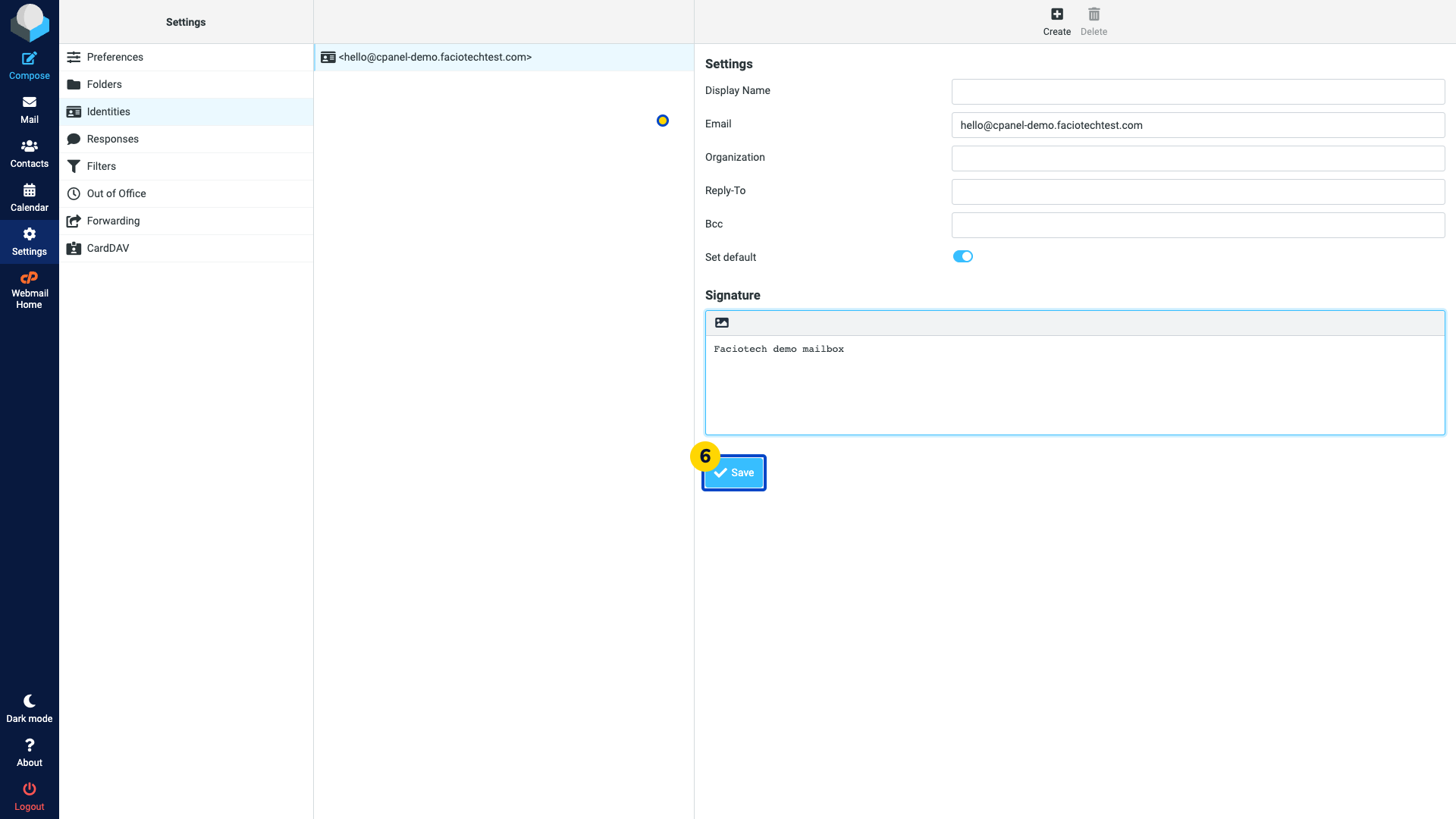
Select Save. Wait for the saved confirmation.
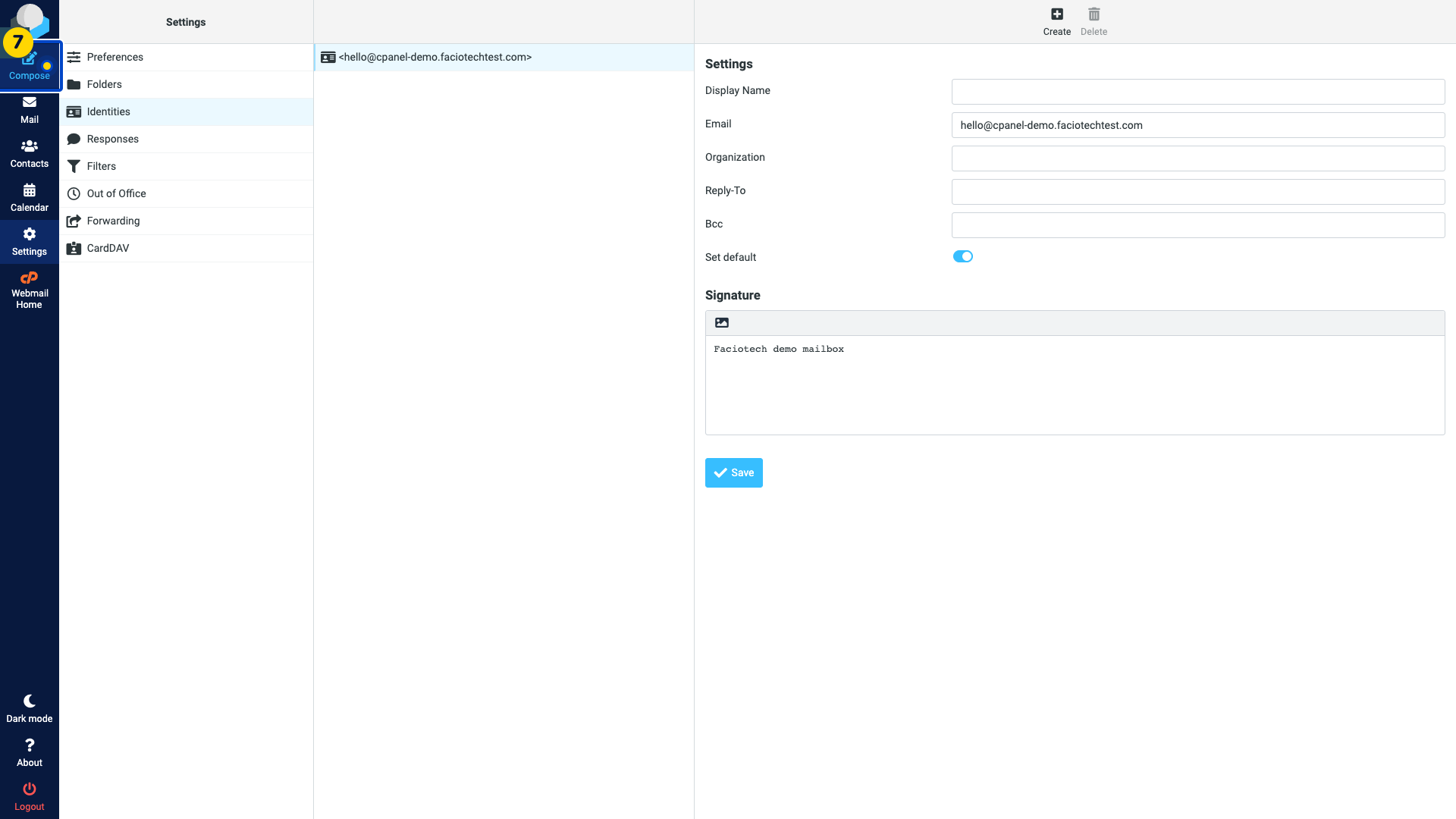
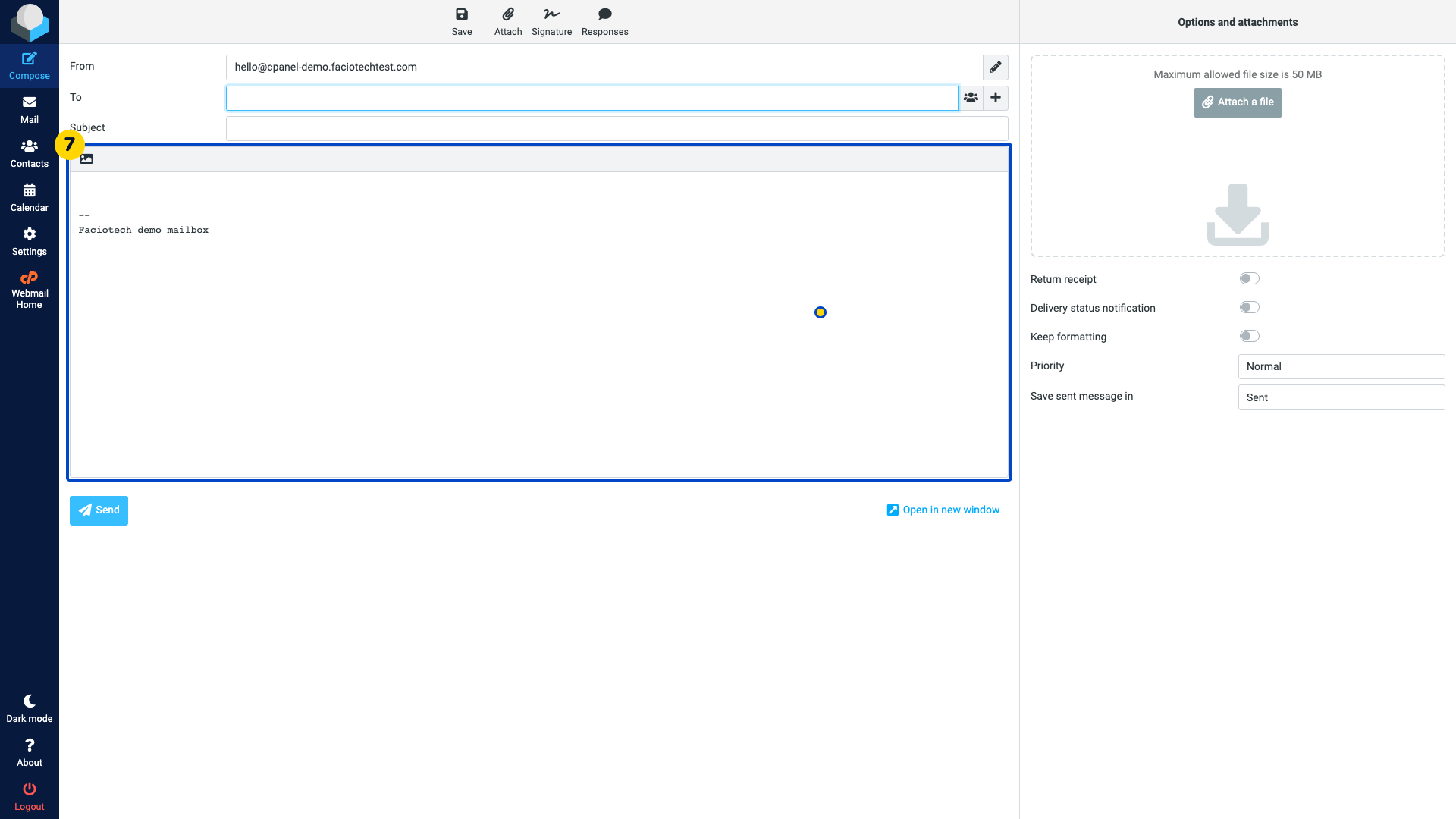
Choose Compose. Check that the signature appears in the new message.
Choose Mail to close the test draft without sending it. If asked, discard the draft.
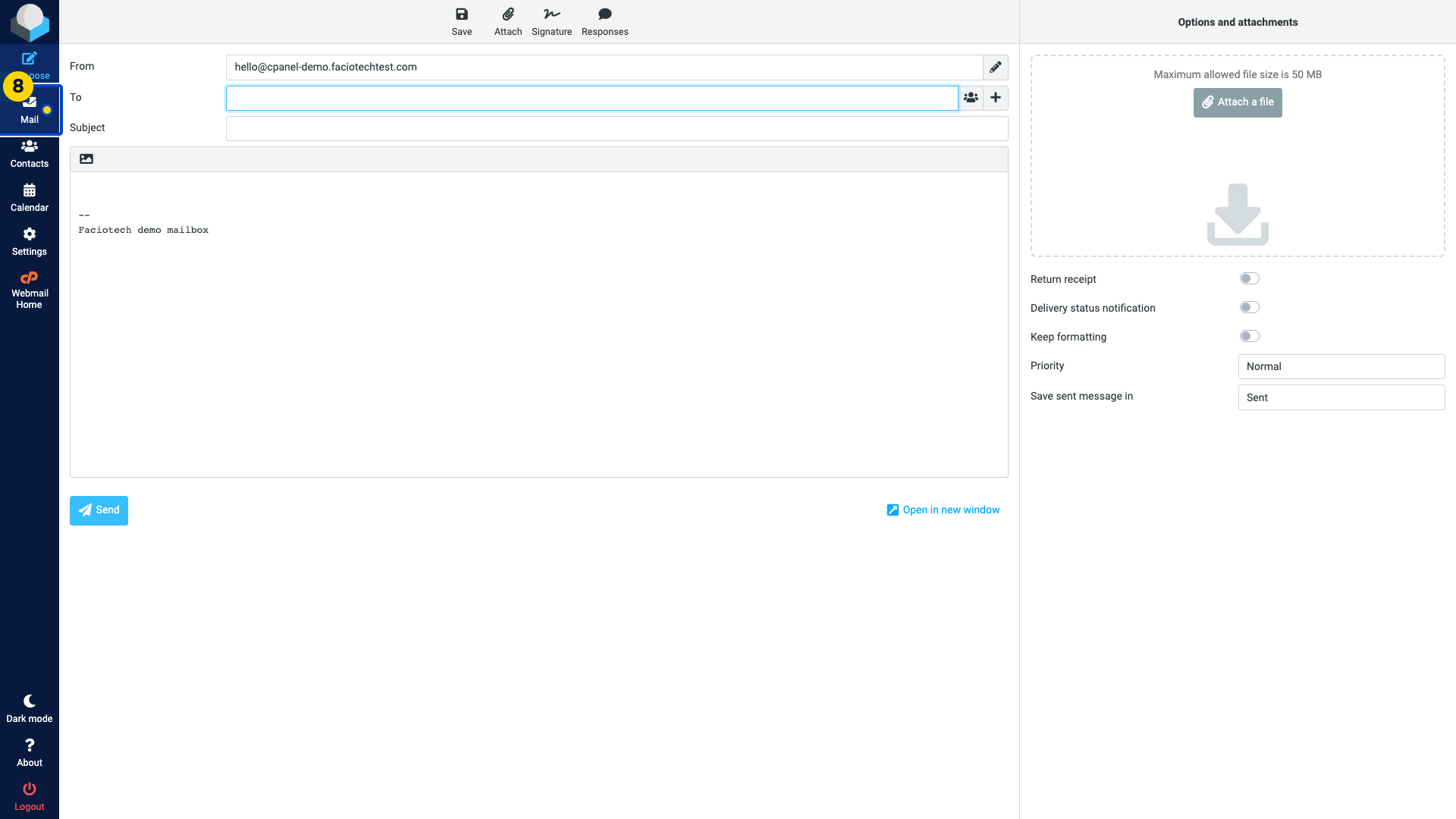
Each identity can have a separate signature. If it does not appear automatically, check Settings > Preferences > Composing Messages, or use Signature in the message toolbar.
Video walkthrough
Sources
For help, contact Faciotech support.
