
Use page search to find the DirectAdmin tools for your hosting account.
Log in to DirectAdmin from your client area. If that link is unavailable, use the panel address in your welcome email. The DirectAdmin dashboard appears after successful sign-in.
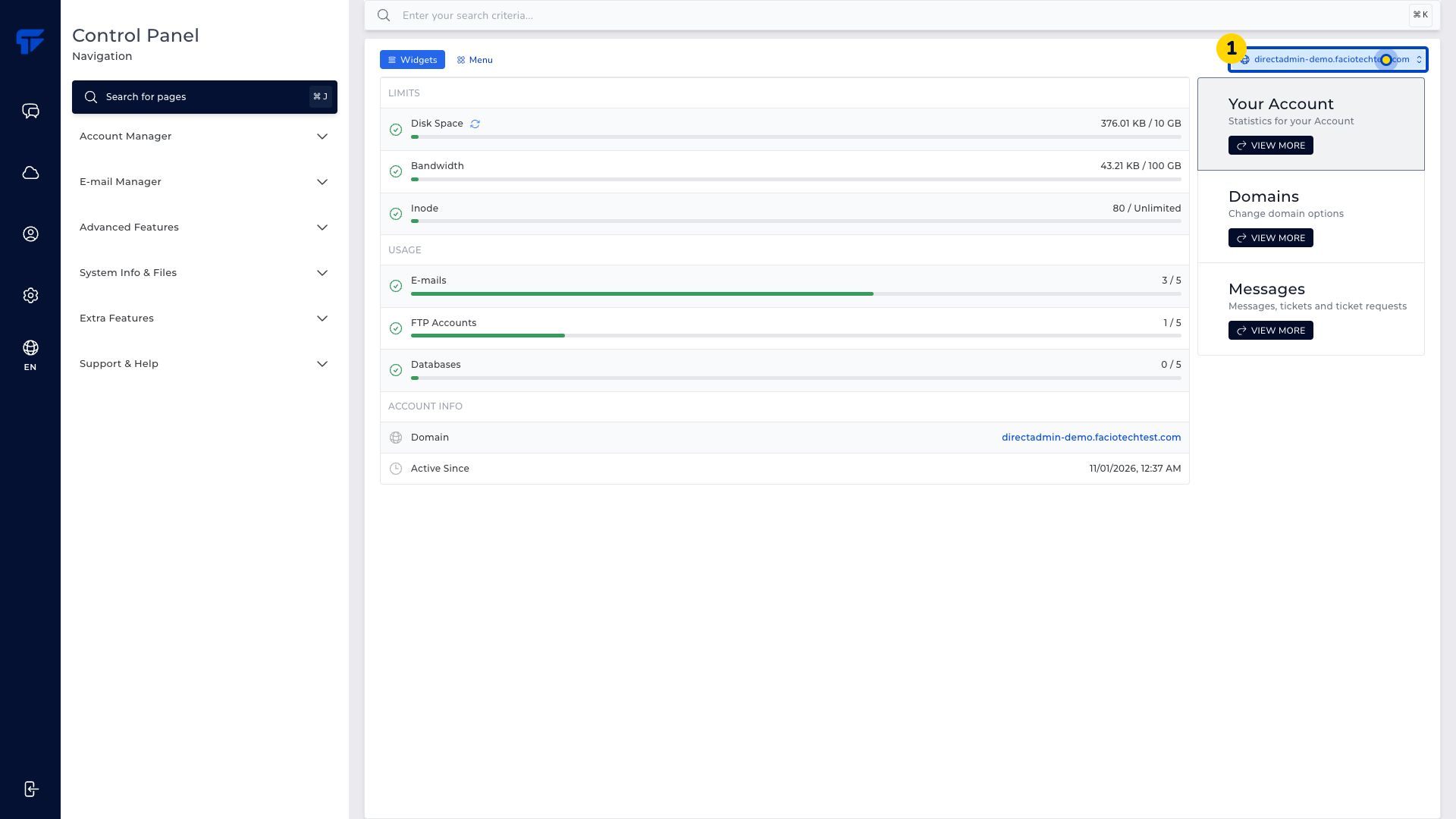
Check which domain is selected at the top of the page.
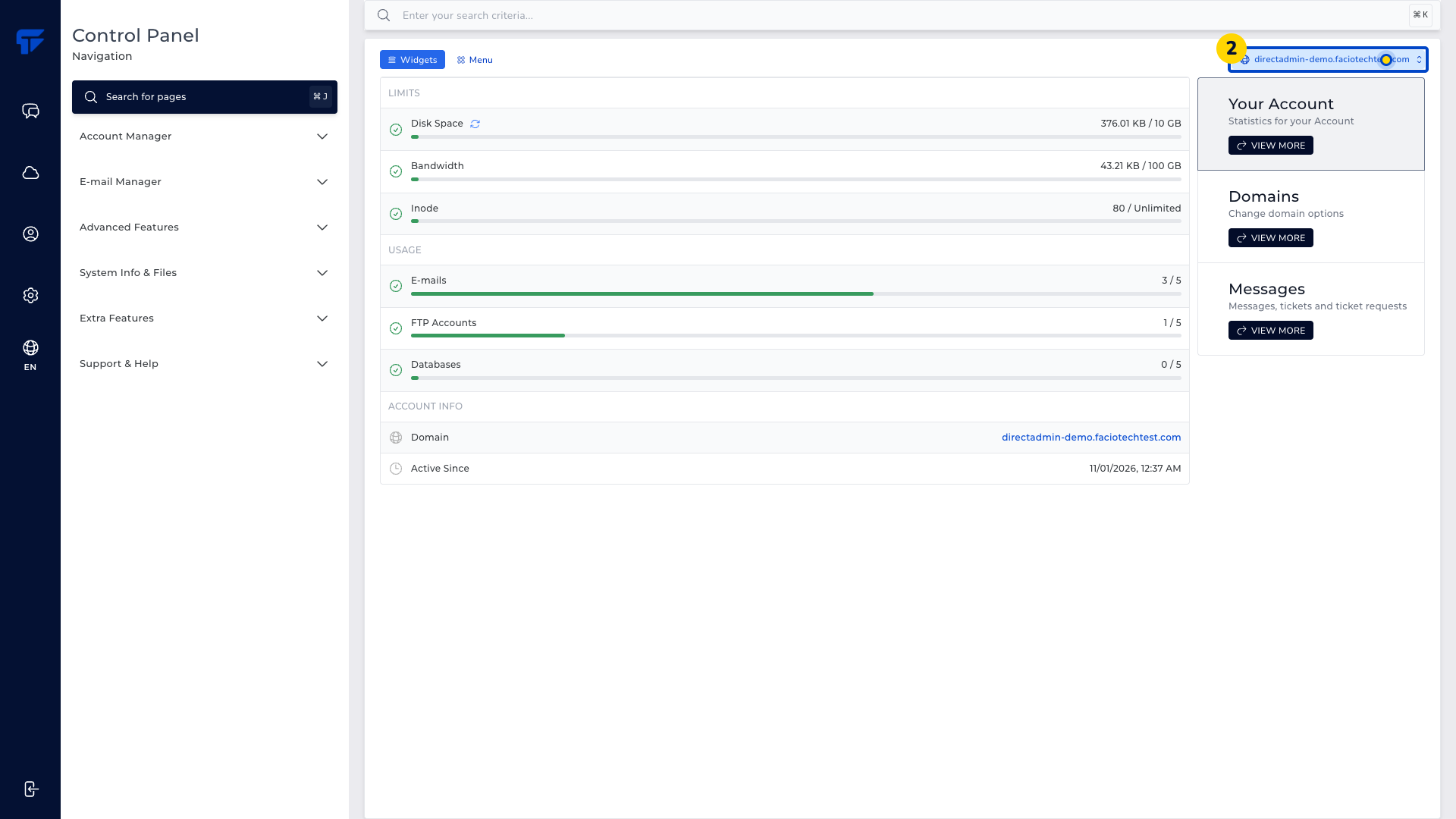
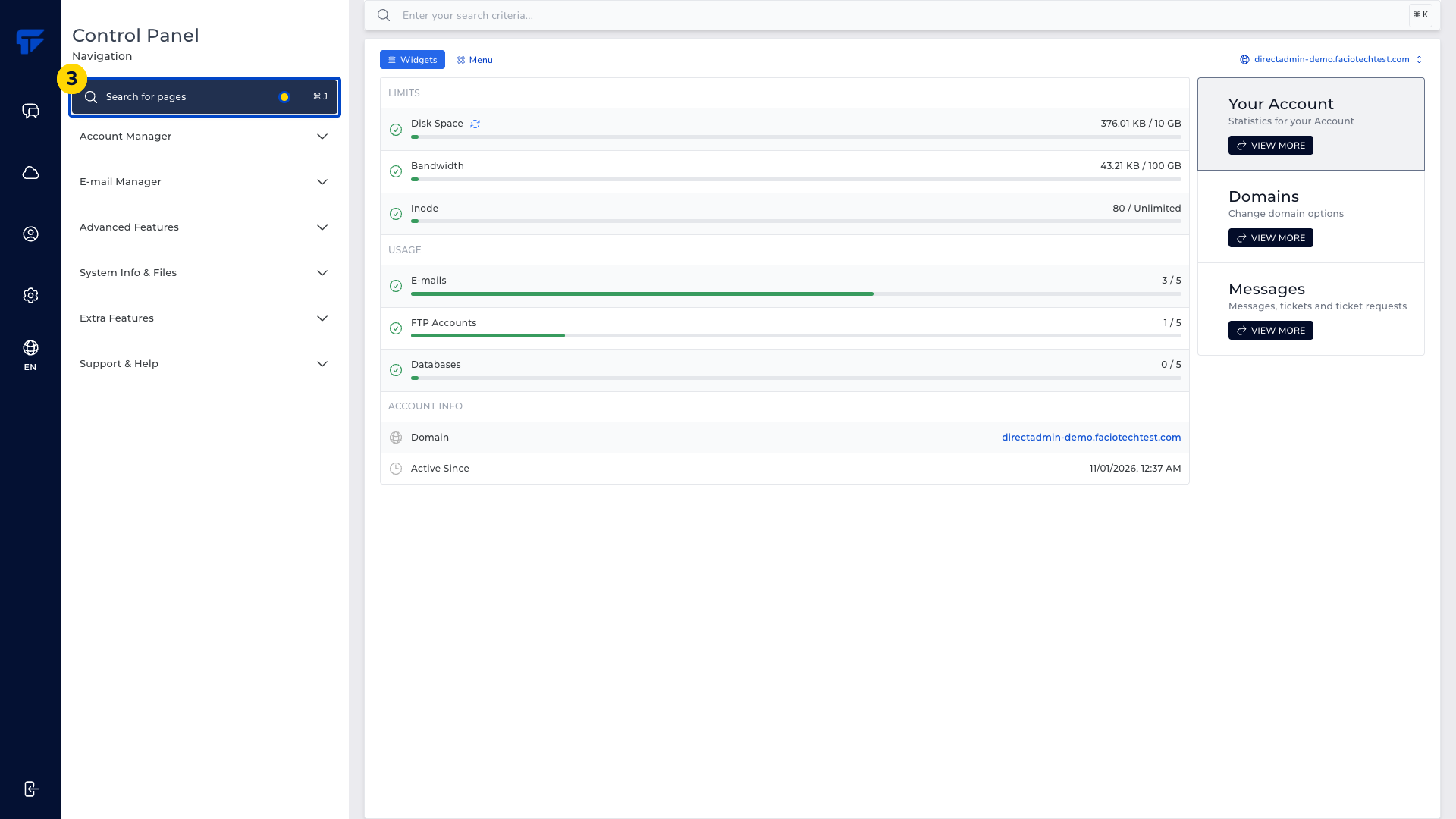
Choose Search for pages. The page-search window opens.
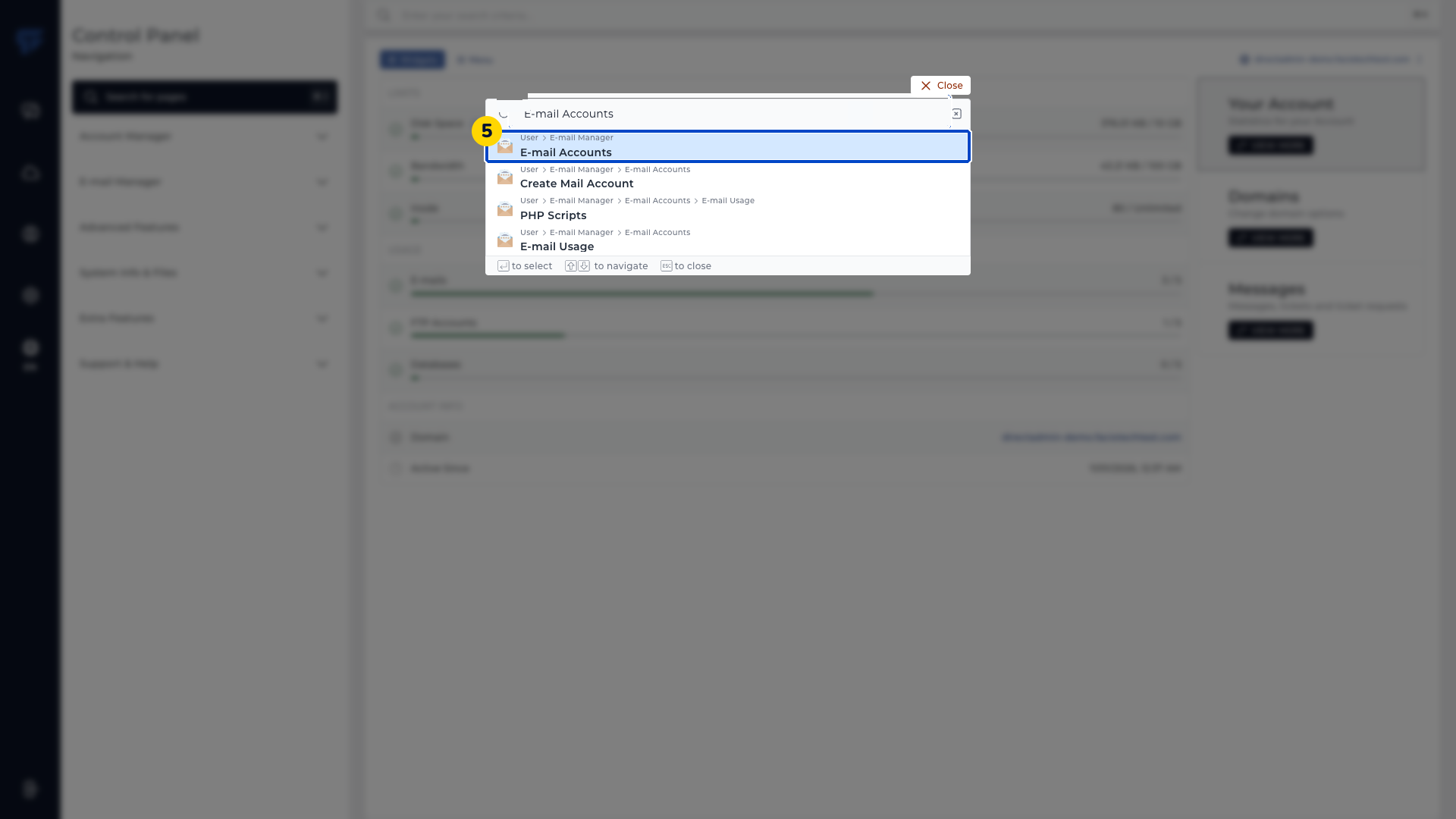
Enter E-mail Accounts. Matching user pages appear in the search results.
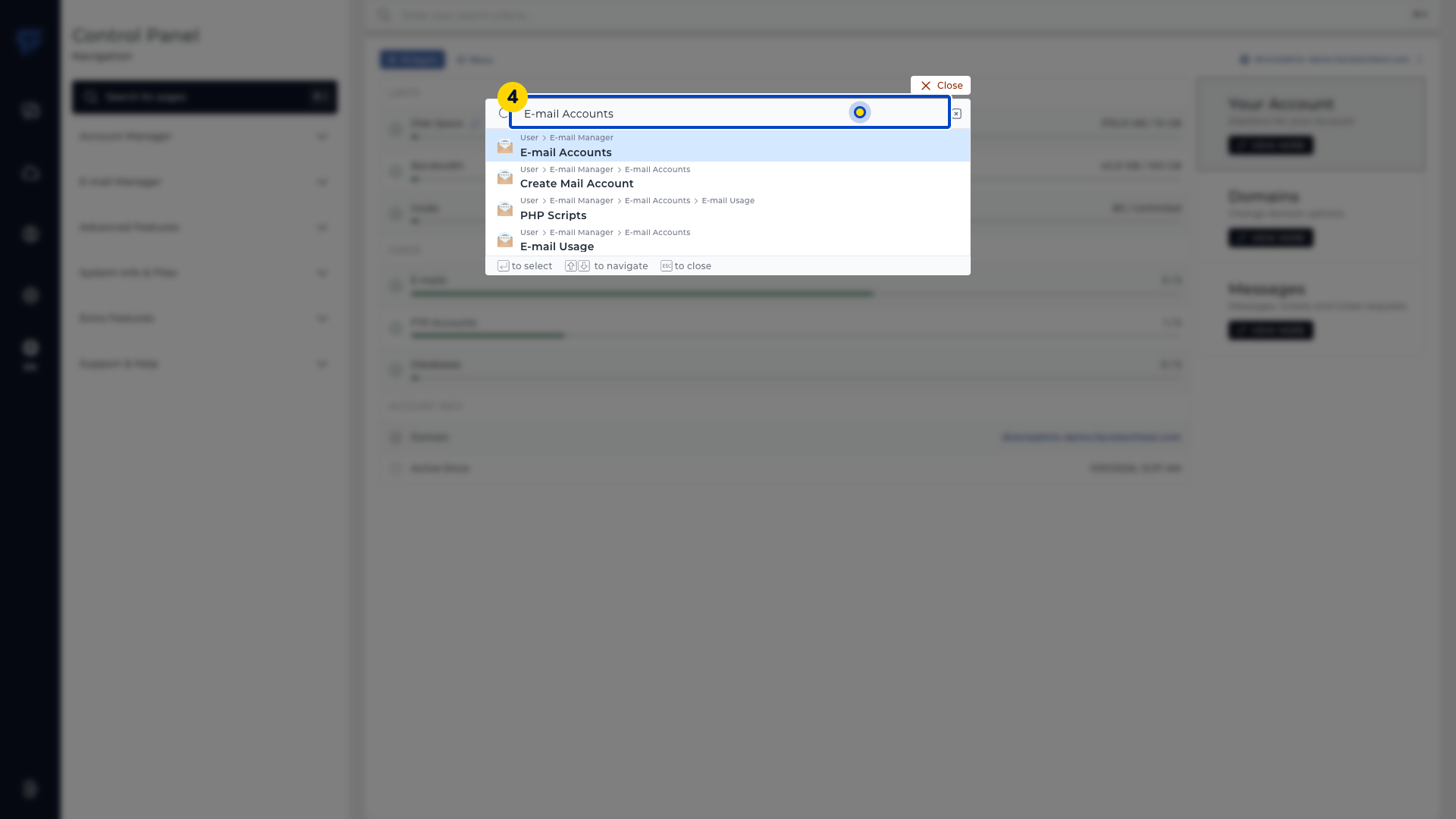
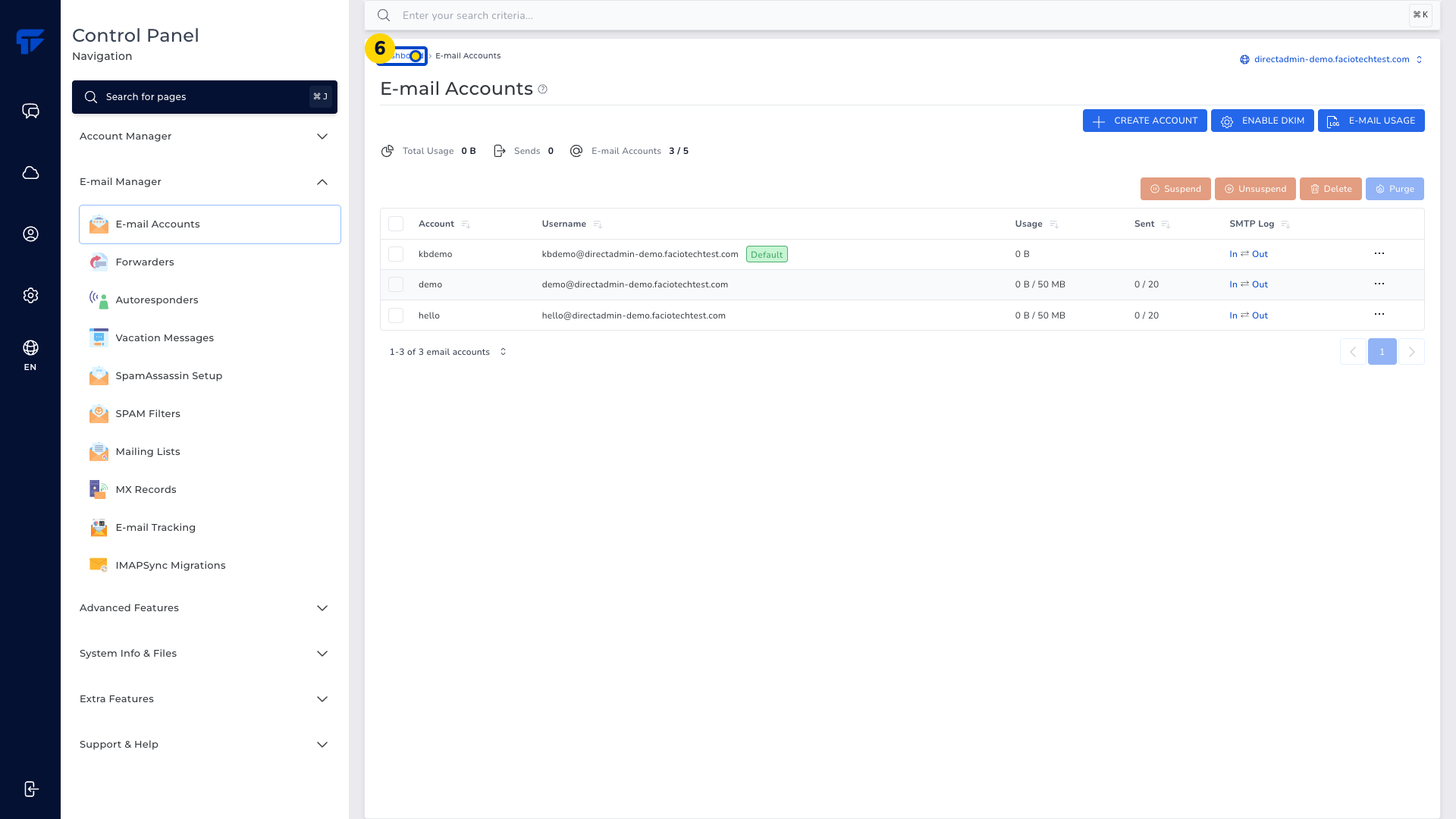
Open the E-mail Accounts result. The mailbox list appears.
Choose Dashboard in the breadcrumb navigation. The main dashboard appears.
Choose Search for pages. The page-search window opens.
Enter File Manager. The matching File Manager result appears.
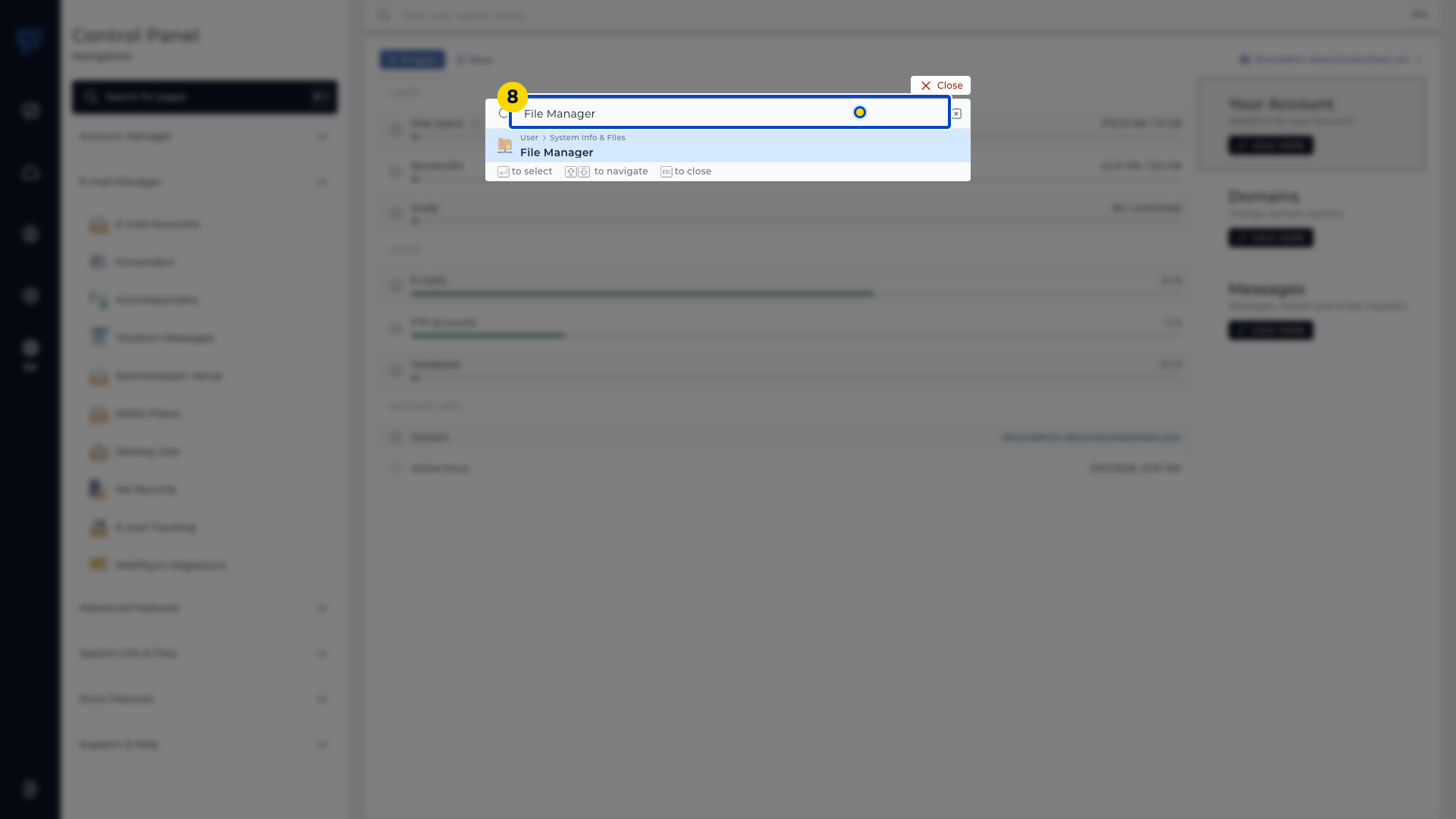
Open the File Manager result. The account file browser appears.
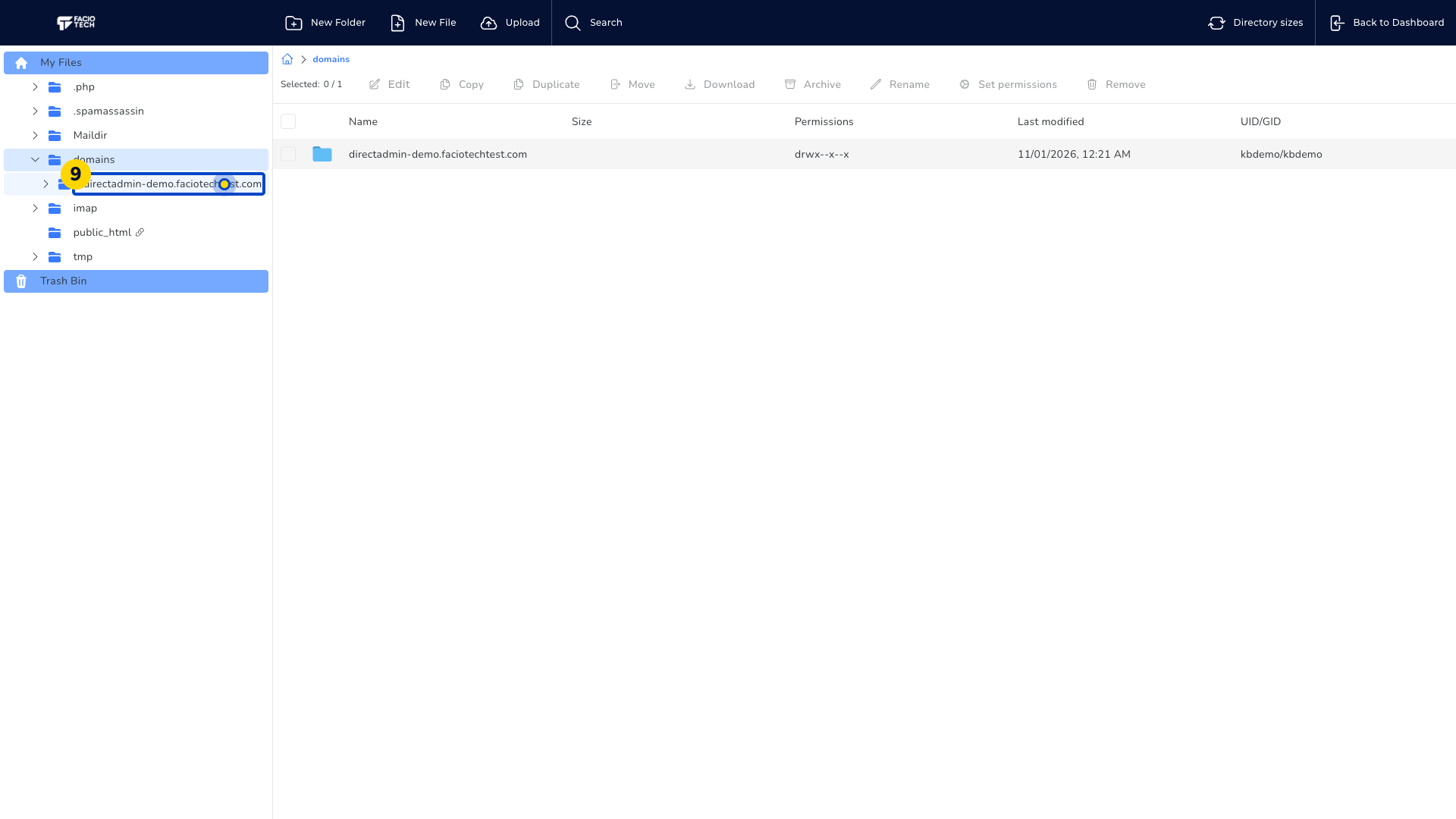
Choose Back to Dashboard when you finish in File Manager. The main dashboard appears.
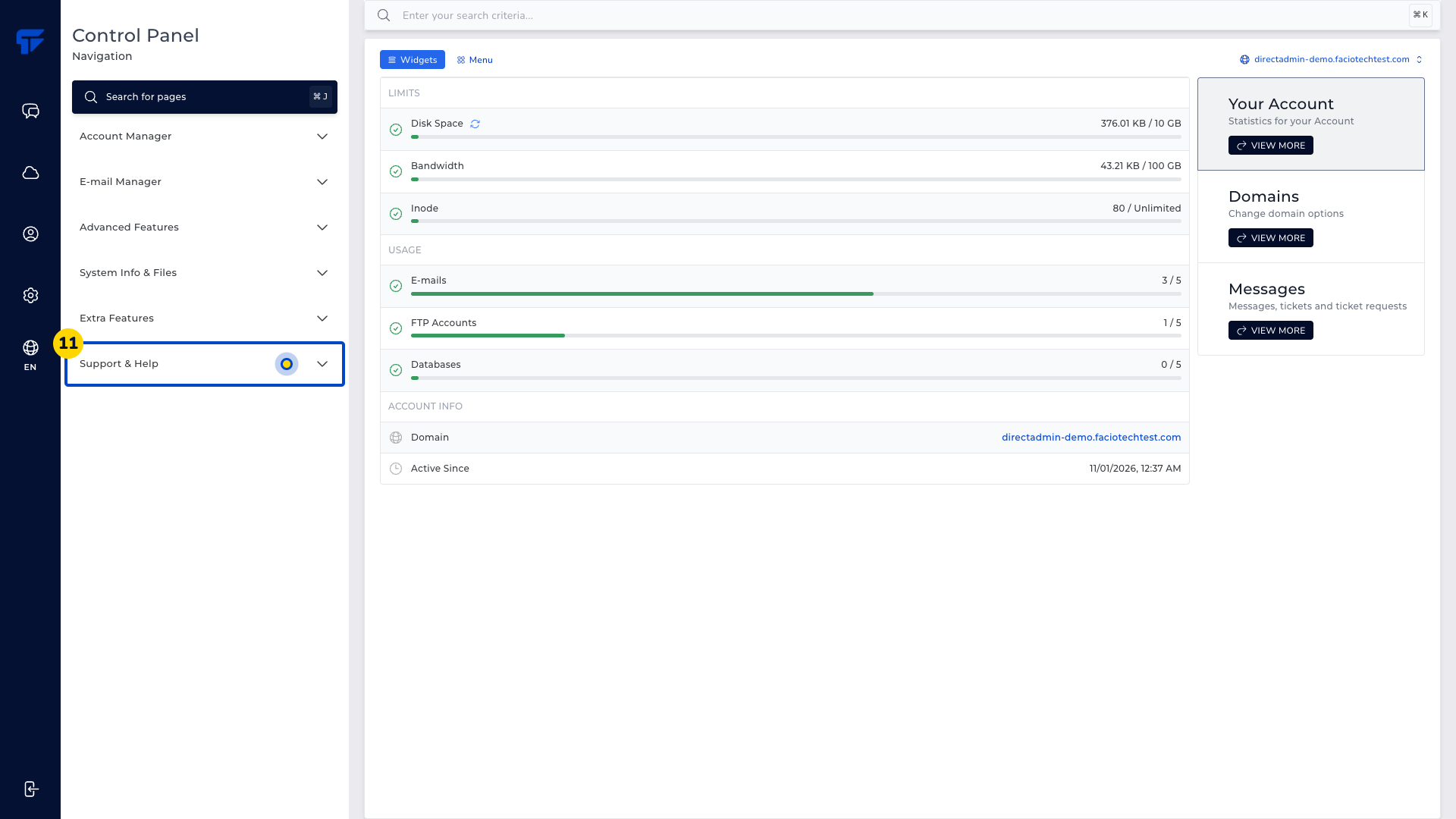
Open Support & Help on the dashboard if a tool is missing. Use its support information to ask about the service you use.
Video walkthrough
Sources
- DirectAdmin: Evolution global search and page results
- DirectAdmin: Search for pages quick navigation
- DirectAdmin: File Manager toolbar and breadcrumb navigation
For help, contact Faciotech support.
